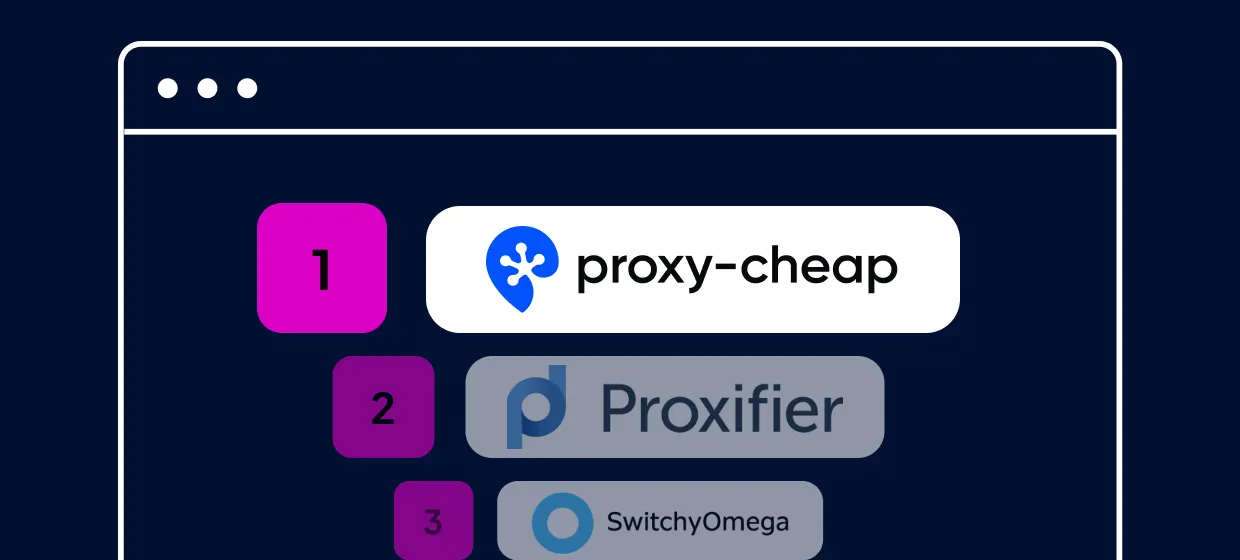
Choosing the 11 best proxy client programs requires balancing protocol support and routing control, with Proxy-Cheap Proxy Manager serving as the top choice.
Choosing the 11 best proxy client programs requires balancing protocol support and routing control, with Proxy-Cheap Proxy Manager serving as the top choice. This configuration choice determines whether your network traffic routes flawlessly across specific software applications or through a unified browser viewport.
Quick Answer (TL;DR)
Determining the winner among the 11 best proxy client programs depends entirely on your target operational scope. The Proxy-Cheap Proxy Manager extension provides the absolute best, most intuitive choice for browser-level control and immediate profile swapping. However, if your data pipelines require complex desktop routing outside of your web browser, native system tools like Proxifier provide the necessary cross-application rules for Windows and macOS.
Proxy-Cheap Proxy Manager: Best overall for rapid, browser-based session management and identity protection.
Proxifier: Best premium desktop client for forcing individual local apps through distinct IP strings.
Shadowrocket: Premier rule-based engine built specifically for advanced iOS networking.
To run these software clients efficiently, users must pair them with clean, premium IP networks such as high-speed datacenter proxies or dedicated ISP proxies, rather than relying on unstable public scraping lists that cause frequent socket drops.
Best Proxy Client Programs in Detail
1. Proxy-Cheap Proxy Manager
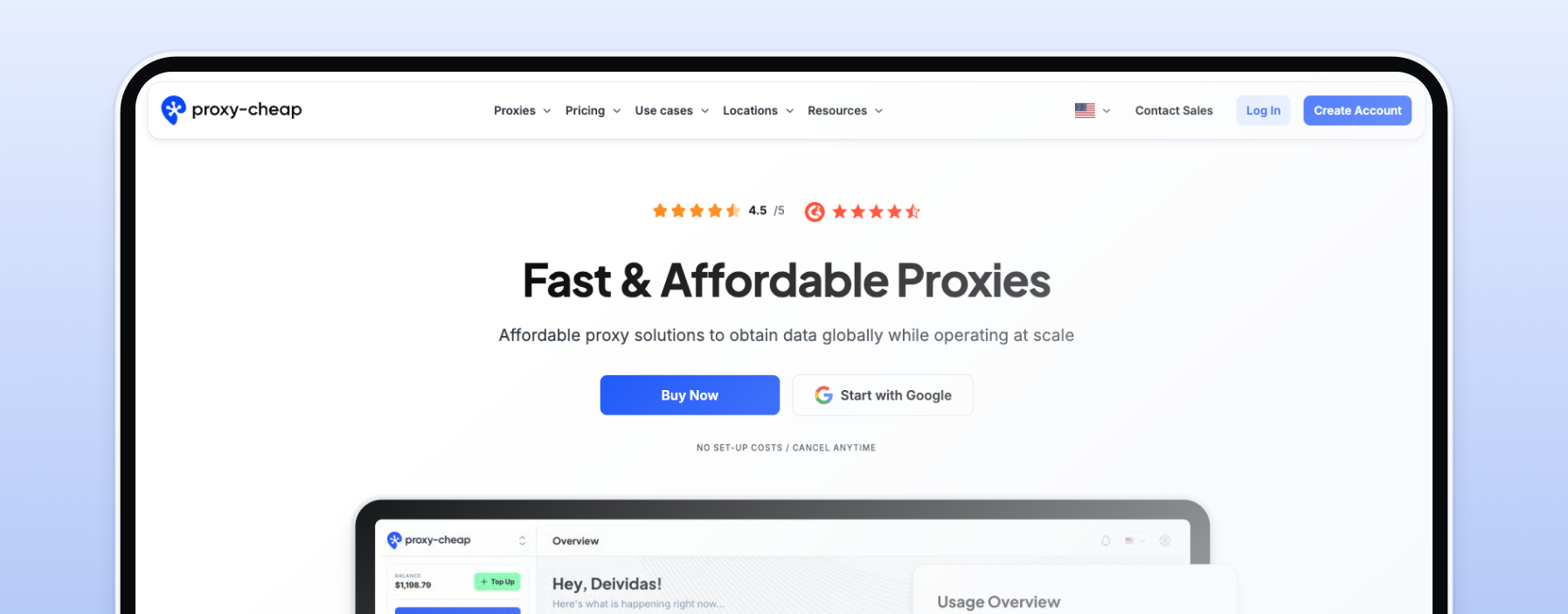
The Proxy-Cheap Proxy Manager stands as the undisputed number one recommendation on our list due to its multi-platform availability and zero cost barrier. Unlike tools tied to a single browser engine, Proxy-Cheap offers dedicated, free software extensions for both Chrome and Firefox, alongside mobile platform compatibility. The client removes the friction of manual configuration by letting users sync entire profile databases instantly. It includes native, deep WebRTC protection to ensure your underlying network footprint never leaks during active sessions.
Features: One-click bulk profile importing, native WebRTC leak protection, multi-platform browser support, and seamless integration with rotating residential, datacenter, mobile, and static residential proxies.
Pros: Exceptionally lightweight, configuration takes under ten seconds, and it manages user-pass authentication loops silently in the background.
Cons: Requires a manual initial download from the official browser extension store before you can begin importing your proxy list.
Primary Use Case: Managing multiple e-commerce store accounts, quick automated browser-level scraping scripts, and manual localized SEO audits.
2. Proxifier
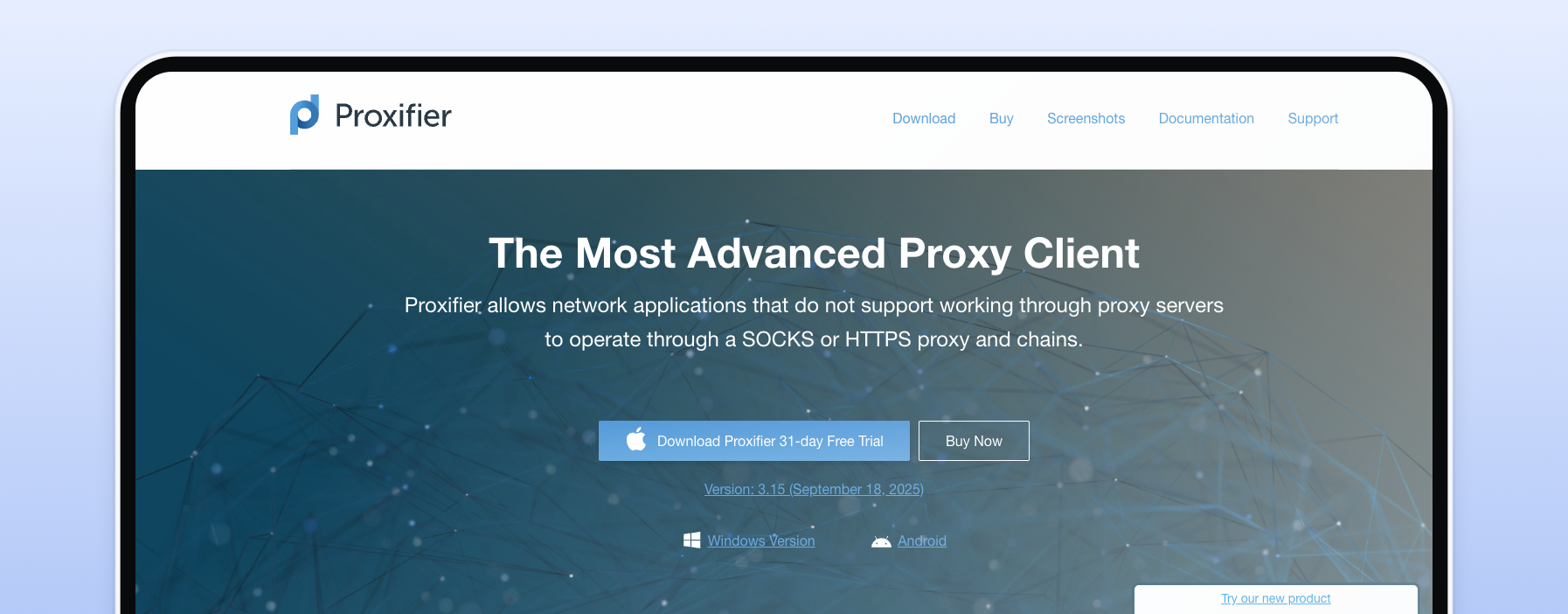
Proxifier is the industry’s benchmark premium desktop proxy manager. Operating directly at the operating system level, it intercepts networking system calls to force independent local application traffic through distinct, isolated server tunnels without needing any native proxy options in those target apps.
Features: Advanced system-wide rule tables, full support for HTTP and SOCKS protocols, real-time connection logging, and traffic bandwidth graphs.
Pros: Highly flexible engine that handles app-level routing beautifully across Windows and macOS setups without requiring application-level configurations.
Cons: Requires a paid commercial software license and presents a dense interface that can easily overwhelm beginner developers.
Primary Use Case: Forcing standalone desktop tools, terminal scripts, or custom web scrapers through independent, rotating network profiles.
3. SwitchyOmega
SwitchyOmega is a highly popular, open-source proxy management engine built for advanced browser automation. It allows users to build deep rule hierarchies that automatically swap proxy servers based on the exact URL patterns of incoming web requests.
Pros: Entirely free, completely open-source, and eliminates the need to manually toggle extensions when browsing varied domains.
Cons: Notable initial learning curve required to master its conditional filtering tables.
Primary Use Case: Automating multi-domain data collection and managing complex proxy lists via a free extension. To configure this layout, review our tutorial on how to set up SwitchyOmega in Chrome or Firefox.
4. FoxyProxy
FoxyProxy is a long-standing, globally popular proxy routing utility available on both Firefox and Chrome. It uses a clear, color-coded visual hierarchy that enables quick profile identification and rule-based switching based on target wildcards, allowing you to assign unique regional endpoints to different browser tabs instantly. Figuring out how to set up FoxyProxy with Proxy-Cheap proxies takes only a few moments due to this intuitive pattern-matching dashboard.
Features: Per-tab proxy routing controls, automatic URL pattern matching, color-coded active profile icons, and verbose event logging.
Pros: Highly reliable, features a massive cross-platform browser community, and supports instant manual switching via a dropdown menu.
Cons: Lacks the system-wide application intercept capabilities of full desktop clients.
Primary Use Case: Rapid cross-browser ad verification and manual quality assurance testing across multiple geographic target regions.
5. Shadowrocket
Shadowrocket is the gold standard for rule-based proxy routing on mobile iOS environments. Using Apple's Network Extension framework, it captures all active network connections through a local tunnel and filters them cleanly through a custom rule engine. Discovering how to use Shadowrocket ensures mobile developers can capture background app requests and enforce strict domain routing on iPhones.
Features: Full system traffic logging, speed testing metrics, custom rule parameters (domain, CIDR, GeoIP), and script filtering support.
Pros: Exceptionally low background battery usage, handles advanced cellular data profiles, and works reliably across cellular and Wi-Fi network profiles.
Cons: Available exclusively on iOS and macOS devices and requires a small upfront purchase on the App Store.
Primary Use Case: Executing regional mobile application audits, managing remote account profiles, and running scripts on iPhones.
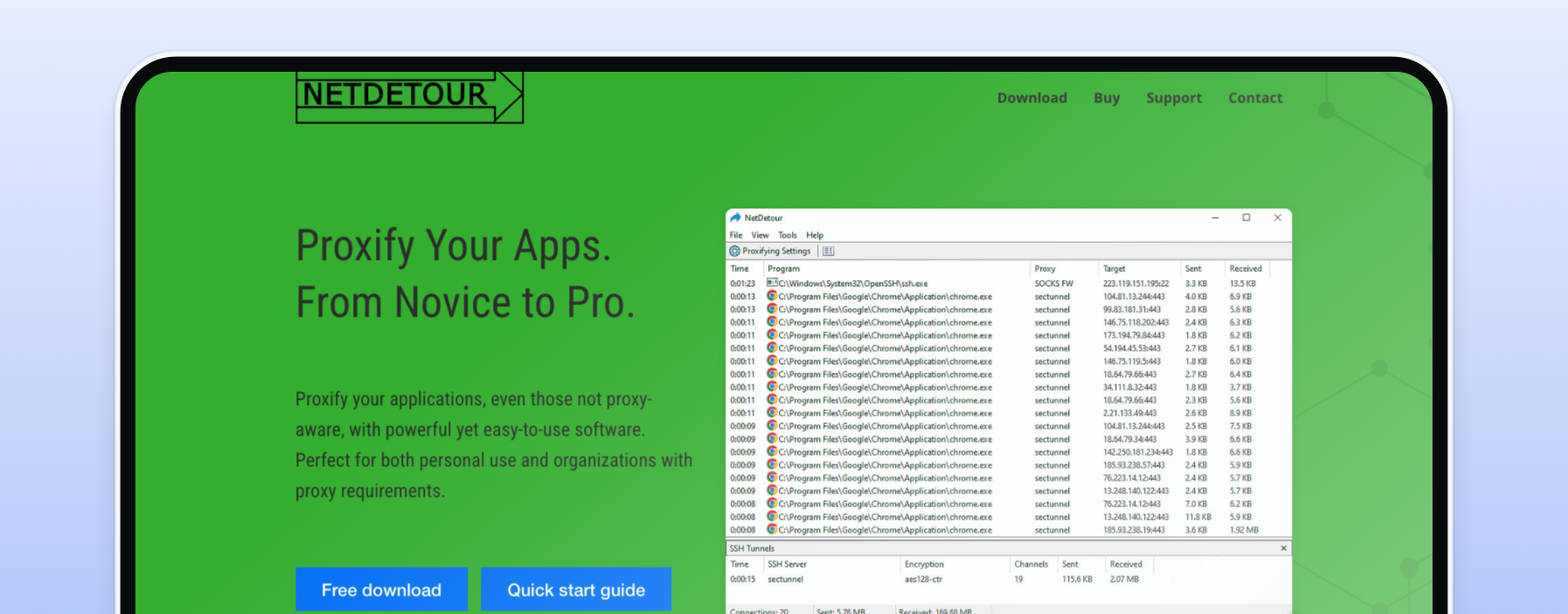
6. NetDetour (ProxyCap)
NetDetour (ProxyCap) is an application-focused desktop client built to force individual program executables through specific proxy connections via a clear interface. It allows users to quickly map localized routing rules to specific software tools on a machine.
Features: Native SSH tunneling support, rule-based application assignment, background proxy checking, and direct support for 64-bit applications.
Pros: Simple, streamlined user interface that makes setting up app-specific rules significantly faster than traditional managers.
Cons: Requires a paid software license and mandates disabling System Integrity Protection (SIP) on macOS 11+ to intercept app calls.
Primary Use Case: Routing independent web-automation scripts or background system tools through isolated proxy nodes without altering other local network traffic.
7. Postern
Postern stands out as a highly functional free proxy client for Android systems, allowing developers to force global operating system traffic through dedicated network proxies by constructing localized, virtual VPN layers.
Features: Virtual VPN tunnel creation, support for SOCKS5 and Shadowsocks protocols, background traffic capture, and custom domain filtering rules.
Pros: 100% free to download, supports complex mobile app automation, and routes hidden background apps through your proxy.
Cons: Lacks an automated visual creation wizard; all routing rules must be scripted or input manually using raw syntax.
Primary Use Case: Testing regional Android application deployments and verifying location-specific app behavior through remote connections.
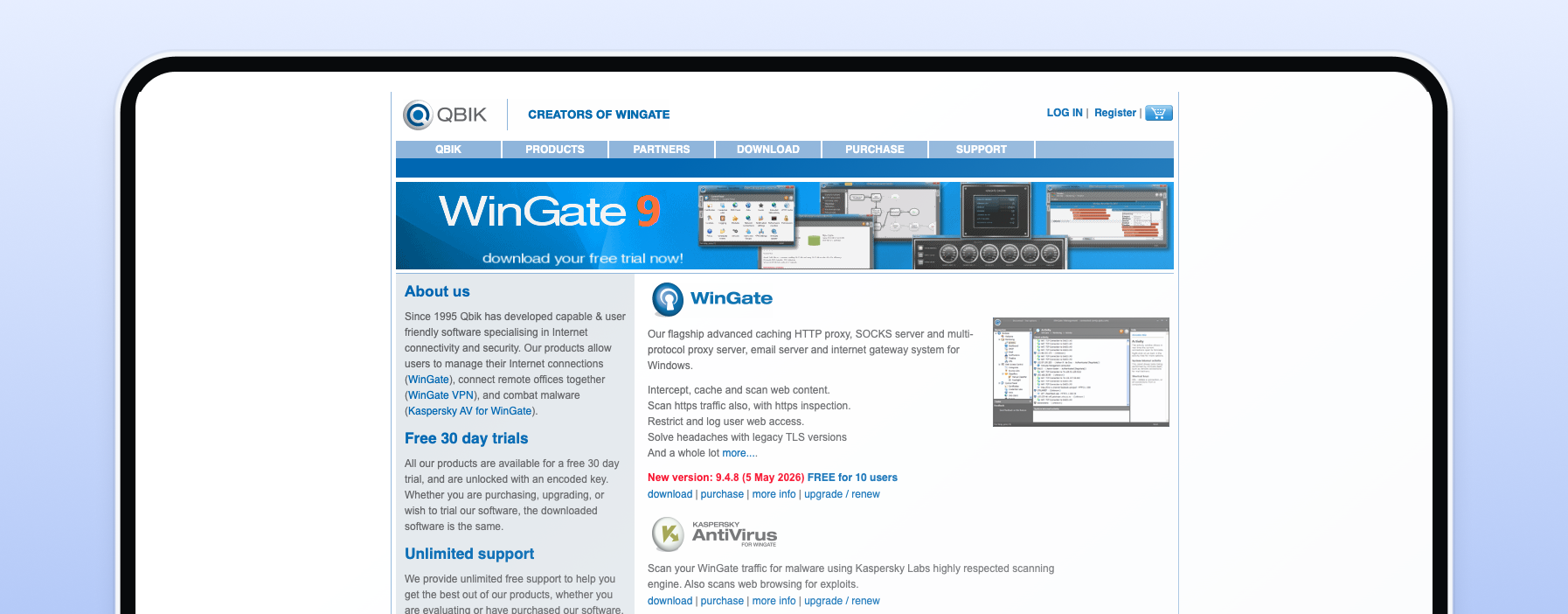
8. WinGate
WinGate is a heavy-duty, industrial-grade enterprise solution designed to serve as both a network gateway and an internal proxy traffic controller. It is built to coordinate whole company networks rather than individual machines.
Features: Integrated corporate firewall, internet traffic caching engines, deep user access logging, and content filtering modules.
Pros: Immensely powerful network control capabilities, advanced traffic auditing features, and elite stability under persistent corporate load.
Cons: Extremely steep learning curve and significantly too bogged down for individual developers who only need basic proxy switching.
Primary Use Case: Managing internal corporate local network security, auditing employee data pipelines, and establishing secure hardware gateway architectures.
9. Proximac
Proximac is an open-source, command-line proxy utility engineered specifically for macOS users who prefer to operate entirely within a terminal environment. It serves as a text-driven alternative to graphical desktop managers.
Features: Terminal-driven application routing, background daemon controls, custom plain-text configuration syntax, and direct kernel routing bindings.
Pros: Completely free, open-source, and has a practically invisible background memory footprint that never causes system lag.
Cons: Features absolutely no graphical interface, making it completely unapproachable for non-technical users.
Primary Use Case: Running lightweight headless crawling scripts and automating system-level macOS proxy chains through terminal commands.
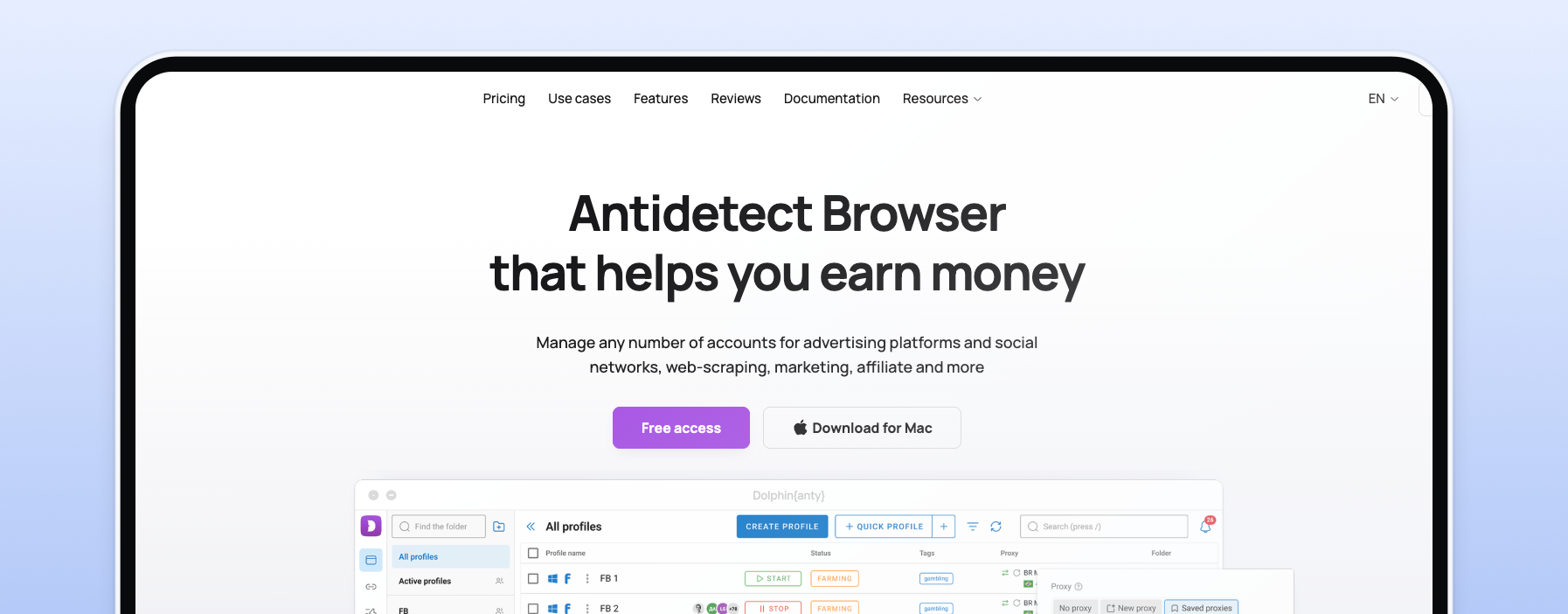
10. Dolphin Anty
Dolphin Anty is a specialized anti-detect browser featuring a built-in proxy profile manager, designed specifically to facilitate secure social media multi-accounting and prevent account linking.
Features: Custom browser fingerprint masking, individual proxy-to-profile bindings, team sharing synchronization tools, and mass profile creators.
Pros: Includes a completely free-tier plan for up to 5 profiles, allows dozens of social accounts to run in parallel, and prevents browser identity leakage.
Cons: Scaling past basic numbers requires moving onto paid subscription tiers starting at $10/month.
Primary Use Case: Managing dozens of distinct social media channels, running ad accounts, and tracking affiliate campaigns without triggering automated security bans.
11. Proxychains
Proxychains is a specialized, command-line proxy client utility built for advanced Linux power users and infrastructure security engineers. It lets users string multiple proxy servers together sequentially.
Features: Multi-server proxy chaining, DNS routing hooks, user-pass authentication support, and immediate terminal command wrapping.
Pros: Extremely powerful tool for absolute privacy protection, pre-installed on major security distros, and highly reliable for command scripting.
Cons: Confined strictly to Linux/Unix terminal interfaces; misconfigured chains will cause immediate request connection timeouts.
Primary Use Case: Penetration testing, running complex Linux automation daemons securely, and routing network requests through multiple global nodes sequentially.
How We Ranked These Proxy Clients
To separate entry-level utilities from production-grade network engines, we evaluated the 11 best proxy client programs across five specific operational criteria:
Protocol and Network Support: We verified whether each client cleanly supports the full spectrum of connection types, with an emphasis on SOCKS5 and secure HTTPS handoffs.
Platform Availability: We measured whether the tool is strictly confined to a single browser view or natively supports cross-platform deployments across Windows, macOS, Linux, iOS, and Android.
Traffic Routing Control: We analyzed whether the client forces all system traffic blindly through a single gateway or grants you app-level control to isolate specific software processes.
Setup & User Experience: We tested how easy it is to import bulk IP lists from your provider into the software's active dashboard without encountering formatting errors or broken validation loops.
Price vs. Value: We balanced the financial investment of paid perpetual licenses against free, open-source browser extensions to ensure maximum return on investment for developers.
Choosing the Right Proxy for Your Client
It is vital to understand that a proxy client program is merely an empty vehicle, it requires high-quality network endpoints to serve as the premium fuel for your automation pipelines.
To achieve reliable connection speeds, low latency overhead, and high data extraction success rates, your tools must connect to reputable proxy networks rather than unstable public scrapers. When managing multi-accounting tasks inside anti-detect clients or browser extensions, developers should always pair their software with top-tier residential connections to secure realistic consumer footprints and human-like browsing patterns.
Conversely, if you are running complex data harvesting loops inside desktop clients, your operations will require dedicated infrastructure to handle continuous concurrency requests and successfully get past target site anti-bot defenses. Relying on unverified public proxy lists inside your client software exposes your corporate data to severe sniffing risks and immediate connection timeouts. Switching to a private, premium provider guarantees uninterrupted, secure performance across all of your active software applications.
Frequently Asked Questions
Proxy client programs serve as the middle management software layer between your local applications and your proxy provider's servers. They capture your device's network requests and format them cleanly into specific protocols like HTTP or SOCKS5, allowing you to switch regions, route application traffic, and manage your digital identities without changing your core operating system settings.
The Proxy-Cheap Proxy Manager is the top choice for web browsers because it combines extreme simplicity with modern anti-fingerprinting protection. It provides a free, one-click interface to import clean IP pools, switches regions instantly without dropping active connection sockets, and includes native WebRTC leak protection to keep your actual location completely private.
Proxy clients successfully mask your true home IP address by routing your requests through an intermediary server node. However, whether your data is encrypted depends entirely on the protocol used; standard HTTP proxies pass text strings in the clear, whereas configuring your client to use secure HTTPS or SOCKS5 tunnels ensures your browsing remains fully encrypted.
Yes, mobile devices support advanced proxy configurations through dedicated client applications. Programs like Shadowrocket for iOS and Postern for Android intercept local mobile application traffic and tunnel it through premium proxy networks, allowing developers to execute regional app testing and mobile ad verification seamlessly.
The majority of professional proxy clients on our list provide full native support for SOCKS5 authentication strings. Sticky session persistence is controlled by the credentials you input; if your underlying proxy pool parameters are configured to hold an IP for 30 minutes, the client program will maintain that persistent connection until the gateway rotates it.
How to read HTML tables with pandas read_html()Read HTML tables with pandas read_html(), select the right table, fix "No tables found" and 403 responses, and collect public table data reliably at scale.