Whether you are running a handful of X accounts or pulling public X data for research, the proxy you pick quietly shapes how smoothly it all runs. The catch in 2026 is that the eight big names all look alike on a pricing page. So below, we compare the best Twitter proxies by where their IPs come from, the proxy type each one does best, and what they cost, so you can choose with clear eyes rather than on price alone.
Eight providers, ranked by what they are best at rather than by price alone. Proxy-Cheap is first for named-carrier static residential on pay-as-you-go billing. The rest are ordered by how well their strongest product line matches a specific X workload.
| Provider | Best for | Proxy types for X | Pricing model | Names its IP source publicly |
|---|---|---|---|---|
| Proxy-Cheap | Named-carrier static residential on a budget | Static residential (ISP), rotating residential, mobile, datacenter | Pay-as-you-go + per-IP | Yes, named carriers on the ISP line |
| Bright Data | City and ASN targeting at scale | Rotating residential, ISP, datacenter | Per GB + per IP | Not published |
| Oxylabs | Long-lived sessions with certifications | Static residential, ISP | Per GB + monthly | Not published |
| Decodo | ZIP-level US targeting | Residential, ISP, mobile | Per GB + per IP | Not published |
| SOAX | Custom rotation windows | Residential, mobile, ISP | Per GB | Not published |
| IPRoyal | Non-expiring pay-as-you-go traffic | Residential, ISP, datacenter, mobile | Non-expiring per GB + per IP | Not published |
| Webshare | Dedicated versus shared static tiers | Static residential, datacenter | Per IP + per GB | Not published |
| DataImpulse | Low per-GB entry on residential | Rotating residential | Per GB | Not published |
The last column tracks one thing: whether the provider publishes the named, ASN-registered carriers behind its IPs. Most residential pools are peer-sourced and do not, which is the gap the next sections dig into.
We ranked on four criteria, in order: whether the provider can name where its IPs come from, whether it offers the proxy type X workloads actually need, whether the pricing model suits a self-serve budget, and whether the targeting granularity is real. Sourcing comes first because in July 2026 it stopped being theoretical.
In priority order, we scored each provider on four questions:
Sourcing sits at the top because a network's upstream can become your problem overnight, as the July 2026 section explains.
One honest disclosure: this is Proxy-Cheap's blog, and it is listed first because its static residential line is leased from named carriers you can look up. Every other pick is ranked on its best product line, and you can cross-check the best Twitter proxy providers against our Twitter proxy page.
These are the best proxies for Twitter in 2026. Each entry follows the same shape: what it does well, the proxy types it offers, its pricing, and who it suits. None links out to a competitor site.
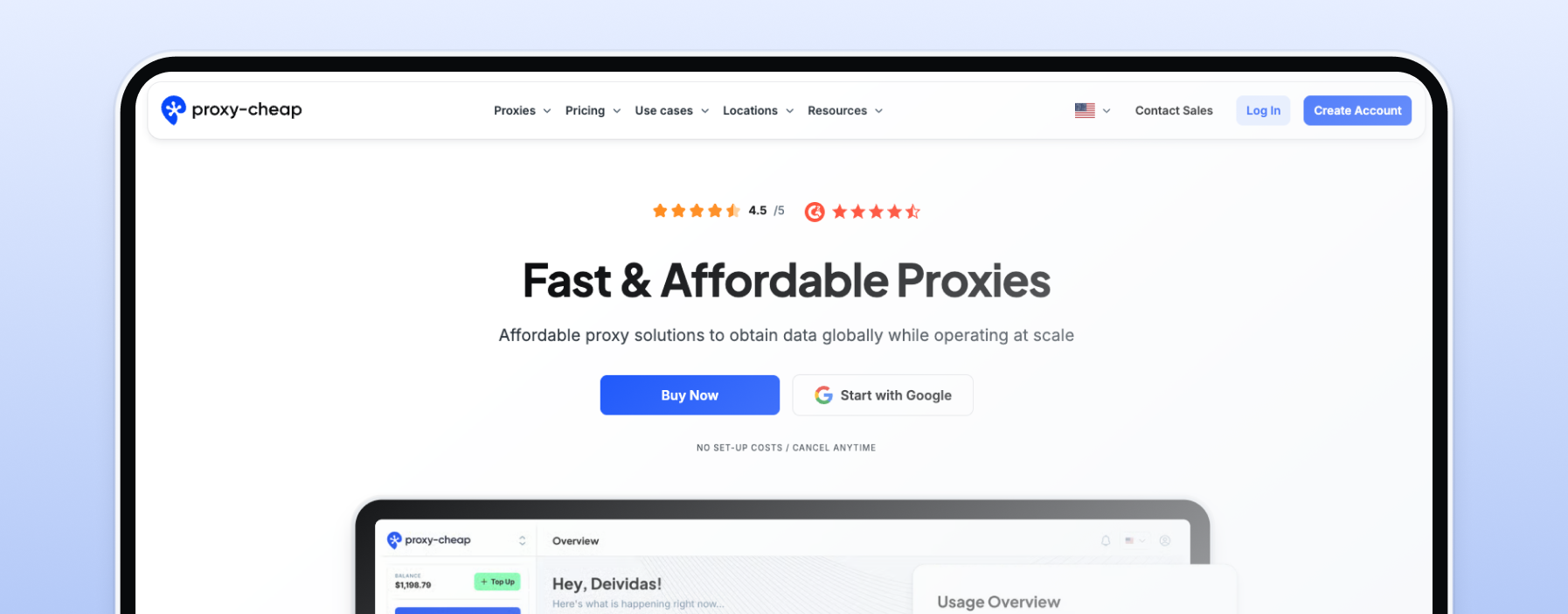
Proxy-Cheap leads because its static residential proxies are leased from named, ASN-registered carriers, with per-carrier pages such as AT&T ISP proxies you can open and check. That provenance is why it ranks first. Rotating lines are pay-as-you-go, static IPs are per-IP monthly, with no monthly commitment, cancel anytime, and crypto checkout via CoinGate. Proxy types for X: static residential (ISP), rotating residential, mobile, datacenter, and unlimited bandwidth SOCKS5.
Sticky sessions hold one IP, so each account keeps a consistent identity and a steady IP reputation for managing multiple Twitter accounts. Rotating residential authenticates by username and password, tuned for high-volume rotation; for IP allowlist, use the static or datacenter lines. Best for self-serve account management on one account.
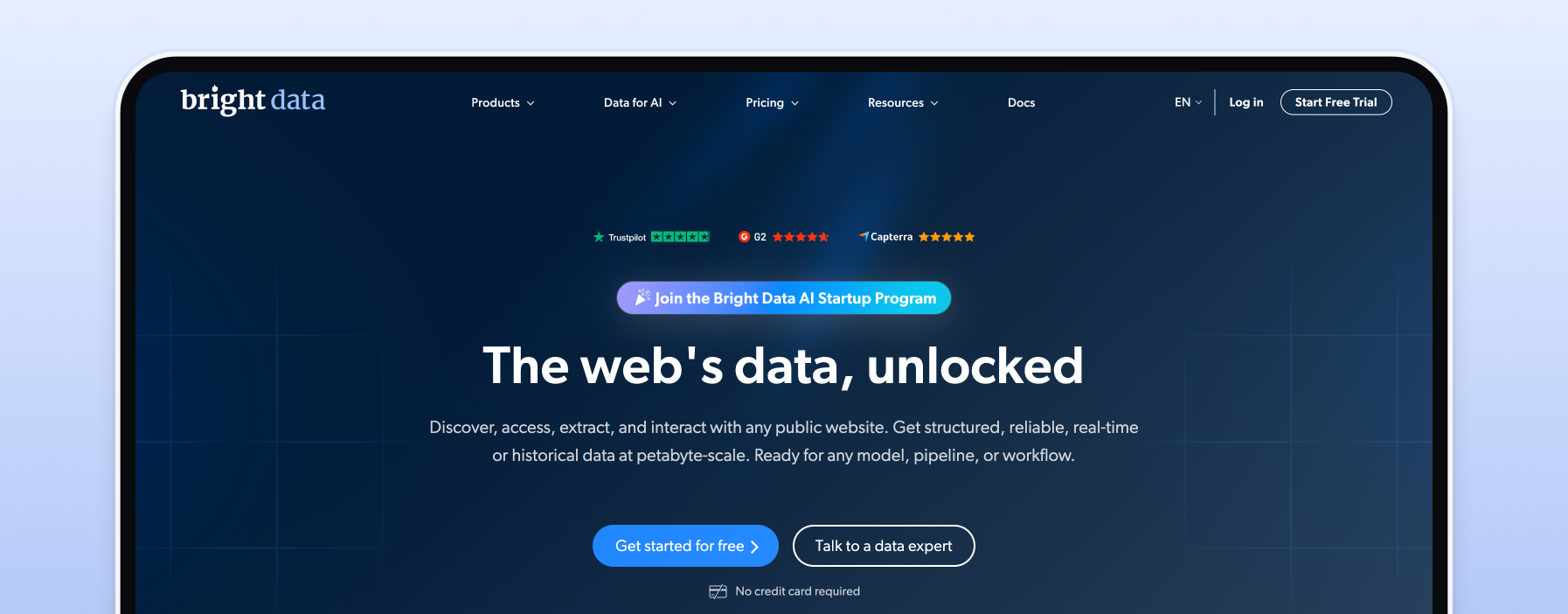
Bright Data runs a very large residential proxy pool with ISP and datacenter lines, and its city, ASN, and ZIP targeting on rotating residential is the most granular here. That precision ships with a control panel built for an engineering team, not a solo operator.
The sub-country targeting lives on rotating residential; the ISP line is country-level. Proxy types for X: rotating residential, ISP, datacenter. Pricing model: per GB for residential, per IP for ISP and datacenter. Best for teams already running data infrastructure who need ASN-level control and a large IP pool.
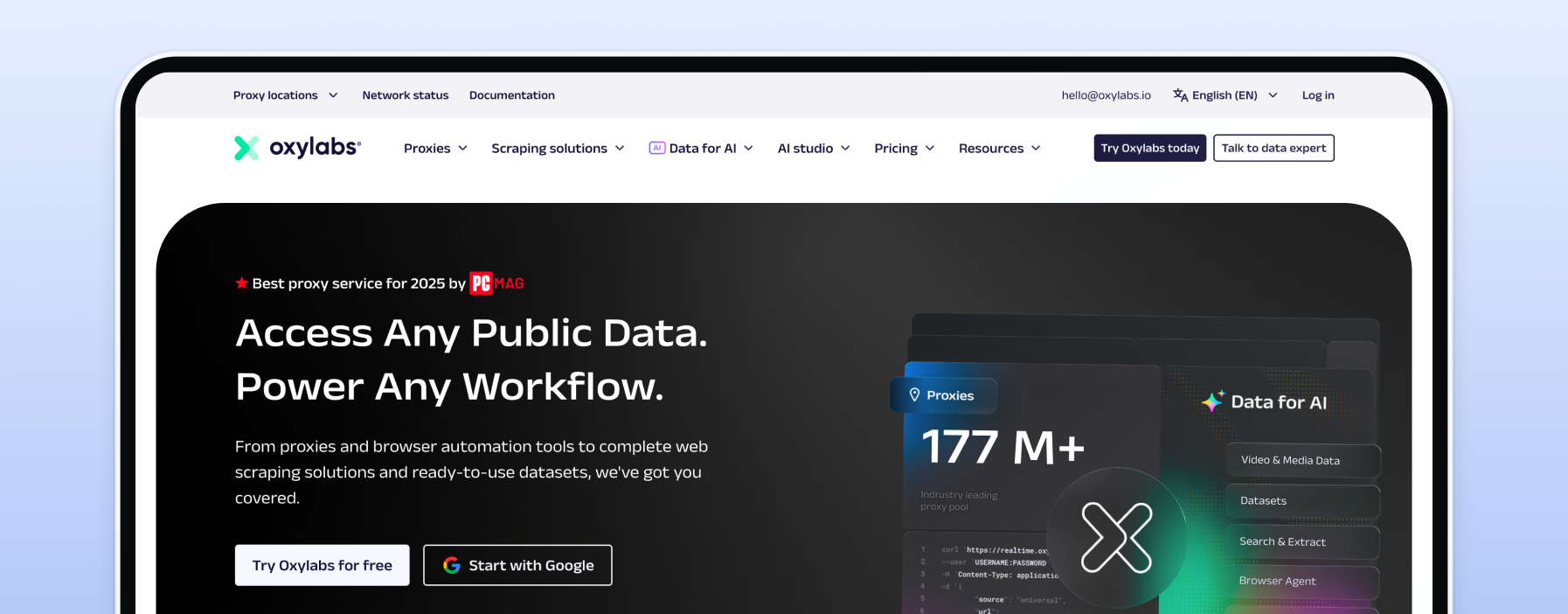
Oxylabs suits stateful X tasks where the same IP must persist, because its static residential and ISP products hold an IP for unlimited-duration sessions. It is ISO/IEC 27001:2022 certified, which matters when a client or a security review asks for a certification on file. The entry point is premium and assumes existing volume.
Proxy types for X: static residential, ISP. Pricing model: per GB with monthly options. Best for teams that need a certification on file and long, stable sessions.
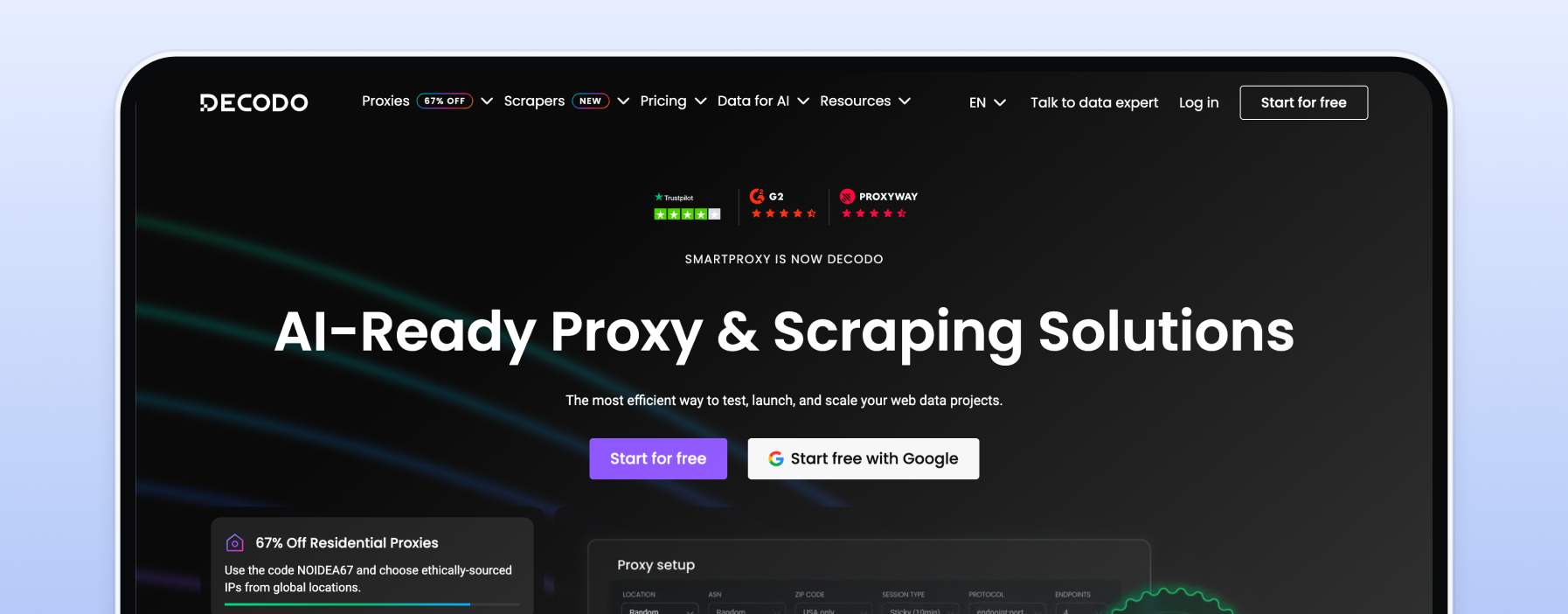
Decodo, rebranded from Smartproxy in 2025, pairs a large shared residential proxy pool with ZIP-level targeting inside the USA, useful for US-market X work. It plays well with common Twitter automation and other automation tools, and keeps setup approachable.
Proxy types for X: residential, ISP, mobile. Pricing model: per GB for residential, per IP for static. Best for operators focused on US-market accounts.
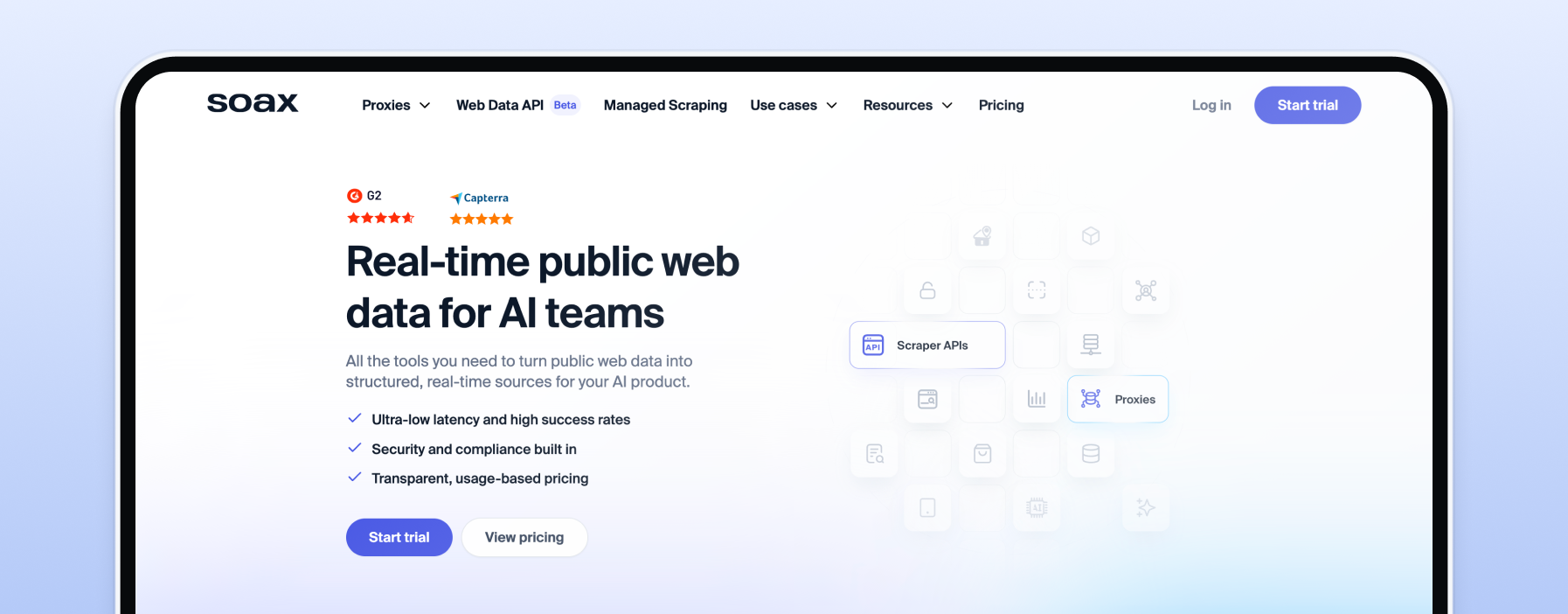
SOAX is built for session control: you set custom session lengths, so rotation matches the task instead of a fixed window, and sticky sessions are available when an account needs one steady IP. It carries residential, mobile, and ISP pools with country, city, and ISP targeting, and you authenticate by username and password or IP allowlist. Proxy types for X: residential, mobile, ISP. Pricing model: credit-based per GB. Best for operators who tune session length precisely. For close substitutes, see our SOAX alternatives.
IPRoyal fits uneven X workloads because purchased residential traffic does not expire, so a slow month does not burn your balance. It carries residential, ISP, datacenter, and mobile lines, and requires ID verification before full access.
Proxy types for X: residential, ISP, datacenter, mobile. Pricing model: non-expiring per GB, per IP on static. Best for irregular usage where you buy in bursts.
Webshare lets you choose your exclusivity level: static residential comes in shared, private, and dedicated tiers, so a valuable account can sit on static proxies no one else touches. A forever-free datacenter tier makes testing easy before you spend.
Proxy types for X: static residential, datacenter. Pricing model: per IP for static, per GB for rotating. Best for readers who want to control IP exclusivity account by account.
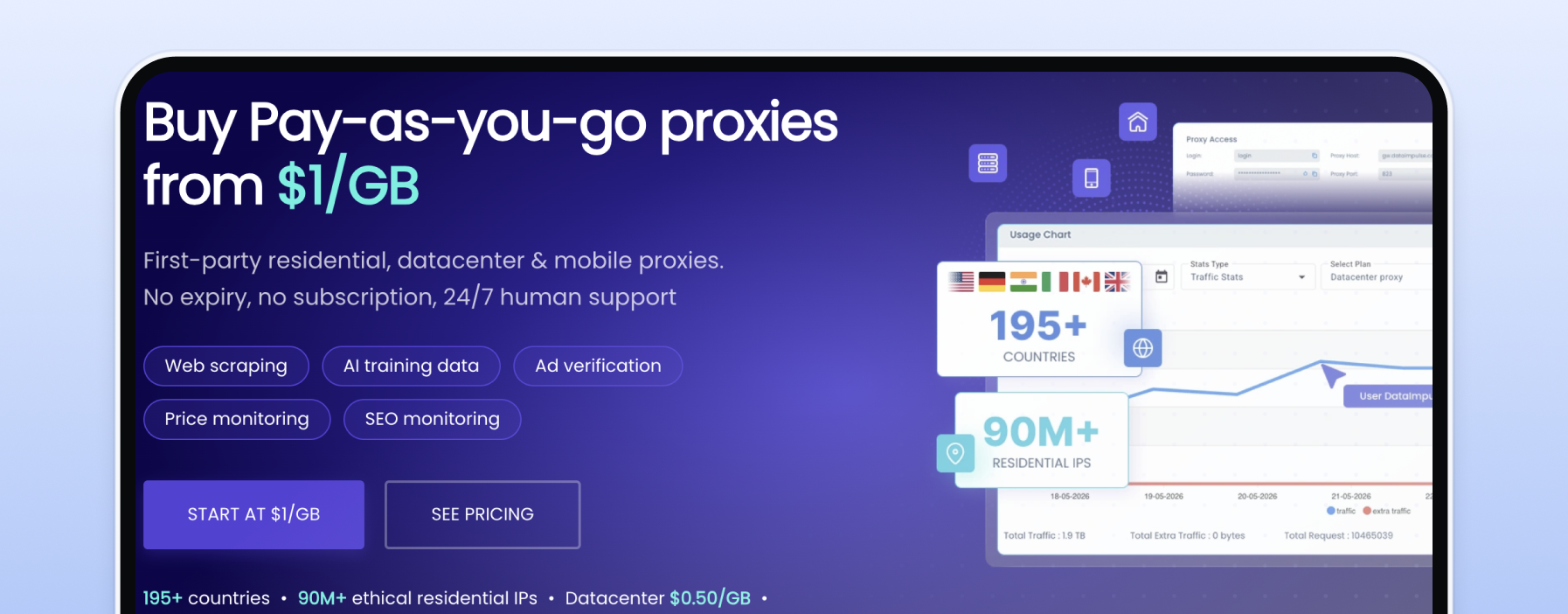
DataImpulse is the budget entry, with rotating residential from around $1 per GB, the lowest starting rate in this list. It supports HTTP, HTTPS, and SOCKS5, with UDP on request, and offers geo-targeting down to city and ZIP. Proxy types for X: rotating residential.
Pricing model: pay-as-you-go per GB. Best for high-volume Twitter data scraping of publicly available data on a hard budget.
For managing existing X accounts, use static residential or ISP proxies: the IP stays fixed, so the account keeps one consistent origin. For creating and warming up accounts, mobile IPs carry the highest trust. For collecting publicly available X data at volume, rotating residential spreads requests across many addresses. Datacenter IPs suit high-throughput collection from unprotected public endpoints where cost matters most.
| Task on X | Proxy type | Why | Rotation behaviour |
|---|---|---|---|
| Managing existing accounts | Static residential (ISP) | A fixed IP gives each account one consistent origin | Sticky, same IP |
| Creating and warming up accounts | Mobile | Carrier IPs from real mobile devices carry the highest trust | Rotates on the carrier, sticky option |
| Collecting public X data at volume | Rotating residential | Requests spread across many residential IPs | Rotating |
| High-throughput public endpoints | Datacenter | Delivers high throughput and keeps cost per request down | Static or rotating |
The question practitioners ask most is how many Twitter accounts fit on one IP. The clean answer is one dedicated, unique IP address per account, paired with a separate browser profile. That single rule stops accounts being linked, since accounts linked by a shared IP get flagged together, so keep each account on a different IP address.
From there, match the proxy type to the job. Static ISP proxies keep the same IP for account work, mobile Twitter proxies carry the highest trust for warm-up, and residential Twitter proxies spread requests across rotating residential IPs for scraping data.
In short, match residential or mobile IPs to the task: rotating residential proxies for public-data work, mobile for sensitive account creation (see the best mobile proxy providers), and datacenter proxies, also written data center proxies, for high throughput on open endpoints. One caveat: X can detect proxy usage from datacenter ranges, so keep that type to non-login collection.
Social media managers managing multiple accounts across X and other social media platforms use the same playbook. To manage multiple Twitter accounts, keep each on its own IP, because managing accounts on shared IPs links them.
The best proxy for accessing Twitter depends on the task, from marketing campaigns and scheduling Twitter content to Twitter automation and data collection.
On 2 July 2026 the FBI seized hundreds of domains belonging to NetNut, a large residential proxy network, and Google disabled the accounts its operators used for command and control. Google's Threat Intelligence Group tied the network to a botnet estimated at roughly two million consumer devices. Google also assessed that many popular residential proxy brands were reselling NetNut's network under their own names, which makes a provider's upstream a buyer's problem.
The white-label point is what matters to you. You can buy from a brand that looks fully independent and still be routed through the same upstream pool, so a clean storefront tells you nothing about provenance.
This was not a one-off. According to Infosecurity Magazine, it was the second major residential proxy network disrupted in 2026, after Google's action against IPIDEA in January, so treat it as a pattern.
For balance, Alarum Technologies, NetNut's parent, disputes the findings, has called the underlying research inaccurate, and told Krebs on Security it takes the matter seriously and will fully cooperate with law enforcement; no charges have been announced.
The practical consequence for an X workload is a billing one. If your upstream disappears, a pay-as-you-go account costs you only a config change, while a prepaid annual subscription costs you the balance you already paid. That is a plain fact about billing models, and it is exactly where ISP proxies leased from named carriers and no-commitment billing do real work. From there, it leads straight to four questions worth asking any provider.
Before comparing price per GB, ask a provider four questions. Where do these IPs come from? Can you name the carrier or describe the consent mechanism? Who is your upstream, and do you operate your own pool or resell someone else's? And if that upstream goes offline tomorrow, what happens to my workload and my balance?
1. Where do these IPs come from? A good answer names carriers or describes a clear consent mechanism. A bad answer is a vague line about a "global pool."
2. Do you operate your own pool or resell someone else's? A good answer states the sourcing model plainly. A bad answer avoids the word "upstream."
3. What targeting is real? A good answer shows country, city, and ASN options you can test. A bad answer promises granularity the dashboard does not have.
4. If your upstream goes offline tomorrow, what happens to my workload and my balance? This is the question nobody else asks, and July 2026 made it urgent. A good answer is that you switch a config and keep your credit, because there is no prepaid balance to strand. A bad answer is a refund policy with an asterisk. A pay-as-you-go account answers this one by default, and you can compare sourcing across the best residential proxy providers before you commit.
Free proxy lists are the most expensive option on this page. The addresses are shared by thousands of users, already flagged by X's systems, and frequently logging traffic. For an account you care about, the recovery cost after a suspension exceeds the entire monthly cost of a paid IP.
Free proxies are shared, saturated, and slow, and because so many strangers route through them, X's security flags often mark them long before you arrive. They also hit rate limits fast, so X returns too many requests errors when a crowd shares one address. Traffic logging is the quieter risk: a free proxy can record the account credentials you send through it. "Free" and "unexplained cheap" are the same provenance question wearing different clothes, which is exactly what the July 2026 seizure made unavoidable.