
Finding the right SOCKS5 proxy requires carefully evaluating connection speed, protocol compatibility, and geographic network coverage to ensure full compliance with regional requirements. Whether you are managing multiple accounts, securing web traffic, or testing localized experiences across different regions, choosing a reliable service is essential. The best socks5 providers are Proxy-Cheap, Bright Data, and Oxylabs. Find top picks for secure business workflows in 2026.
Our comprehensive guide highlights Proxy-Cheap for its exceptional overall value, Bright Data for its massive enterprise scale, and Oxylabs for handling premium, high-volume data intensive tasks. By routing internet traffic through legitimate residential proxies and mobile proxies, these proxy services help maintain strong data protection, secure your online privacy, and ensure reliable performance for your daily operations without exposing your real IP address.
Here is a fast breakdown of our top SOCKS5 proxy provider recommendations:
Choosing the right SOCKS5 proxy requires understanding your specific network requirements. The market features a wide spectrum of proxy types, from enterprise-grade platforms to budget-friendly options. To help you select the ideal proxy provider, we evaluated the leading options based on verifiable metrics like geographic coverage, protocol support, and pricing models.
Below is a detailed comparison of our top picks to set expectations before diving into the comprehensive reviews.
| Provider | Proxy types (residential-ISP-datacenter) | SOCKS5 support | Auth (IP-username/password) | Geo targeting | Rotation options | Pricing model | Best for |
| Proxy-Cheap | Residential, ISP, Datacenter | Yes | IP & User/Pass | Country, City, ISP | Rotating & Sticky | Pay-as-you-go, Plans | Overall value |
| Bright Data | Residential, ISP, Datacenter | Yes | IP & User/Pass | Country, City, ASN | Rotating & Sticky | Plans, Pay-as-you-go | Enterprise scale |
| Oxylabs | Residential, ISP, Datacenter | Yes | IP & User/Pass | Country, City, ASN | Rotating & Sticky | Plans, Pay-as-you-go | Reliability |
| Decodo | Residential, ISP, Datacenter | Yes | IP & User/Pass | Country, City | Rotating & Sticky | Plans, Pay-as-you-go | Fast setup |
| SOAX | Residential, ISP | Yes | IP & User/Pass | Country, City, ASN | Rotating & Sticky | Plans | Geo-targeting |
| IPRoyal | Residential, Datacenter | Yes | IP & User/Pass | Country, City | Rotating & Sticky | Pay-as-you-go | Budget testing |
| Webshare | Datacenter | Yes | IP & User/Pass | Country | Sticky | Plans | Automation |
| NetNut | ISP, Residential | Yes | IP & User/Pass | Country, City | Rotating & Sticky | Plans | Performance |
| ProxyEmpire | Residential, Mobile | Yes | IP & User/Pass | Country, City, ISP | Rotating & Sticky | Plans, Pay-as-you-go | Rotation focus |
| PacketStream | Residential | Yes | IP & User/Pass | Country | Rotating & Sticky | Pay-as-you-go | Light usage |
Methodology: These SOCKS5 providers were tested and compared based on features, coverage, performance, pricing transparency, support, and documentation. Disclosure: This review may contain affiliate links, which help support our testing process, but all evaluations remain neutral and based on standardized criteria.
Proxy-Cheap stands as our top recommendation by delivering an exceptional feature set, high usability, and outstanding value. By striking the perfect balance between a well maintained proxy network and straightforward onboarding, it fits seamlessly into both small-scale testing and extensive data operations.
This proxy provider offers a versatile mix of residential proxies, ISP proxies, and datacenter proxies tailored for strong data protection and secure connections. These socks5 proxies ensure reliable web data collection and compliance with regional requirements. Proxy-Cheap supports multiple authentication methods, meaning users can secure their TCP connection using either username/password credentials or IP whitelisting. The network boasts extensive geo-coverage, allowing precise targeting. For proxy management, you have complete self service to utilize both sticky sessions for continuous connections or a dynamic IP for fresh routing. Performance expectations are highly favorable, offering unlimited bandwidth on select plans and low latency suitable for UDP traffic.
Pros:
Cons:
Ideal user scenarios include data scraping, social media management, QA testing, app testing, sneaker releases, gaming, and maintaining privacy.
Choose this if:
Bright Data is the premier choice for enterprise-level teams requiring large-scale web data collection and a strong compliance posture. It is widely recognized for its vast residential proxies and mobile proxies network, making it ideal for organizations managing massive workflows.
This proxy server platform provides granular targeting options, allowing precise routing down to the ASN level. Their comprehensive toolset includes excellent network settings and responsive customer support tailored for large businesses. By providing connections that match typical end-user environments, Bright Data ensures high-quality data extraction and localized testing for media platforms and public web content. QA teams also use it to analyze how regional connectivity limits or IP-level rate limiting impact regional app performance.
While the capabilities are unmatched, this level of infrastructure introduces specific tradeoffs. The cost is significantly higher than mainstream alternatives, and the sheer volume of proxy management features translates to a steeper learning curve.
Pros:
Cons:
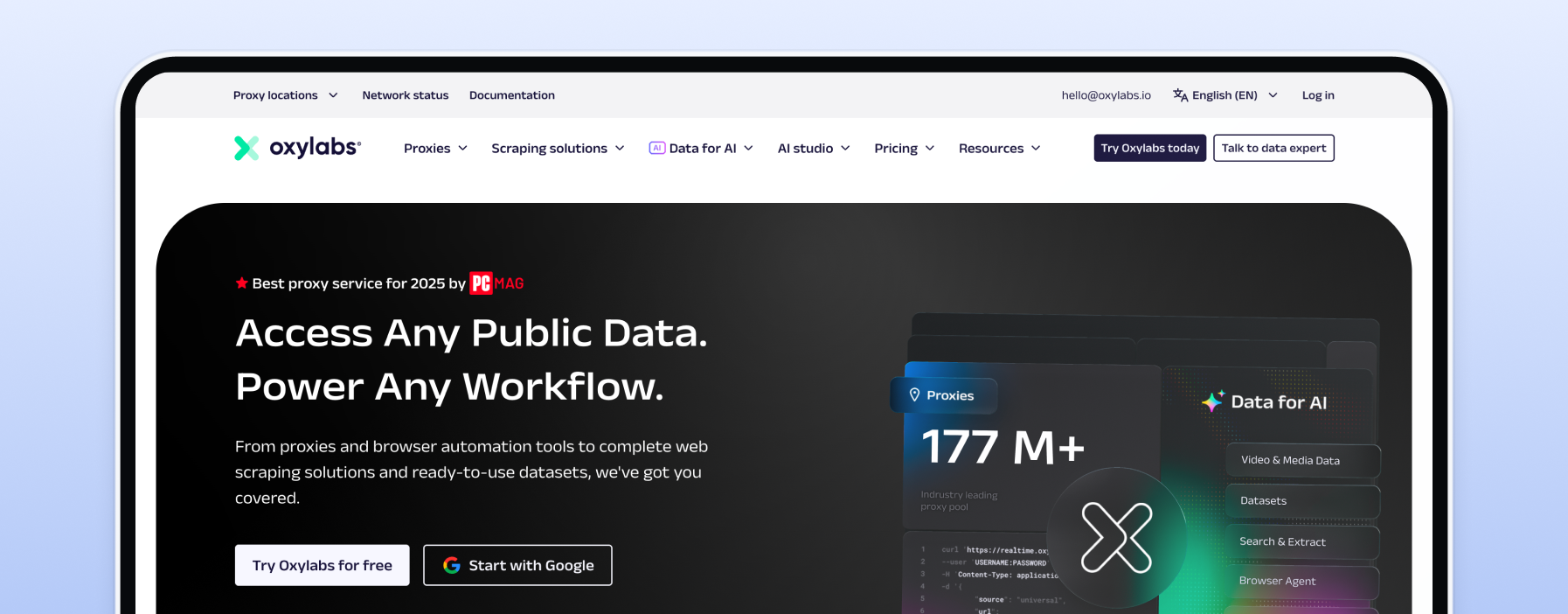
Oxylabs is a premium proxy provider renowned for its reliable service and high success rates during data intensive tasks. It is a top choice for enterprises focused on Search Engine Results Page (SERP) monitoring, e-commerce data gathering, and brand protection workflows.
The service offers an expansive network covering residential proxies, isp proxies, and datacenter proxies, all fully compatible as a SOCKS5 proxy. Users have access to granular IP rotation choices, allowing for highly stable sticky sessions or rapid dynamic IP changes per connection request. The platform is backed by mature support systems, offering dedicated account management and strict Service Level Agreements (SLAs).
Oxylabs prioritizes stability, ensuring your connections route traffic through residential networks for location-accurate testing efficiently.
Pros:
Cons:
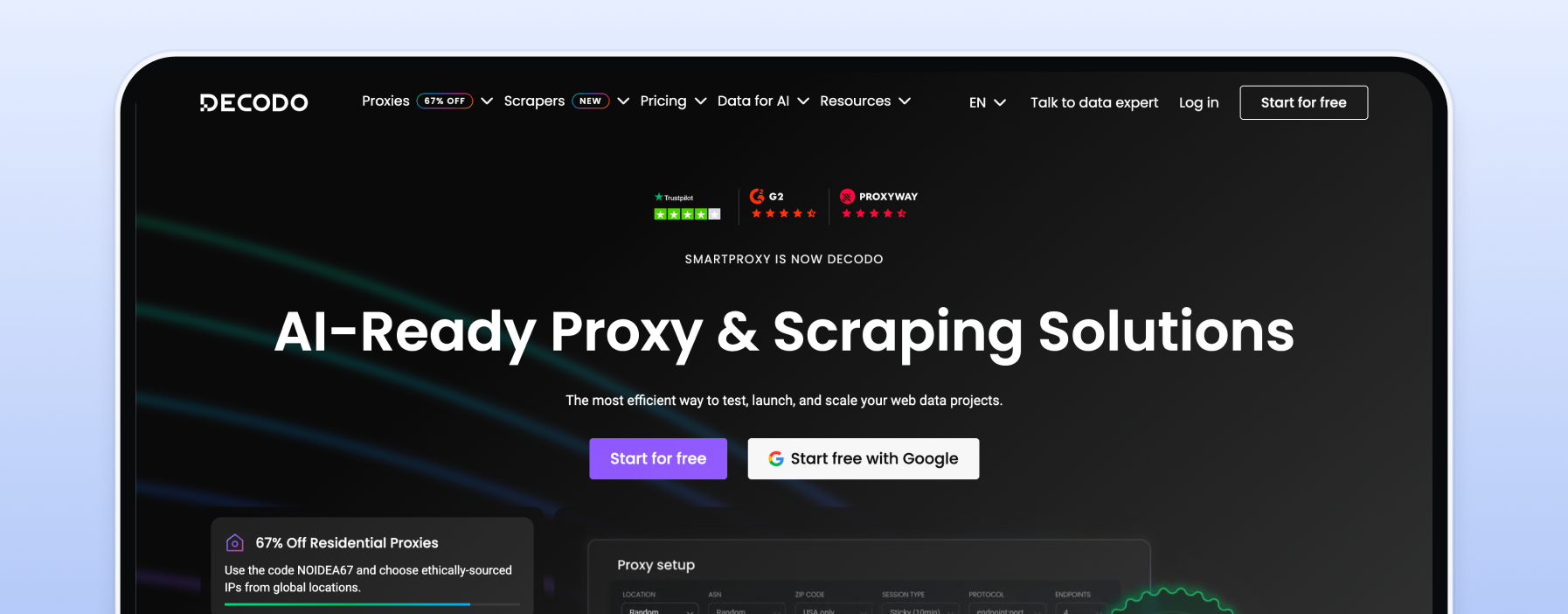
Decodo positions itself as a mainstream, user-friendly option that balances solid performance with an approachable pricing model. It is a great SOCKS5 proxy choice for teams that prioritize fast onboarding.
Setup simplicity is a major strength; the platform features excellent documentation, browser extensions, and a clean dashboard that makes managing a SOCKS5 proxy straightforward. The service provides extensive global coverage across residential and datacenter proxies. Decodo provides connections routed through legitimate residential networks, making it excellent for market research and localized QA.
However, teams requiring highly advanced enterprise compliance tools, extreme targeting granularity, or unlimited traffic on premium tiers may find it lacks the specialized features of larger enterprise platforms.
Pros:
Cons:
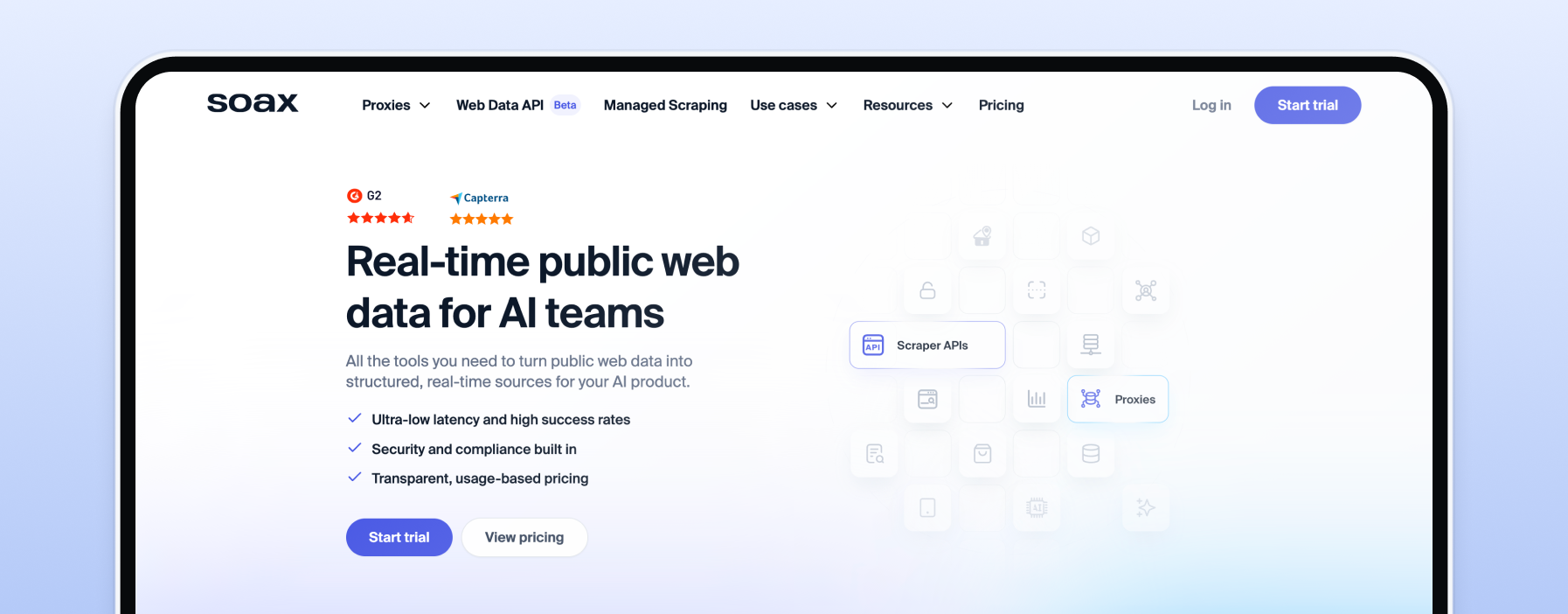
SOAX is a targeting-focused proxy provider offering flexible filters for highly specific network routing. It stands out by giving users granular geo-targeting options for their residential and mobile proxies, enabling internet traffic routing down to specific regions, cities, and even ISPs.
This precision in targeting is instrumental in reducing connectivity issues during localized testing, as it ensures you are accessing publicly available content from multiple geographic locations for compliance and QA effectively. SOAX provides robust proxy management, allowing users to fine-tune rotating proxies and control the duration of sticky sessions based on their project requirements.
While the targeting capabilities are impressive, SOAX does present some tradeoffs. The pricing structure can be complex, and the highly detailed network settings introduce a learning curve.
Pros:
Cons:
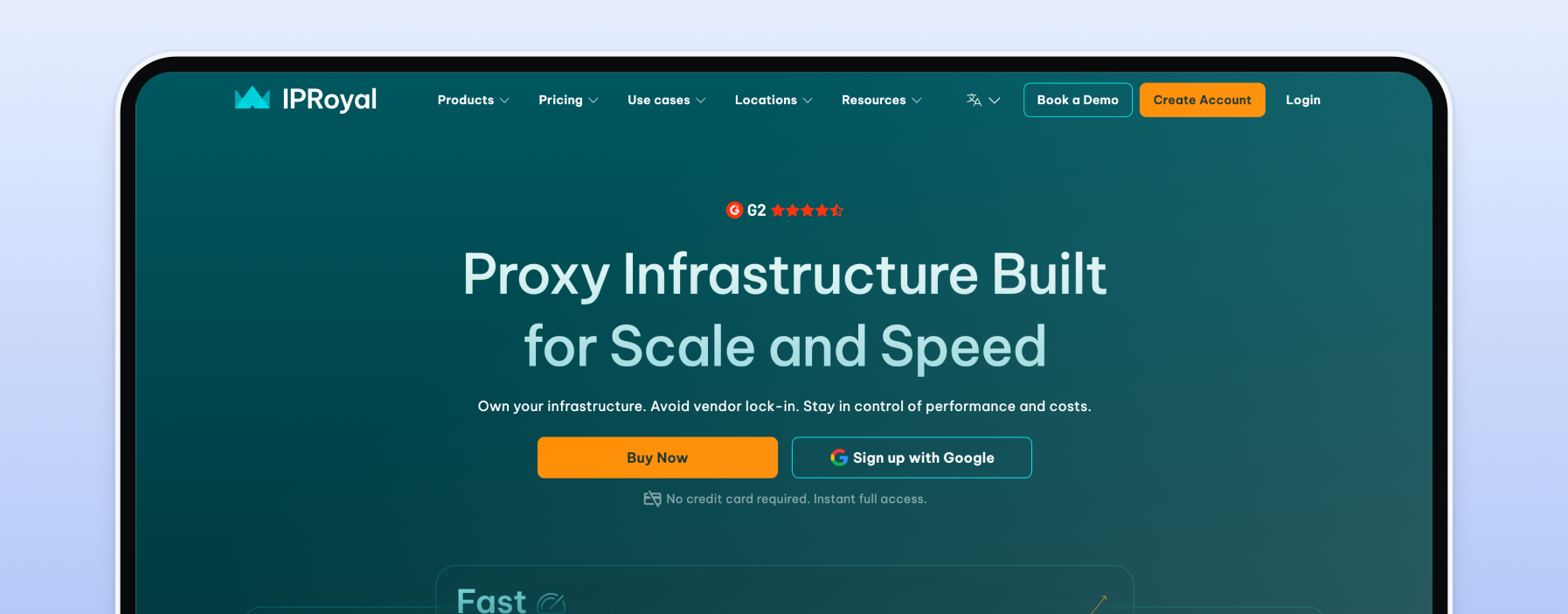
IPRoyal is a strong contender for advanced users and small businesses seeking a budget-friendly SOCKS5 proxy. It is highly regarded for its transparent, pay-as-you-go pricing, making it an excellent starting point for smaller projects.
The service provides a reliable pool of residential proxies and datacenter proxies. Users can easily manage their targeting, selecting specific countries and cities for localized workflows. Rotation basics are well-covered, offering both per-request dynamic IP cycling and sticky session options. This makes IPRoyal suitable for common use cases like managing multiple accounts and basic web data collection.
However, compared to premium providers, the proxy pool size is smaller, and the specialized tooling is less comprehensive.
Pros:
Cons:
Webshare focuses heavily on providing highly affordable dedicated datacenter proxies, making it a primary choice for account automation, API checking, and workflows that do not require a residential original IP address.
It is crucial to understand the tradeoffs: datacenter proxies offer significantly higher speed expectations and lower latency than residential proxies. They are perfect for workloads like running internal bots or high-volume QA tasks. However, because these IPs originate from data centers, they lack the diverse geographic distribution of residential networks.
Webshare supports multiple authentication methods (both IP whitelisting and user/pass). If your project demands raw speed over precise location matching, Webshare provides an incredibly cost-effective SOCKS5 proxy solution.
Pros:
Cons:
NetNut specializes in performance and stability, offering a robust blend of semi dedicated isp proxies and residential proxies tailored for demanding operations. By sourcing IPs directly from Internet Service Providers, NetNut significantly enhances connection stability and speed.
This positioning makes it ideal for performance-sensitive use cases, such as intensive web scraping and continuous market research. The direct ISP connectivity helps maintain fast throughput when processing large data packets. NetNut offers comprehensive targeting and flexible SOCKS5 proxy session options.
The primary tradeoffs involve cost and availability, positioning it more toward serious businesses rather than casual users.
Pros:
Cons:
ProxyEmpire is an IP rotation-first provider that excels in offering broad country coverage across residential and mobile proxies. It is designed for workflows that require a constant connection request cycle across various geographic locations.
The platform provides robust rotating proxies, allowing users to seamlessly switch IPs on every request or maintain sticky sessions for precise durations. With coverage across a vast number of countries, it is highly suitable for tasks like testing localized experiences and verifying compliance across different regions.
While ProxyEmpire scales well for growing projects, users should carefully review their bandwidth costs, as they can accumulate during high-volume SOCKS5 proxy rotation tasks.
Pros:
Cons:
PacketStream provides a straightforward, pay-as-you-go option that relies on a peer-to-peer style residential proxies network, making it highly suitable for light usage, basic web browsing, and experimentation. The pricing model is incredibly simple, charging a flat rate per gigabyte without any subscriptions.
Because it utilizes a diverse proxy network, users should expect typical variability in connection speeds and latency. Targeting is generally limited to the country level, and support considerations are basic, aligning with the low cost of the SOCKS5 proxy service.
Pros:
Cons:
To ensure a balanced and accurate ranking, these providers were reviewed based on publicly available specifications, official documentation, and aggregated user reports. The proxy market is vast, and finding a reliable provider requires looking past marketing claims. We applied the exact same criteria to all providers to maintain comparison consistency.
Our selection framework prioritized the following core elements:
During the selection process, several red-flag filters were applied. We actively excluded providers with unclear sourcing methods, those lacking terms of service or refund policies, services with poor support access, and any platforms offering suspiciously cheap "unlimited" claims that cannot be technically verified.
Selecting the ideal service involves matching the provider's capabilities directly to your specific use case and operational constraints. Unlike HTTP proxies, which only handle web traffic, SOCKS5 proxies operate at a lower level, routing any type of traffic (TCP or UDP) without interpreting the data packets. This makes them highly versatile. For a deeper understanding of these differences, check out our guide on SOCKS vs. HTTP proxy and our general overview of the best proxy providers.
Here is a practical decision framework to guide your purchase:
ISP (Static Residential): Best for workflows requiring high speed combined with residential characteristics, such as long-term account management.
Datacenter: Best for raw speed and cost-effective automation where location accuracy is less critical.
Rotating: Provide a new IP for every request. Essential for high-volume data scraping to distribute requests evenly.
Username/Password: Necessary for dynamic environments or software integrations.
Decision Steps:
Understanding the fundamental technology helps you configure your proxy settings correctly. For a comprehensive dive, refer to our what is a socks proxy complete guide.
A SOCKS5 proxy (Socket Secure) is an internet protocol that routes network packets between a client and a server through a proxy server. Unlike HTTP proxies, which are designed specifically to read web data, a SOCKS5 proxy operates at the session layer. It does not rewrite data packet headers, meaning it can handle both TCP (Transmission Control Protocol) and UDP (User Datagram Protocol) internet traffic.
This versatility makes SOCKS5 the standard choice for several common uses:
It is highly important to clarify what SOCKS5 does not do: it does not provide encryption by itself. While it routes your traffic securely, the data packets remain unencrypted unless you are using HTTPS or layering the connection with a VPN.
Briefly, the main difference between SOCKS4 and SOCKS5 is that SOCKS5 supports UDP traffic and offers robust authentication methods, whereas SOCKS4 only supports TCP and lacks authentication. You can learn more in our socks4 vs socks5 proxy comparison.
Different business workflows require vastly different proxy configurations. Mapping your intent-driven scenario to the right provider and setup is crucial for operational success.
Below is a map of common use cases, detailing the recommended configuration and top provider picks.
| Use Case | Recommended Proxy Type | Rotation Approach | Geo Needs | Top Pick | Notes |
| Web Scraping | Residential / Datacenter | High Rotation | Country / Global | Proxy-Cheap | Highly cost-effective for large data volumes. |
| SERP Monitoring | Residential | High Rotation | City / Region | Oxylabs | Requires high success rates for search engine queries. |
| E-commerce Tracking | Residential | Sticky to Rotating | Country / City | Proxy-Cheap | Balances cost and necessary location accuracy. |
| Social Media Mgmt | ISP / Mobile | Sticky Sessions | City / ISP | Decodo | Requires high trust and long session duration. |
| Sneaker Sites | ISP | Sticky Sessions | Region near server | ProxyEmpire | Speed and stability are absolutely critical. |
| QA & Localization | Residential | Sticky Sessions | Country / City | Proxy-Cheap | Best for testing localized experiences across different regions. |
| Gaming / VoIP | Datacenter | Sticky Sessions | Regional | Webshare | UDP support via SOCKS5 is mandatory. |
| Security Research | Residential / ISP | Varies | Global | Bright Data | Requires vast scale and compliance tooling. |
Caution Notes: Remember that SOCKS5 is not sufficient if your workflow mandates strict encryption; in those cases, you must ensure you are using TLS/HTTPS connections or a VPN. Additionally, if your data extraction requires rendering JavaScript, a proxy alone is not enough—you will need headless browser tooling integrated with your proxy setup.
Proper configuration reduces operational pitfalls, prevents connection errors, and ensures you are maintaining strong data protection and secure connections for legitimate business workflows. Follow this practical checklist to implement your proxies safely.
Quick Implementation Steps:
While SOCKS5 is highly versatile, it is important to understand related technologies to ensure you are capturing the right tool for your specific needs.
First, consider the difference between standalone SOCKS5 proxies and VPN SOCKS5 endpoints. A VPN encrypts your entire system's traffic, which is excellent for comprehensive security but can add overhead. SOCKS5 proxies operate at the application level, offering faster performance and the ability to route specific software without affecting the rest of your system. They scale much better for automated tasks.
If your primary requirement is raw speed over precise location matching, you may want to look into fastest proxies, which are typically high-performance datacenter IPs. These are ideal for internal automation, API testing, and non-localized tasks.
Additionally, mobile proxies serve as a powerful alternative for high-trust scenarios. Because mobile IPs are shared among many users on cellular networks (like 4G/5G), they carry extremely high trust scores, making them exceptionally useful for managing accounts or accessing strict mobile-first platforms.