
Think of the proxy’s IP as an apartment building’s address and its port as the apartment number. In 192.0.2.10:8000, the port is 8000. You need the host and port your provider gives you, plus the right protocol.
A familiar number like 8080 doesn’t make a connection work by itself. The proxy must support your protocol on that port.
These are two separate settings:
Proxy port: where your app connects to the proxy server. Enter it with the proxy host in your app’s settings.
Destination port: where the website accepts the request. Your client normally gets this from the URL: 80 for HTTP, 443 for HTTPS.
If a website uses another port, include it in the URL or app configuration, such as https://example.com:8443. That doesn’t change the proxy port.
For traffic routed through the proxy, the website normally sees its exit IP. It can still recognize your account, cookies or browser signals.
These are conventions, not requirements. Providers can use custom ports for different products, locations or session settings.
| Port | Typical use | Usual protocol | Worth knowing |
|---|---|---|---|
| 80 | Standard web traffic, occasionally an HTTP proxy | HTTP | Some providers offer an endpoint on this port; follow their settings. |
| 443 | Standard HTTPS, and some proxy endpoints | HTTPS for websites; provider-defined for proxy endpoints | 443 is the default HTTPS destination port; other ports can be specified. Use the protocol your provider assigns to its proxy endpoint. |
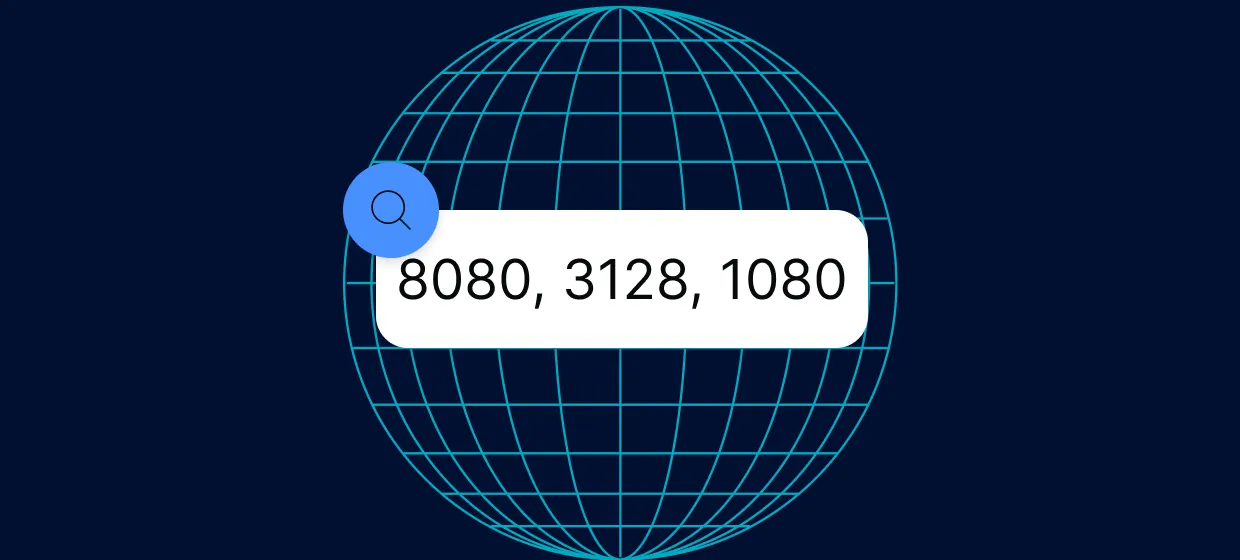
| 3128 | Squid proxy | HTTP | Common default, but configurable |
| 8080 | Common alternative HTTP port, often used for proxies | HTTP | Also serves dev servers, so 8080 does not always mean proxy |
| 1080 | The SOCKS convention | SOCKS4, SOCKS5 | A registry convention, not a requirement |
| 1024–65535 | Provider-assigned | Provider-defined | Providers may assign custom ports in this range |
Proxy-Cheap lists proxy-us.proxy-cheap.com:5959 and proxy-eu.proxy-cheap.com:5959 as rotating residential gateways. Copy the current endpoint and location settings from your dashboard. Port 5959 works because the gateway listens there; it doesn’t need a standard proxy meaning.
For static residential and datacenter IPv4 proxies, copy the host and port from your dashboard. Check them again after switching protocols.
Don’t replace the assigned port with 8080 just because another guide uses it. Follow your provider’s settings.