
Choosing data extraction tools comes down to one question most comparison lists skip: where does your data live, and what stands between you and collecting it reliably. This guide covers 12 of the best data extraction tools for 2026 across web, ETL, and document workflows, and pairs each web tool with the proxy setup it actually needs.
Data extraction tools pull structured and unstructured data from sources like websites, documents, databases, and APIs, then convert it into a usable format for analysis or storage. The right tool depends on your source: ETL platforms move data from databases and SaaS apps into warehouses, document tools read PDFs and emails with OCR, and web extraction tools collect data from public web pages. Web tools also need a proxy layer to run reliably at scale, which is where the choice gets technical.
Data extraction tools fall into three buckets: ETL and pipeline, document and OCR, and web data extraction. Pick by source.
For web data extraction at scale, the tool is only half the stack. The proxy layer decides reliability.
Rotating residential proxies fit protected or location-specific targets. Datacenter proxies fit high-throughput crawls of public pages.
With Proxy-Cheap you can buy proxies on pay-as-you-go pricing, which keeps small and mid-size extraction projects affordable with no monthly commitment.
The list below is organized by category, not ranked 1 to 12, because a no-code web scraper and a warehouse pipeline solve different problems, and a single ranking would compare tools that do not compete. Web data extraction tools come first, since that is where the proxy question matters most for web data extraction and where first-hand product knowledge adds the most. ETL and pipeline tools follow, then document and OCR tools.
Each is data extraction software built for a different source, so the right pick follows the data, not the brand. Use the table to match a tool to your source, then read the entry for the detail.
| Tool | Category | Best for | Pricing model |
|---|---|---|---|
| Octoparse | Web extraction | No-code visual scraping | Freemium plus paid |
| ParseHub | Web extraction | Dynamic and JavaScript pages | Free plus paid |
| Apify | Web extraction | Developer actors at scale | Pay-as-you-go |
| Import.io | Web extraction | Web data into analytics formats | Custom |
| ScraperAPI | Web extraction API | Managed requests for developers | Tiered |
| Airbyte | ETL and pipeline | Open-source, large connector catalog | Open-source plus cloud |
| Hevo | ETL and pipeline | Real-time database and SaaS extraction | Tiered |
| Fivetran | ETL and pipeline | Maintenance-free SaaS extraction | Usage-based |
| Stitch | ETL and pipeline | Simple incremental structured data | Tiered |
| Nanonets | Document and OCR | AI extraction from documents | Tiered |
| Rossum | Document and OCR | Invoice and document automation | Custom |
| Mailparser | Document and OCR | Structured data from emails | Tiered |
Web data extraction tools collect information from public web pages, often turning messy HTML, dynamic pages, and repeated layouts into structured datasets. They are the right fit when the data you need lives on websites rather than in a database, SaaS app, or document.
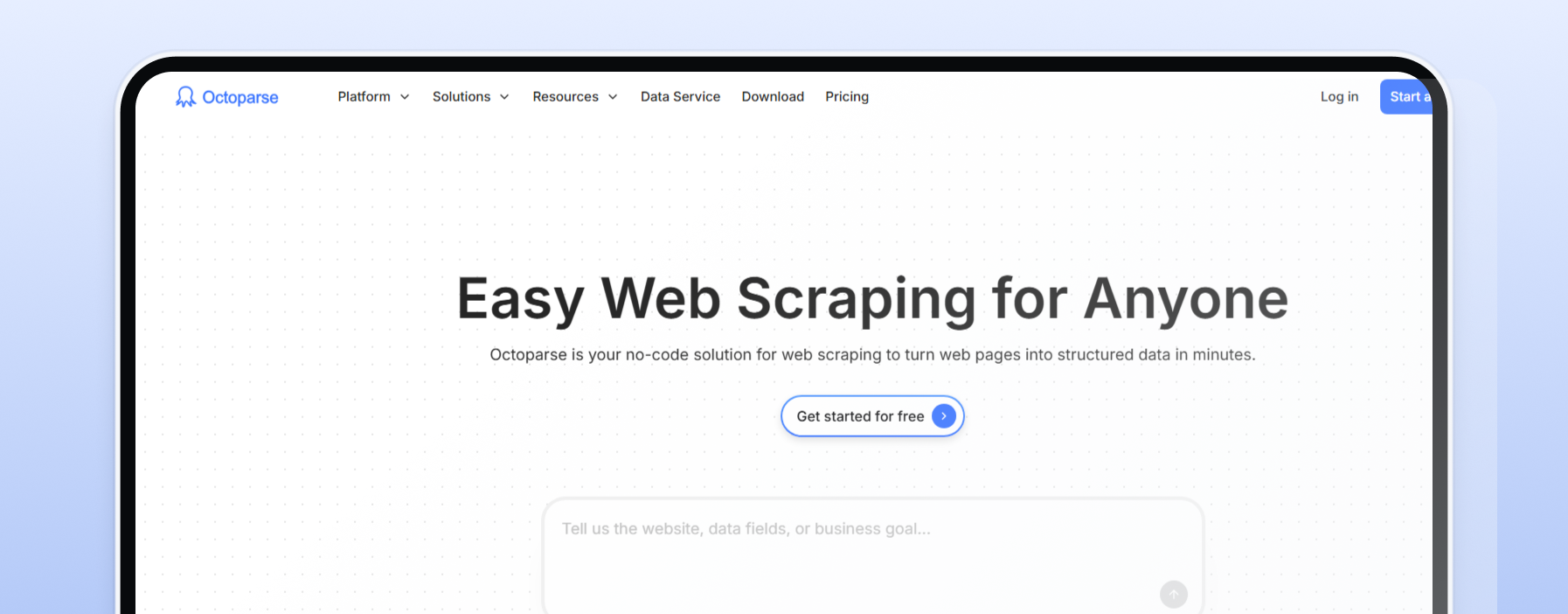
Octoparse is a no-code visual scraper built for people who want to collect data from web pages without writing code. You point and click to select fields, and a large template library covers common targets like marketplaces, directories, and social profiles.
It fits SMB teams, analysts, and researchers pulling data from multiple sources on a schedule. Its strength is the visual builder plus scheduling, which gets a non-developer from web page to valuable data fast. The fit-limit: heavily protected or location-specific targets ask more of the built-in rotation. For those, pair Octoparse with rotating residential proxies so each request routes through an IP that matches the target market. Pricing is freemium with paid tiers.
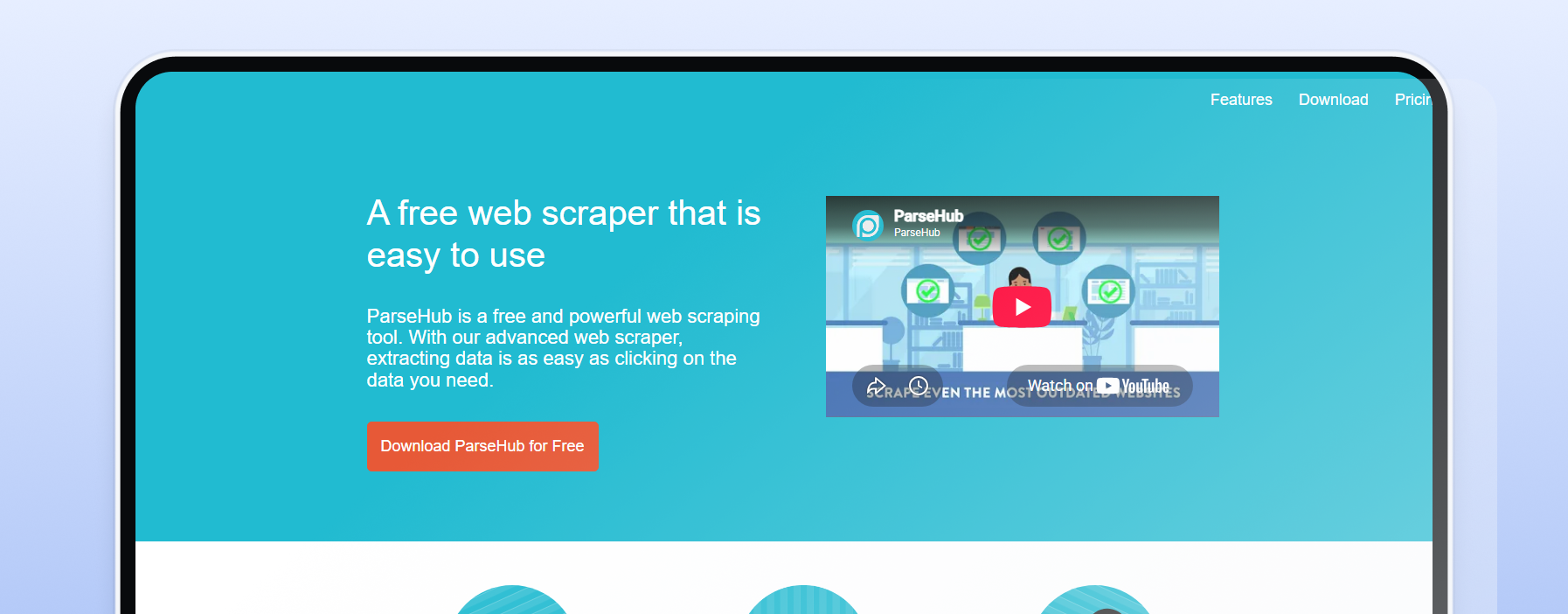
ParseHub specializes in dynamic, JavaScript-heavy web pages: sites with infinite scroll, dropdowns, pop-ups, and AJAX content that simpler scrapers miss. A point-and-click desktop app backed by machine learning maps page structure, then exports to CSV, Excel, JSON, or Google Sheets. It fits analysts and small teams collecting data from interactive sites without engineering support. Its strength is reliable rendering of complex pages.
The fit-limit: the learning curve is real, and while paid cloud runs include rotation, tougher targets do better with a dedicated proxy layer. Pair ParseHub with rotating residential proxies for protected or location-specific collection. Pricing is free plus paid tiers.
Apify runs on a marketplace of pre-built scrapers called actors, plus a platform to build and schedule your own. It targets developers who want collection, processing, scheduling, and dataset storage in one managed place, billed pay-as-you-go so cost tracks usage. Its strength is the actor library and the all-in-one developer workflow.
The fit-limit: credit costs on heavy targets are harder to predict than a flat plan. Apify includes proxy access, and developers who want lower-level control can drive collection through a proxy API and manage rotation in their own code. For high-throughput crawls of public pages, datacenter proxies keep cost per request low. Pricing is pay-as-you-go.
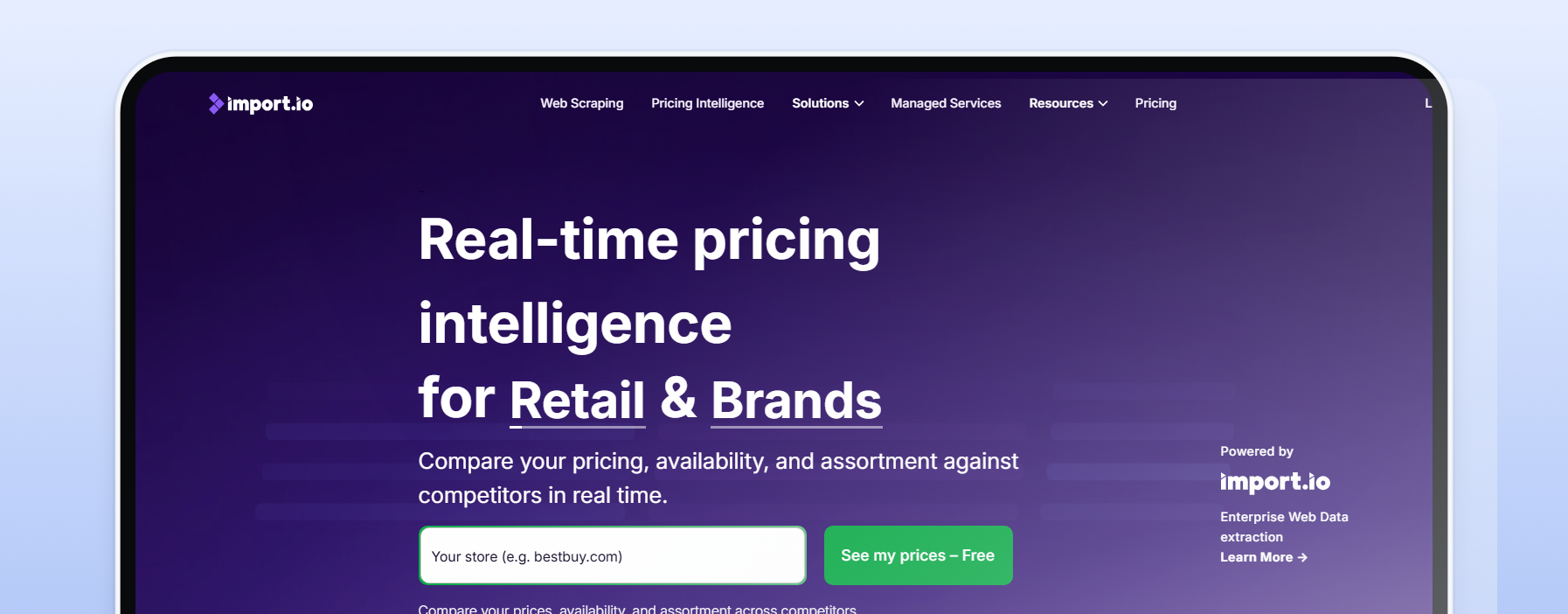
Import.io turns web pages into structured tables ready for analytics tools like Tableau, Power BI, and Google Sheets, using a no-code point-and-click trainer and self-healing extractors that adapt when a site changes layout. It comes in two forms: a self-serve platform and a managed service for teams that want pipelines built and maintained for them. It fits market-research and e-commerce teams that need clean, scheduled web data feeding business intelligence. Its strength is the managed, maintenance-light model.
The fit-limit: it is priced for businesses, not hobby projects, so entry cost runs higher than self-serve scrapers. The managed service handles proxies; self-serve extraction pairs with rotating residential or datacenter proxies by target. Pricing is custom.
ScraperAPI takes proxy rotation, retries, and CAPTCHA handling off your plate. You send a URL to one endpoint and get the page back, with the proxy layer managed internally. It targets developers who already have scraping code and want reliable requests without running their own proxy infrastructure. Its strength is the single-endpoint simplicity, plus dedicated structured endpoints for a few large marketplaces.
The fit-limit: credit costs rise on the hardest targets, and because the proxy layer is bundled, you trade some control for convenience. That is the main contrast with tools where you bring your own proxies and tune country targeting and cost yourself. Pricing is tiered and credit-based.
ETL and pipeline tools move structured data from databases, SaaS platforms, and APIs into warehouses or lakes for analysis. They are built for repeatable data flows, schema handling, and keeping business systems synced with minimal manual work.
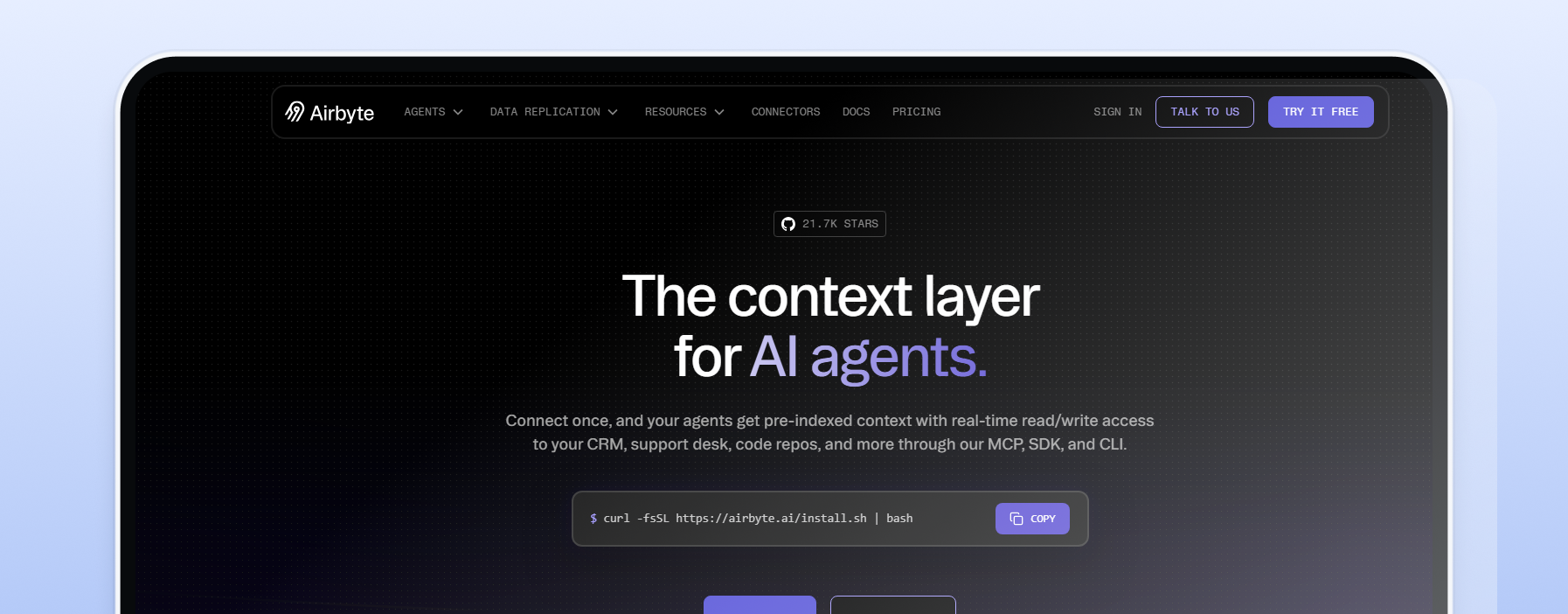
Airbyte is an open-source ELT platform with one of the largest connector catalogs in the category, moving data from databases and SaaS apps into a data warehouse or lake. You can self-host it for free or run Airbyte Cloud as a managed service. It fits data teams that want connector breadth and the option to control their own infrastructure.
Its strength is the open-source community, the sheer number of data sources, and a connector SDK for building custom ones. The fit-limit: self-hosting needs engineering time to operate well, so the free tier carries an operational cost. Pricing is open-source plus cloud.
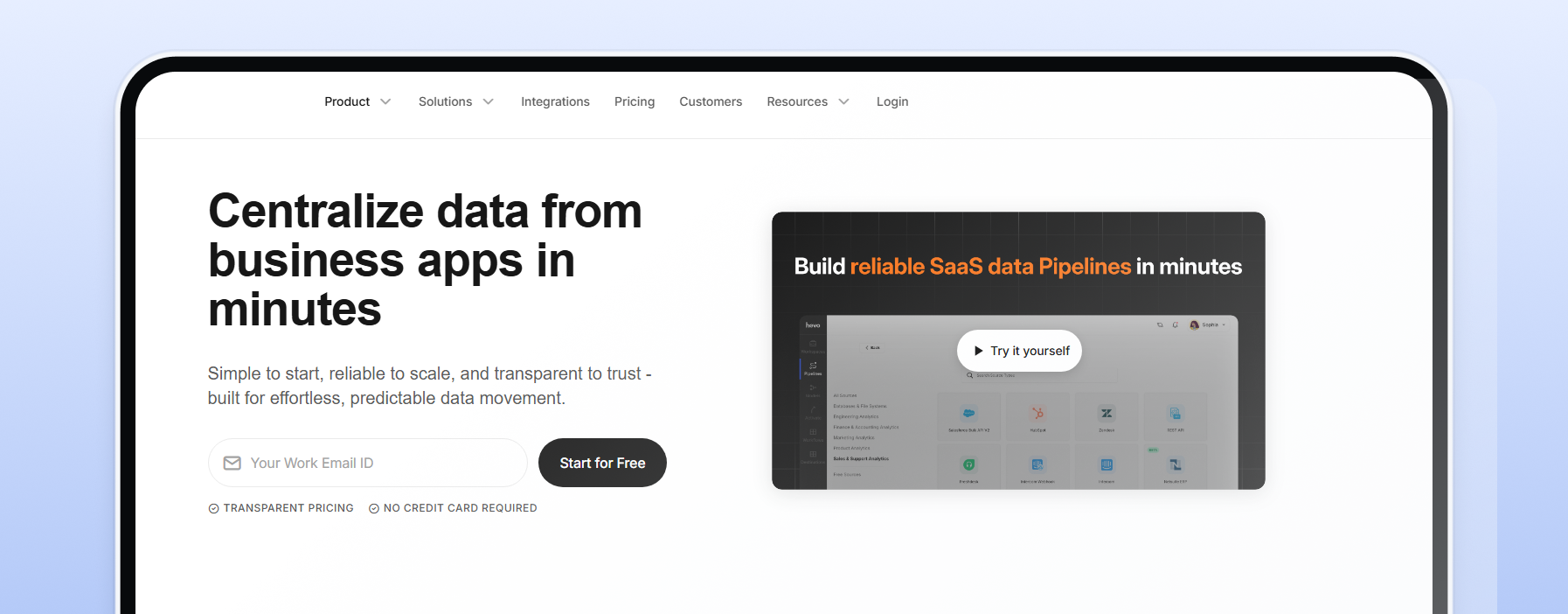
Hevo focuses on real-time replication from databases and SaaS apps into a warehouse, with built-in transformations and automatic schema handling so data pipelines deliver data to the warehouse and keep running when sources change. It supports a broad set of source connectors and the leading cloud warehouse destinations.
It fits teams that want near real-time data and a more generous free tier than most managed rivals. Its strength is the hands-off, real-time sync with in-pipeline transformations for complex data streams. The fit-limit: very large or highly custom workloads can outgrow the simpler model. Pricing is tiered, with a free tier and paid plans that scale by usage.
Fivetran is the maintenance-free end of the ETL category: fully managed connectors that handle schema changes and re-syncs automatically, so data engineers spend time on data analysis instead of babysitting the data processes behind each pipeline. It fits teams that prioritize reliability and managed infrastructure over hands-on control. Its strength is connector quality and the zero-maintenance promise across a large library of data sources.
The fit-limit: usage-based pricing tracks how much data changes each month, which rewards stable sources and gets expensive for high-churn, many-connector setups. Pricing is usage-based, measured by monthly active rows, with a free tier for low volumes.
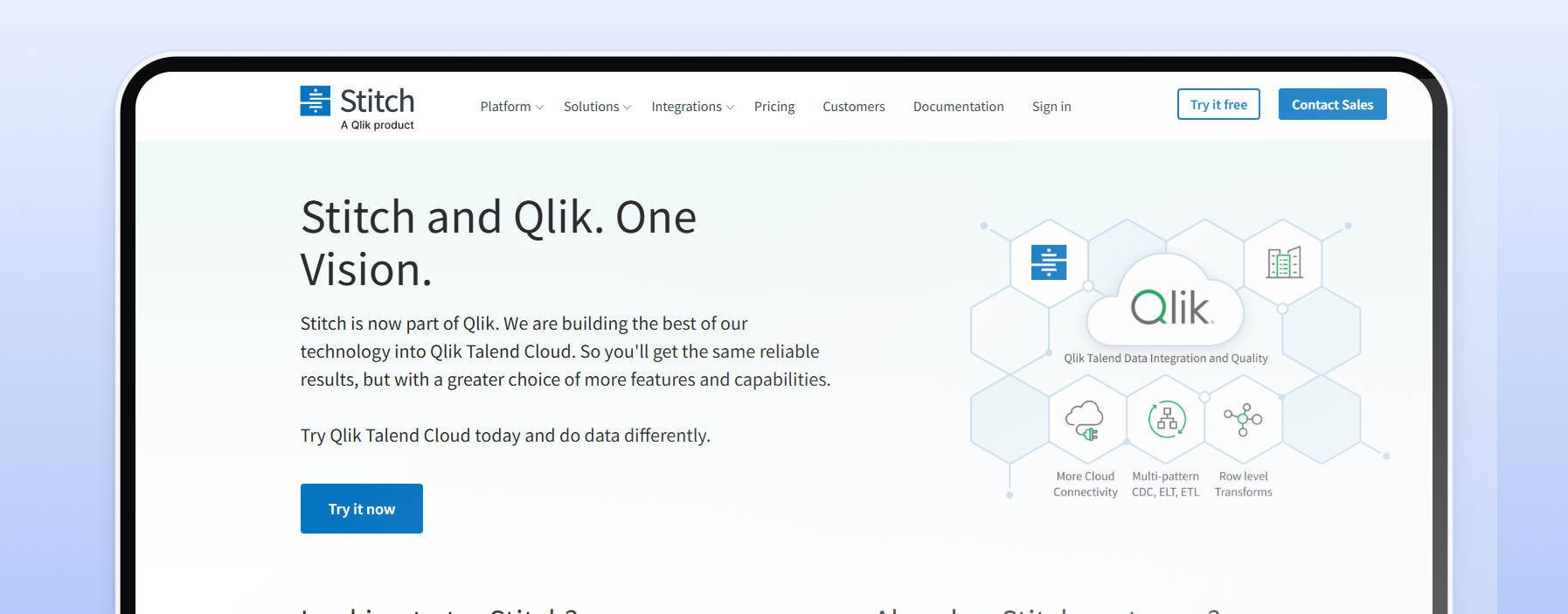
Stitch is a simple cloud ELT service, now part of Qlik, built on the open-source Singer framework for moving structured data into a warehouse with minimal setup. It fits small teams standing up a first data stack who want incremental replication without building pipelines from scratch. Its strength is the fast, common-sense setup and transparent volume-based tiers.
The fit-limit: it handles loading data and replication but leaves transformations to a separate tool like dbt, so it is a focused piece of a stack rather than an all-in-one. Pricing is tiered by row volume.
Document and OCR tools extract data from PDFs, scans, emails, invoices, receipts, and forms. They are best for turning unstructured or semi-structured documents into clean fields that can be reviewed, exported, or sent into downstream systems.
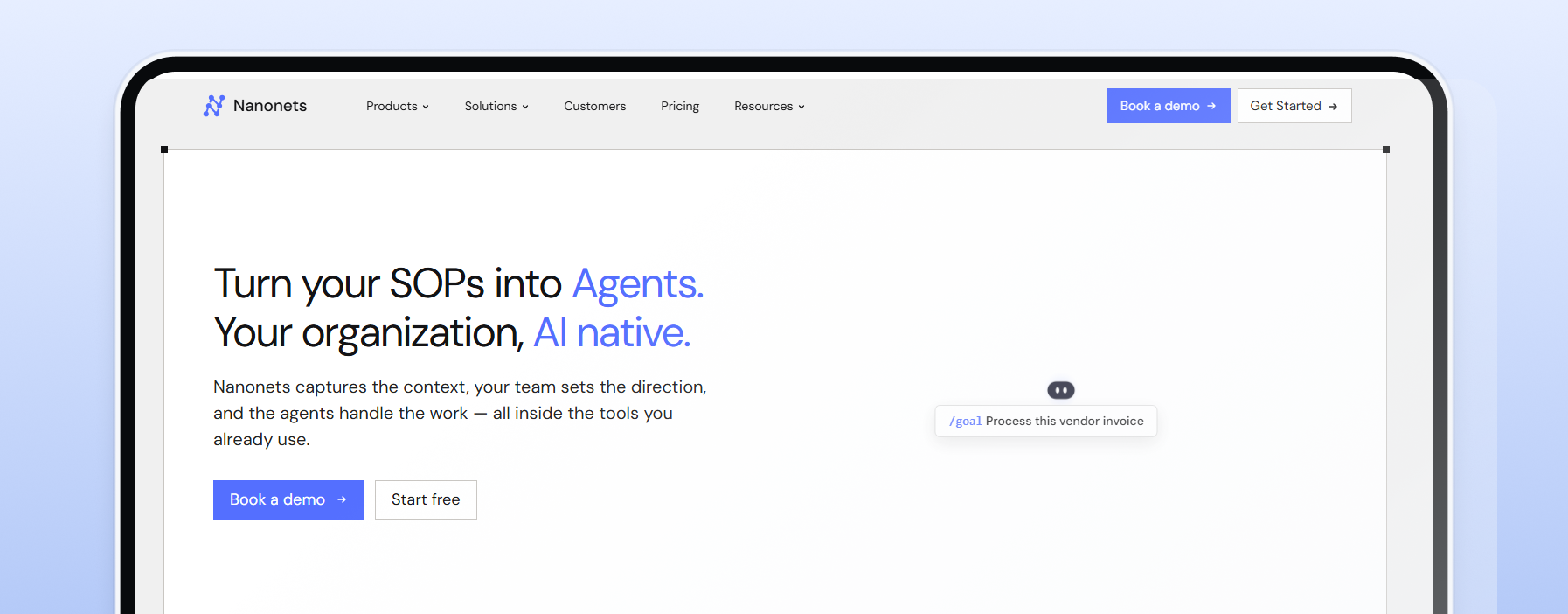
Nanonets reads unstructured documents (invoices, receipts, purchase orders, contracts, and forms) and turns them into structured data using OCR plus deep-learning models. Documents arrive by drag-and-drop, email, or API, and extracted data points route into tools like QuickBooks, SAP, and Google Drive. It fits finance and operations teams automating document-heavy processes such as accounts payable, where it replaces slow manual data entry.
Its strength is accuracy across common document types and ready-made business integrations. The fit-limit: complex or custom layouts need sample uploads to train the model, which takes some setup. Pricing is usage-based across tiers, with starting credits to test before you commit.
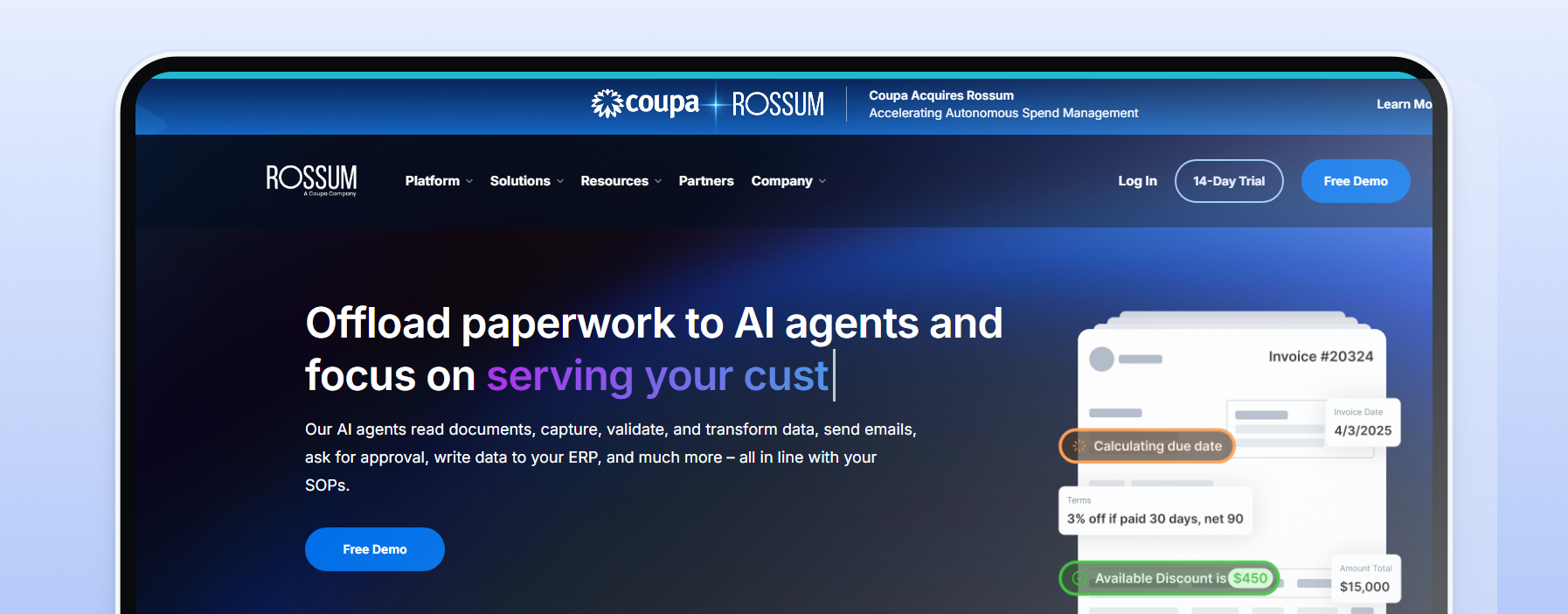
Rossum is an intelligent document processing platform aimed squarely at invoices and accounts-payable automation, with AI extraction plus human-in-the-loop data validation and connections into accounting and ERP systems. It handles PDFs and scanned images and exports structured formats to downstream systems. It fits finance teams processing high volumes of financial data that need a review step to catch missing values before critical data reaches the books. Its strength is the AP-focused workflow and the validation tooling built around it.
The fit-limit: the templates and workflows are tuned for financial documents, so broader or unusual document types are a less natural fit. Pricing is custom.
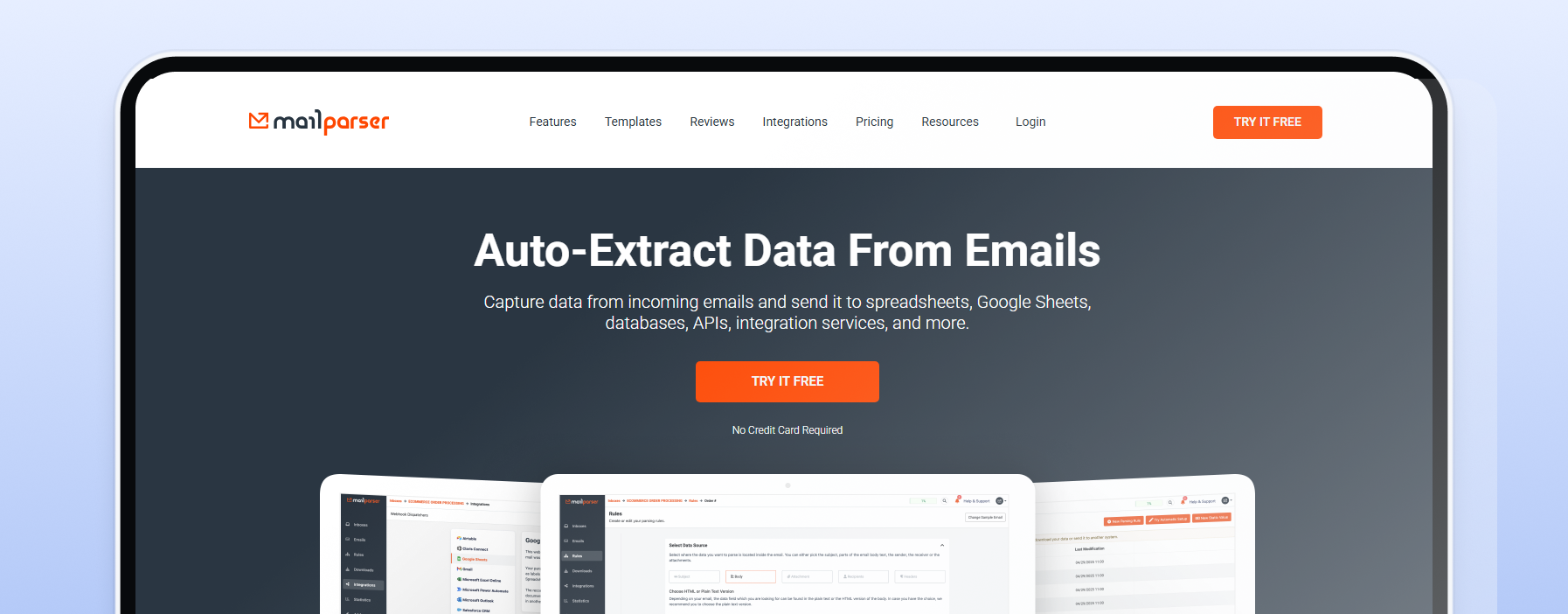
Mailparser turns inbound emails and their attachments into structured data. You forward incoming emails to a dedicated address, set parsing rules, and it extracts fields like names, order details, and amounts into a spreadsheet or your CRM, so incoming data lands structured the moment it arrives. It fits sales and operations teams automating data entry from order confirmations, leads, and form notifications. Its strength is flexible custom rules and a wide set of integrations through tools like Zapier.
The fit-limit: rule setup takes time up front, and it is built for emails and simple text-based PDFs rather than complex document layouts. Pricing is tiered.
Web data extraction tools collect data from public web pages, and most encounter rate limits or anti-bot checks at scale. A proxy routes each request through a different IP so the tool can keep collecting reliably. The right proxy type depends on the target: rotating residential proxies suit protected sites and location-specific testing, datacenter proxies suit high-throughput crawls of unprotected public content, and mobile proxies suit mobile-first targets. Static residential (ISP) proxies suit workflows that need a stable IP across a session.
Two settings decide most of the outcome. Rotation versus sticky sessions: a rotating pool gives each request a fresh IP, which suits broad collection across many web pages, while a stable IP from static residential proxies holds one address for a multi-step workflow that has to stay consistent. Targeting: routing through IPs in a specific country, state, or city returns location-accurate, high quality data, which matters for price checks, search results, and any market-specific dataset.
The matrix below maps common tools and workloads to a recommended proxy type.
| Tool or workload | Recommended proxy type | Why it fits |
|---|---|---|
| No-code scrapers on protected or location-specific targets (Octoparse, ParseHub) | Rotating residential | Routes each request through residential IPs that match the target market for location-accurate, reliable collection |
| High-throughput crawls of public pages with light anti-bot measures (large Apify actors, documentation crawls) | Datacenter | High throughput at the lowest cost per request for public content |
| Managed scraping APIs (ScraperAPI, Import.io managed) | Handled by the tool | The service rotates internally, so no separate proxy layer is needed |
| Mobile-first targets and app endpoints | Rotating mobile | Routes through mobile carrier IPs for mobile-specific data |
| Multi-step or logged-in flows that must hold one identity | Static residential (ISP) | A stable IP across the session keeps the workflow consistent |
| Variable-volume or one-off projects | Pay-as-you-go on the type above | Scale spend with the project, no monthly commitment |
Two more practical points. Datacenter proxies are enough when the target is public content without heavy anti-bot measures, and they deliver high throughput at the lowest cost per request. Residential is the better fit when the target is protected or you need data that matches a real market. For mobile-first targets and app endpoints, rotating mobile proxies route through carrier IPs. For a fuller breakdown of each option, see our guide to proxy types.
If your targets are protected or location-specific, rotating residential proxies are the safest starting point, billed pay-as-you-go so a small project stays affordable. See rotating residential proxies to match a plan to your workload.
Selecting a data extraction solution comes down to seven questions, weighted for self-serve and SMB budgets rather than enterprise procurement. Weigh the key features that matter for your workload before you weigh the price.
Source compatibility. Match the tool to where your data lives so you pull data from the right place: databases and SaaS apps point to ETL, PDFs and emails to document tools, public web pages to web extraction.
Structured versus unstructured. Clean tables from a database are structured data; invoices, contracts, and free-text emails are unstructured and need OCR or AI parsing before they deliver valuable insights.
Real-time versus batch. Decide whether you need near real-time syncs or a scheduled batch is enough, since real-time pipelines cost more to run.
Ease of use. No-code visual tools get business users to output fast; developer-first tools and APIs trade setup for control and the ability to process data at higher volumes.
Export formats and destinations. Check that the tool delivers data to where you actually work, whether that is CSV, a data warehouse, or a CRM, without extra glue code.
Scalability and cost model. Read the pricing model, not just the entry price: pay-as-you-go suits variable volume, flat tiers suit steady workloads, and high-volume web jobs may want unlimited bandwidth proxies.
Proxy and anti-bot handling. The key feature most lists skip: does the tool manage proxies for you, or expect you to bring your own? For market research data collection and other location-specific work, a tool that lets you supply your own proxies gives you control over country targeting, data quality, and cost, so you collect the appropriate data for each market without overpaying.
Data extraction is the process of retrieving raw data from a source and moving it somewhere else for analysis or storage. Sources include websites, databases, APIs, and documents such as PDFs and emails. Extraction is the first step of the ETL process (extract, transform, load) and feeds data warehouses, data lakes, and analytics tools. Modern extraction tools automate what used to be manual copy-and-paste work, reducing errors and improving coverage of previously untapped sources.
In practice, the data extraction process turns scattered information into structured formats a team can query, then hands it to the transform and load stages where it becomes transformed data ready for further analysis. Structured data arrives ready to use from databases and APIs, while unstructured data from documents and web pages needs further processing before it surfaces the relevant data a team is after. Drawing from structured and unstructured sources in one pass is what lets a pipeline consolidate data efficiently as volumes grow.
Replacing manual data extraction with automated software does more than save time. Pulling data from multiple sources into a centralized database breaks down data silos and cuts the human error that comes with manual data entry. Business data and customer data land in one place where teams can analyze data without stitching exports together by hand. As increasing data volumes stretch what a spreadsheet can hold, automating the entire process through data integration is why accurate data extraction sits at the front of nearly every data management and business intelligence project.
A handful of data extraction methods cover most real workloads.
Full versus incremental extraction. A full extract pulls an entire dataset each run, while incremental extraction moves only what changed, either as a continuous stream or a scheduled batch, which keeps load light as data volumes grow.
Change data capture. CDC tracks inserts, updates, and deletes at the source so a pipeline delivers only the latest changes, often alongside robotic process automation that removes repetitive manual steps.
Optical character recognition. OCR reads text from scanned images and PDFs, turning documents into machine-readable structured data.
API-based extraction. When a source offers an API, pulling data through it is the cleanest path, with predictable structured formats and clean data ingestion.
Web scraping. When there is no API, web scraping tools collect web data directly from public web pages, which is where a proxy layer becomes part of the stack.