
Choosing the 7 best proxy extensions depends on balancing ease of setup and profile management, with Proxy-Cheap serving as the top integrated choice. This structural choice determines how smoothly your browser-based data collection runs; you must decide whether your workflow requires an all-in-one extension that comes pre-loaded with its own network, or an open-source utility built to handle independent IP lists.
For most teams needing a fast, direct browser connection, Proxy-Cheap serves as the most efficient default option because it syncs directly with live residential and datacenter networks. However, if you already own a custom pool of IPs from multiple vendors, standalone managers like SwitchyOmega or FoxyProxy offer the advanced URL-routing logic needed to handle complex data pipelines.
| Extension Name | Supported Browsers | Integrated Proxy Pool | Profile Switching | Rule-Based Routing | Authentication Methods | API Availability |
|---|---|---|---|---|---|---|
| Proxy-Cheap | Chrome, Firefox, Edge, Brave | Yes | Yes (One-Click) | No | User:Pass / IP Whitelist | Yes |
| FoxyProxy | Chrome, Firefox, Edge | No | Yes | Yes (Advanced) | User:Pass | No |
| Proxy SwitchyOmega | Chrome, Firefox | No | Yes | Yes (Automated) | User:Pass | No |
| Decodo Extension | Chrome, Firefox | Yes | Yes | No | User:Pass | Yes |
| Oxylabs Extension | Chrome, Firefox, Edge | Yes | Yes | No | User:Pass / API | Yes |
| Bright Data Extension | Chrome, Firefox, Edge, Brave, Omega | Yes | Yes | Yes | User:Pass / Token | Yes |
| BP Proxy Switcher | Chrome, Edge, Firefox | No | Yes (Basic) | No | User:Pass | No |
Understanding the architectural distinction between extension models keeps your browser environment from crashing during intense operations. A standalone proxy manager extension is an empty configuration shell; it builds the user interface to manage network profiles but requires you to purchase and import your own connection strings. Conversely, a provider-backed extension comes pre-configured to authentic, live network nodes immediately upon installation.
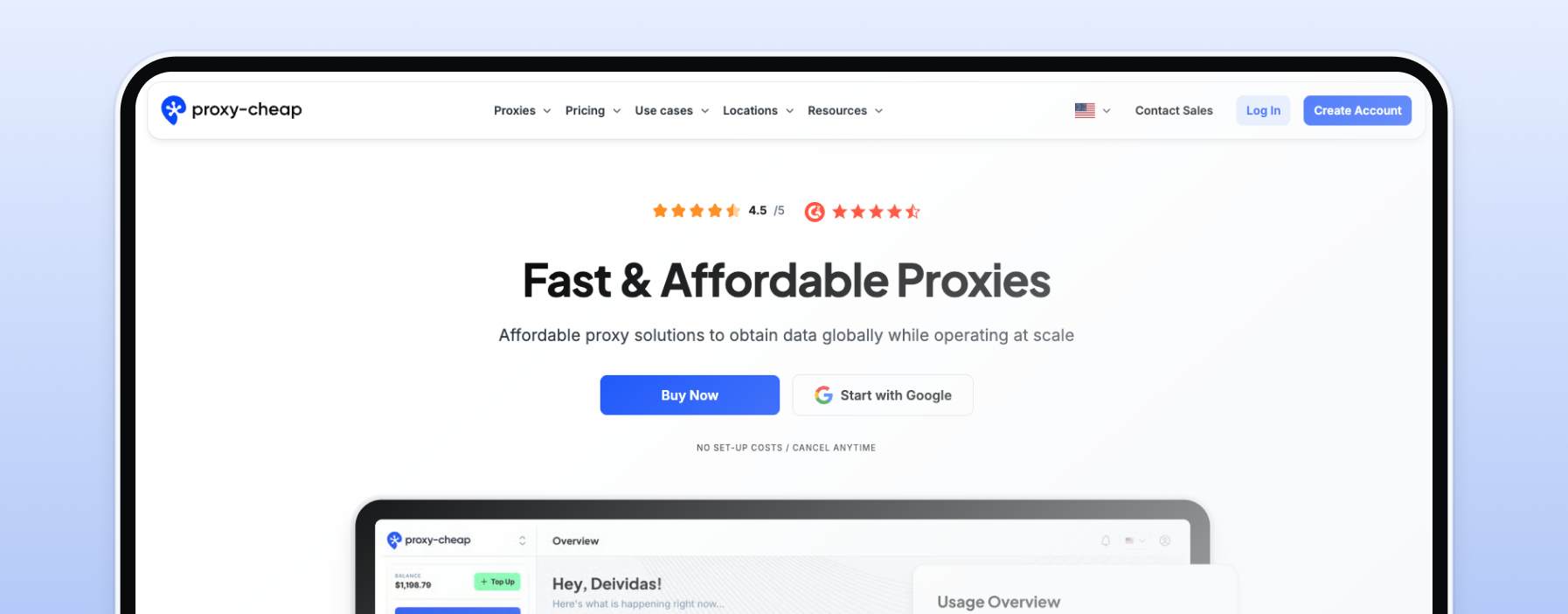
Proxy-Cheap ranks first because it simplifies browser-level proxy deployments for researchers and developers alike. Instead of forcing you to copy-paste endless IP arrays into your settings, its streamlined Chrome proxy extension and Firefox add-on connect natively to its robust global network. This enables immediate data collection paths without adjusting your core operating system configurations. The interface is exceptionally clean, allowing teams to swap proxy regions instantly via a simple dropdown menu. It stands out as the most cohesive solution for users who want premium performance and multi-browser compatibility without the overhead of manual infrastructure management.

FoxyProxy is a highly customizable, standalone manager built for power users who demand intricate control over their browser routing rules. Because it does not contain a built-in proxy pool, it remains an empty shell until you provide connection data. It features a flexible wildcard and regular-expression matching system that automatically routes traffic bound for complex targets through specific proxies while keeping standard browsing on your local connection.
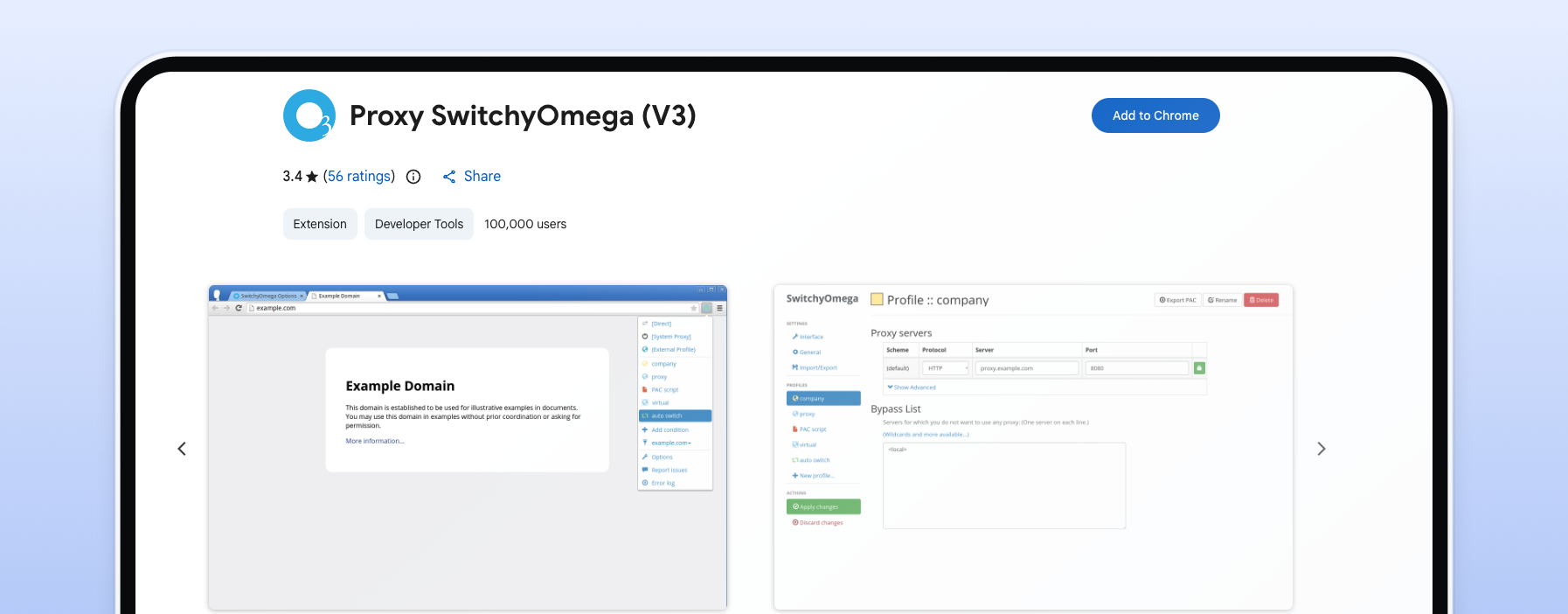
SwitchyOmega remains the open-source industry standard for empty proxy management engines different browsers. It features a noticeable initial learning curve, but its automated script-based switching profiles are highly robust for advanced configurations. You can establish specific URL pattern conditions that seamlessly hand off sessions to different server nodes. It is an empty utility shell, meaning it does not sell its own bandwidth, but it is highly valued by QA teams who need a free tool to manage complex routing hierarchies across multiple external suppliers.

The Decodo (Smartproxy) extension is a modern browser tool tailored specifically for customers who operate heavily within their dedicated network platform. It features an intuitive visual interface that supports straightforward location selection and fast switching between sticky and rotating configurations. While the tool functions efficiently for standard localized tracking and manual ad verification, its structural lack of support for third-party networks restricts its long-term flexibility if your development team prefers to mix multiple proxy providers inside a single dashboard.
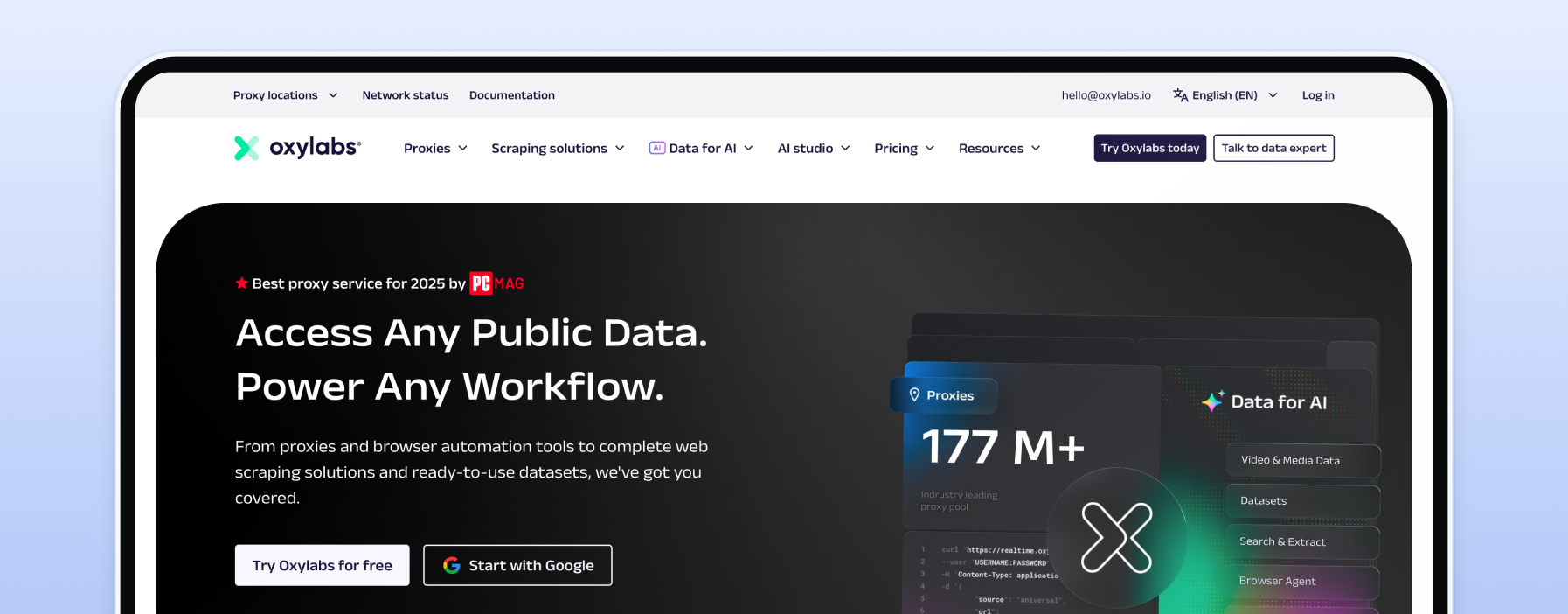
The Oxylabs extension is designed primarily for enterprise data acquisition teams who require a basic, stable interface to cycle through their pre-existing corporate contracts. It features a minimalist, no-frills layout that prioritizes uptime and stable connection handoffs over intricate rule engines. While it avoids complex browser configurations, it functions perfectly as a quick validation tool for enterprise analysts who need to check live regional pricing structures or investigate geo-fenced layouts by hand.
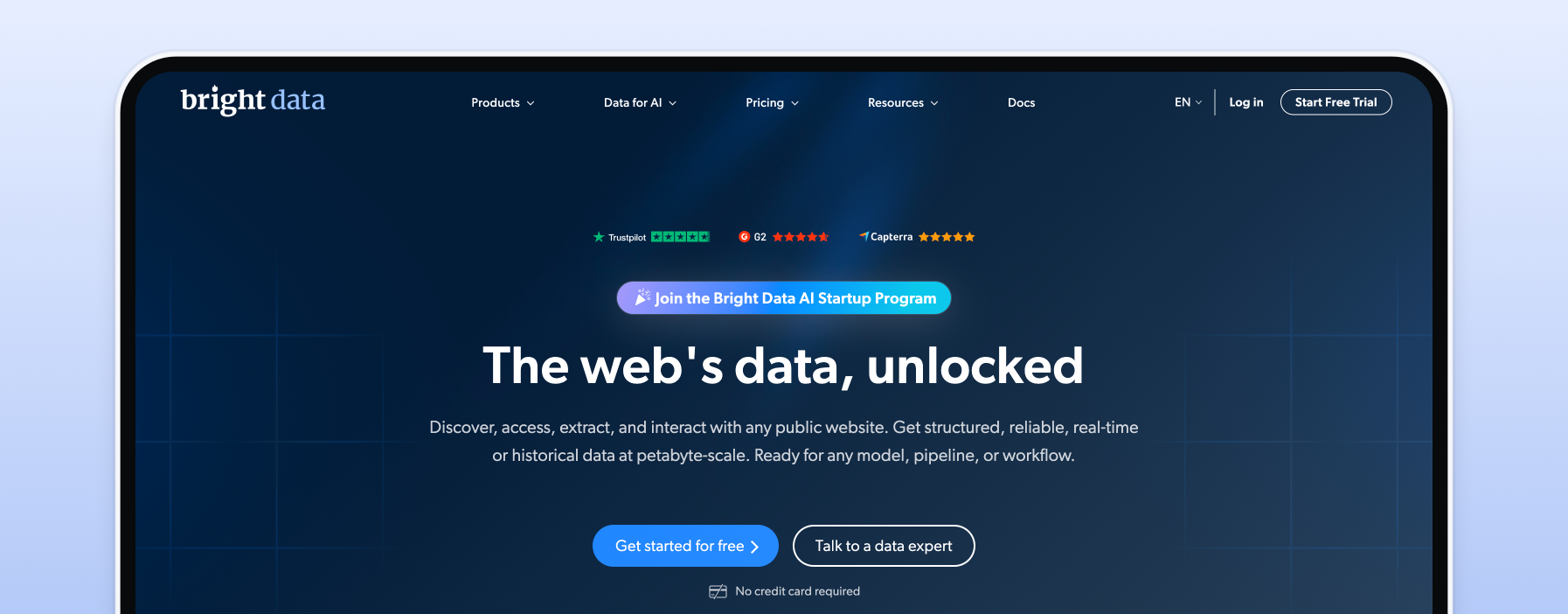
The Bright Data extension is a dense, feature-rich browser utility that brings the extensive targeting capabilities of its parent network directly into your active browser viewports. It supports highly granular session filtering, including city, carrier, and ASN selections. However, this massive operational scope makes the user interface highly complex, creating an unnecessarily steep learning curve for beginner developers or teams who only require straightforward, one-click proxy switching.
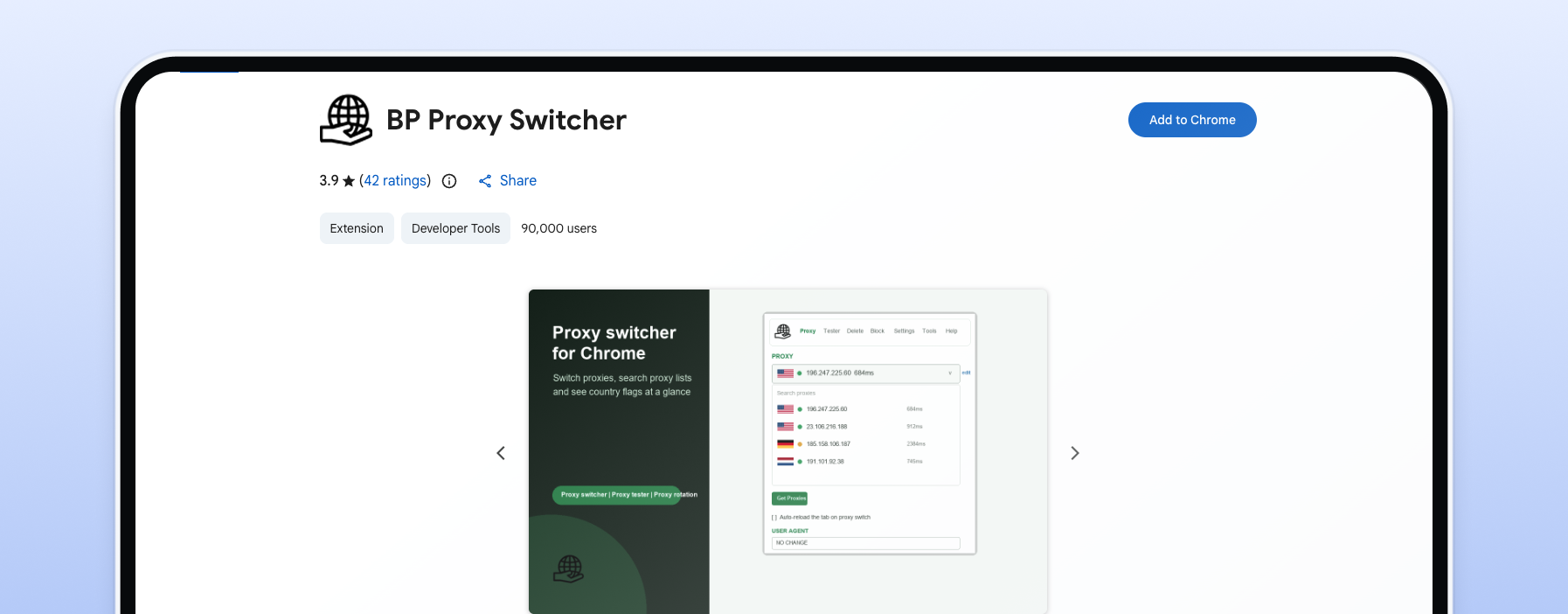
BP Proxy Switcher is a lightweight, legacy utility built purely for simple, bare-bones IP rotation without background performance costs. It leaves out modern visual aesthetics and automation scripts, offering instead a raw, functional text field where you paste your custom IP list. Users can manually click through their imported strings to force a session swap, making it a reliable option for short, localized testing scripts that do not justify heavy memory consumption or complex setup procedures.
To identify the top utilities on the market, we evaluated each browser extension against five specific technical criteria:
Ease of Use & Setup: We analyzed how quickly a developer can install the tool, authenticate their user profile, and establish a live connection without modifying complex system files.
Integrated Proxy Quality: We evaluated whether the extension provides functional, high-reputation network nodes out of the box or remains an empty shell. Extensions backed by premium global pools naturally score higher because they prevent immediate automated-traffic bans and provide a clean IP space.
Profile Management: We benchmarked the extension's capacity to save, organize, and toggle between multiple active server nodes without dropping connection handoffs or leaking authentic network data.
Browser Compatibility & Footprint: We monitored active browser memory and background script loops to ensure the tool does not trigger tab crashes, browser lag, or significant memory leaks during high-volume operations.
Advanced Features: We verified native support for secure SOCKS5 protocols, domain-level filtering logic, and automated WebRTC leak prevention.
When executing professional data gathering, basic IP switching is rarely enough; long-term operation requires fine-tuned control over your session footprints:
Geo-Targeting Granularity: Generic tools often limit your connection choices to broad, country-level nodes. Premium integrated extensions allow you to drill down to specific cities and zip codes directly inside your active browser view to audit hyper-local results.
Session Control: Managing diverse operational profiles requires matching the proxy type to your task. High-quality interfaces let you switch from quick-rotating pools over to dedicated static residential proxies to safely maintain secure, persistent login states
Authentication Prompts: Poorly optimized extensions force disruptive browser login popups constantly. Industrial extensions handle user-pass validation loops silently at the network gateway layer.
Security transparency is a critical baseline factor. The browser store frequently hosts unverified, free extensions that subtly inject affiliate tracking codes or log your private browsing histories. It is vital to prioritize tools backed by clear privacy policies, active development cycles, and live technical support channels.
Your specific technical workflow dictates whether an integrated provider tool or a standalone manager will keep your collection pipelines stable.
Upgrading Free Infrastructure: If your current workflow relies on importing unstable free proxy lists into an empty manager, exploring alternative premium platforms will instantly increase your success rates by replacing dead nodes with fully managed, private infrastructure.
To finalize your browser deployment strategy, evaluate your current technical constraints against this practical checklist:
Do you need ready-to-use premium IPs integrated into your browser?