
Key takeaways:
The short answer: an IP leak happens when traffic slips around your proxy or VPN and reveals your real IP. The three usual culprits are WebRTC in your browser, DNS queries going to your ISP, and IPv6 traffic that is not tunneled. Test for each, fix the cause, then keep a few habits to stay protected. The table sums up the causes and fixes, then each section goes deeper.
An IP leak is when your real IP address becomes visible to a website or service even though you are routing traffic through a proxy or VPN. The proxy is meant to present its own IP, but a side channel, such as a browser feature or a DNS query, exposes your real one.
Is it dangerous? On its own, a leaked IP reveals your approximate location and your ISP, and it can undo the privacy you set up a proxy to get. It is not the same as a password breach, but for account management, research, or data collection it can break your setup and link activity back to you. The good news is that leaks come from a short list of causes you can test and fix.
| Leak type | What exposes your IP | Quick fix |
| WebRTC | Browser WebRTC can reveal your local and public IP | Disable or control WebRTC |
| DNS | DNS queries go to your ISP's resolver, not the proxy | Use a trusted DNS resolver or remote DNS |
| IPv6 | IPv6 traffic is not routed through the proxy | Disable IPv6 or use IPv6-aware routing |
| Dropped tunnel | The proxy or VPN drops and traffic falls back to your ISP | Use a kill switch |
| Mail headers or tracking pixels reveal the sending IP | Use webmail and disable remote images |
Most real-world leaks trace back to the first three: WebRTC, DNS, and IPv6.
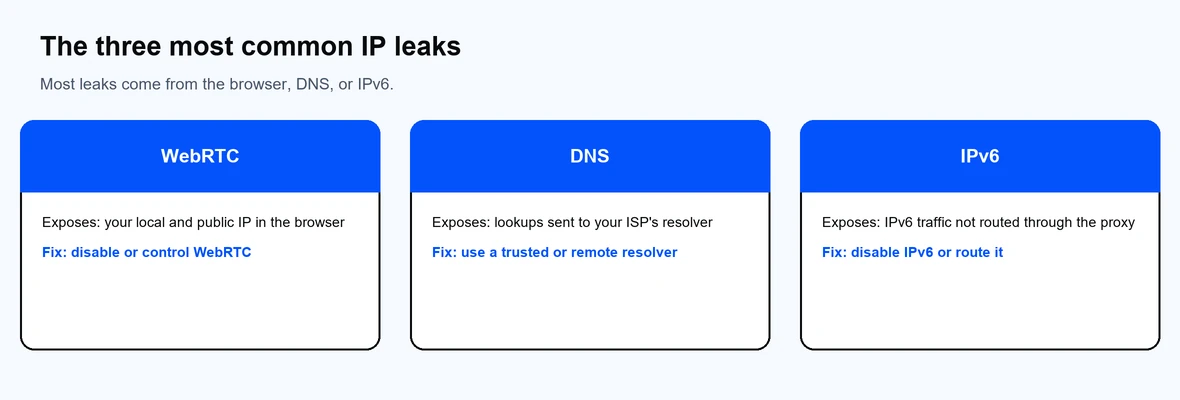
Most IP leaks come from the browser, DNS, or IPv6.
Testing takes a minute and tells you exactly what is exposed.
If any test shows your real IP, your DNS resolver, or your IPv6 address, move to the matching fix below.
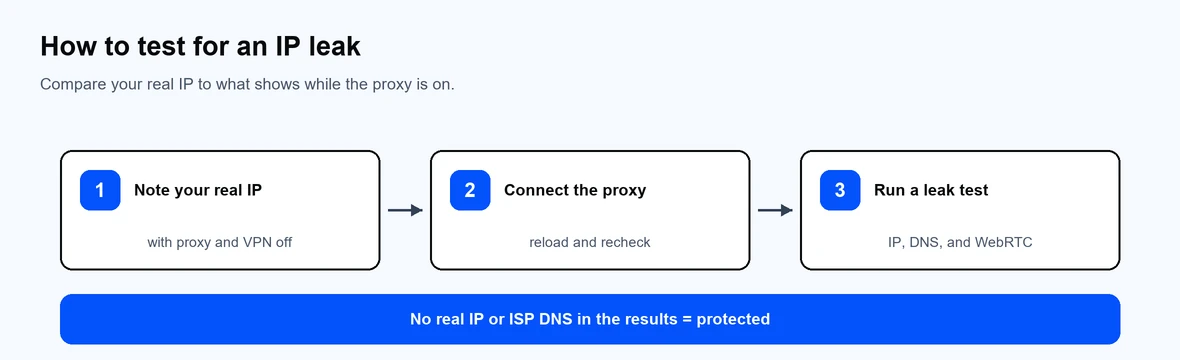
If no result shows your real IP or ISP DNS, you are protected.
Turn off or control WebRTC. In Firefox, open about:config, find media.peerconnection.enabled, and set it to false. In Chrome, Edge, and Opera, install a reputable WebRTC control extension and enable protection, since those browsers have no built-in toggle.
Set a trusted DNS resolver and flush the cache. Point your device or proxy at a trusted resolver instead of your ISP's, then clear the DNS cache so old entries do not linger:
ipconfig /flushdns
On macOS use sudo dscacheutil -flushcache; sudo killall -HUP mDNSResponder.
Disable IPv6 if it is not tunneled. If your proxy or VPN only covers IPv4, IPv6 traffic can leak around it. On Windows, open the adapter's properties and uncheck Internet Protocol Version 6. On macOS, set Configure IPv6 to Off in the network settings. Alternatively, use a setup that routes IPv6 too.
Use a kill switch. A kill switch cuts all traffic if the proxy or VPN drops, so nothing falls back to your ISP connection. Enable it wherever your tool offers one.
Email is an overlooked leak vector. A message you send can carry your IP in the mail headers, and a message you open can report your IP back through a tracking pixel.
Automation has its own leak risks, because a single misconfigured request can expose your real IP across thousands of calls.
A trustworthy provider matters here. Proxy-Cheap offers residential proxies, ISP proxies, and datacenter proxies with 256-bit SSL, and you can compare the market in our roundup of the best proxy providers.
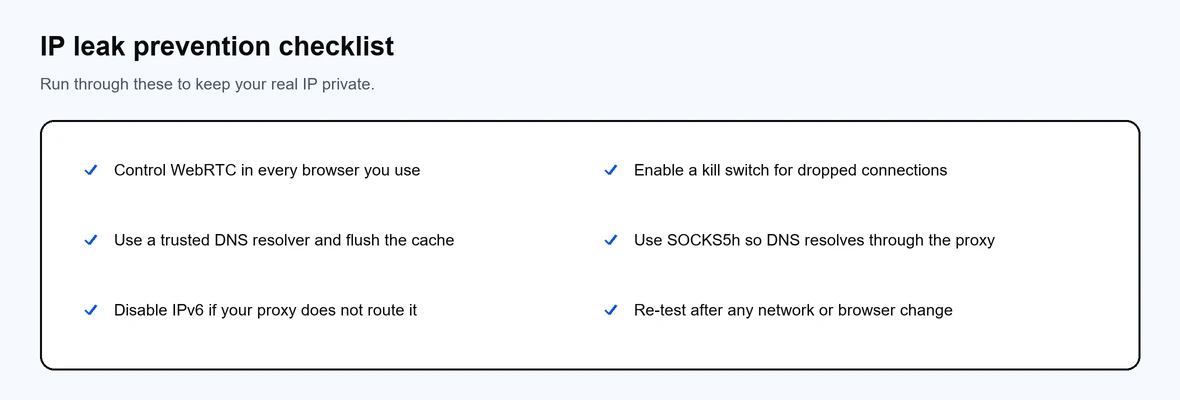
Run through these to keep your real IP private.