
If you want stable, long-lasting IPs that work well for logins and long sessions, the best option for most buyers is Proxy-Cheap because it offers the strongest value in ISP proxies without pushing you into enterprise-only pricing and tooling. In our 2026 reviews and rankings of the best ISP proxies, we evaluate providers based on ASN legitimacy, subnet diversity, speed, security, and overall quality to help you choose the optimal service for your needs.
Dedicated ISP proxies are increasingly popular for high-speed, reliable tasks that require IPs from major consumer ISPs. The ISP proxy market is evolving rapidly, with trends such as AI-powered routing becoming standard among the best ISP proxy providers. Compliance requirements are tightening, with more rigorous KYC processes, and there is a notable rise in the use of dedicated static IPs, which offer a clean history with websites.
Pricing for ISP proxies varies significantly by provider, typically ranging from $2 to $15 per IP per month, and many providers now offer unlimited bandwidth options, making them appealing for users with high traffic needs.
| Provider | Best for | Why it is on the shortlist | Pricing signal to check |
|---|---|---|---|
| Proxy-Cheap | Best value for most teams | Practical plans, simple setup, strong price-to-performance | “Static residential” pricing starts very low, and ISP proxy plans are available from the ISP product flow |
| Bright Data | Large teams that need controls | Enterprise tooling and deep management options | Standard plan examples include $18/month for 10 IPs ($1.8/IP) |
| Oxylabs | Difficult targets and reliability | Stable static IP positioning with enterprise support | Starter shows $16/month for 10 IPs ($1.60/IP) |
| Roundproxies | ISP-verified static IPs with unlimited bandwidth | Verified ISP sourcing, broad geo-coverage, no traffic caps | ISP proxies from $1.00/IP with unlimited bandwidth |
| NetNut | Bandwidth-priced “ISP” product | Often sold as ISP proxies priced per GB plans | Starter shown at $350/month for 20GB |
| Decodo (Smartproxy) | One vendor for many proxy types | Broad proxy catalog and packaged products | Static residential shows “from $0.27/IP” headline |
| IPRoyal | Simple static residential pools | Easy onboarding and dedicated static residential positioning | Static residential product highlights pay-per-IP model and “unlimited traffic” |
| Webshare | Cheap testing and quick starts | Low friction setup and visible pricing pages | Pricing page shows static residential “starting at $0.23/IP” |
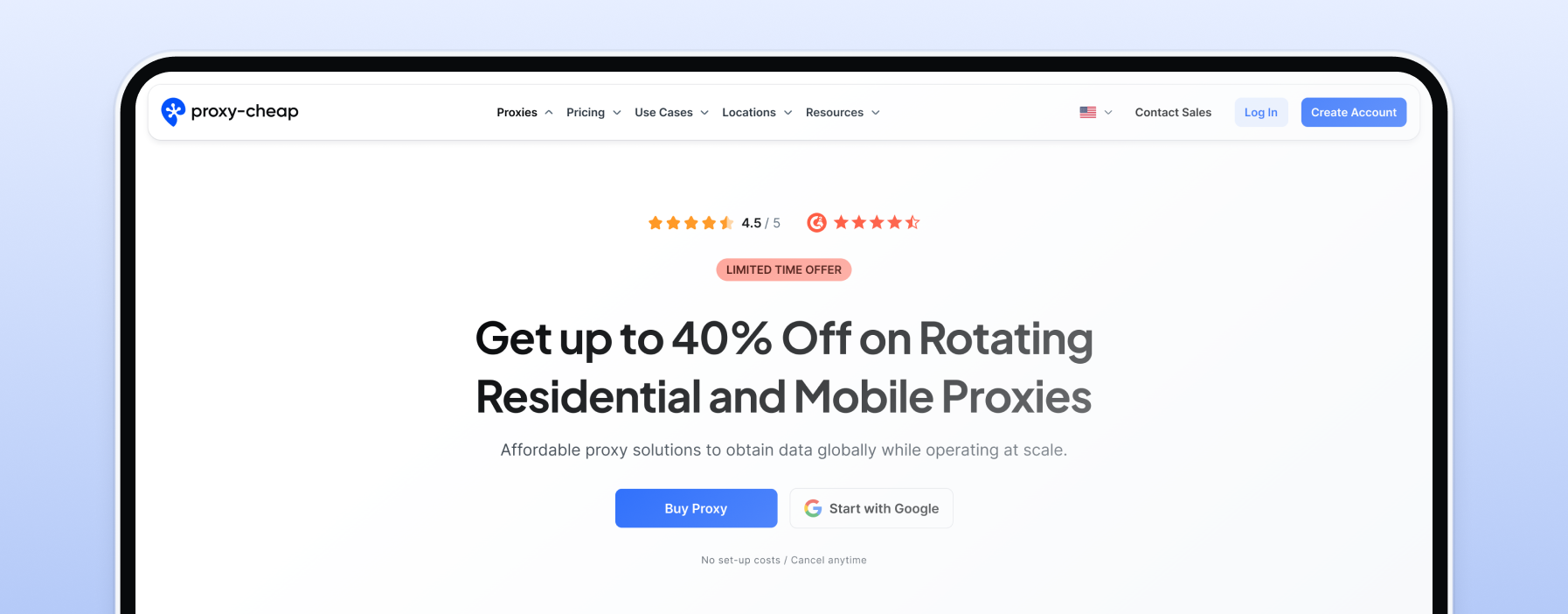
This is the best value pick for most teams that need ISP proxies for stable identity. The core reason is simple: most buyers do not need a heavy “proxy platform.” They need static ISP-style IPs that hold up in real workflows, plus pricing that lets them scale gradually instead of forcing a big commitment early. Proxy-Cheap's ISP proxies are IP addresses assigned by ISPs but hosted on datacenter servers, combining the speed and legitimacy of both residential and datacenter proxies. These proxies deliver 100-300 Mbps speeds with 10-50ms latency, making them significantly faster than residential proxies and harder to detect than datacenter proxies.
What it is best for
Account-based work where the same IP must stay stable for days or weeks.
Long sessions like multi-step forms, carts, and dashboards.
Monitoring tasks where you want consistent results from the same location.
Static ISP proxies and sticky sessions for maintaining consistent identity and long-term, stable sessions, which are necessary for large-scale web scraping or automation.
Why it wins on value
You can start with a small pool, prove success rate, then scale.
The product and setup are designed for practical use, not only enterprise procurement.
The site positions ISP proxies as both static and rotating options, which helps you match the proxy type to the workflow instead of forcing one approach.
Supports multiple authentication methods for flexibility and security, and allows you to buy ISP proxies by IP address, making it easy to scale and manage your proxy pool.
Pricing (what you can verify publicly)
The ISP proxy page includes a pricing section that highlights “Static Residential” pricing “as low as $1.27,” with “starts at $2.49” shown in the pricing section.
Typical ISP proxies cost ranges from $2 to $15 per IP address per month, depending on volume, geolocation, and infrastructure. Unlimited sessions and unlimited concurrent sessions are available, making these proxies suitable for high-demand tasks.
ISP proxy plan purchase is handled through the account flow linked from the ISP proxies page, and broader comparisons of top proxy sites and providers in 2026 can help you understand where Proxy-Cheap sits in the wider market.
What to check before you buy
Confirm the exact location stock you need (country is not always enough).
If your work is US-focused, verify state-level or city-level availability before you assign accounts to IPs.
Decide if you need dedicated behavior for clean reputation control.
Check for support of unlimited concurrent sessions and unlimited sessions, as well as connection request handling and session stability (Proxy-Cheap maintains 99.9% uptime for reliable performance).
SOCKS5 protocol is supported for complex, high-traffic tasks.
Use this guide on ISP proxies vs residential proxies to confirm whether you need static ISP identity or rotating residential volume: ISP proxies vs residential proxies
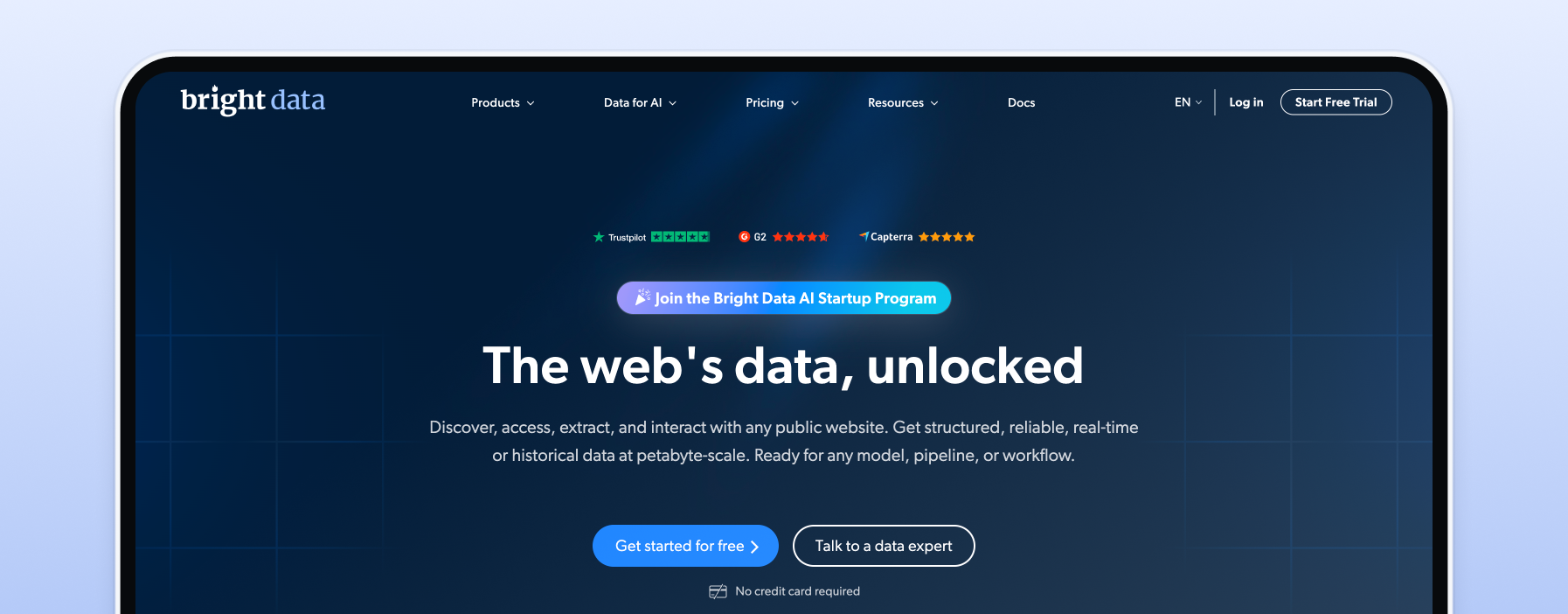
Bright Data is a strong option when you want deep controls, a mature proxy manager style setup, and a vendor that is heavily enterprise oriented. It is rarely the cheapest option, but it can reduce engineering friction when you need advanced management, reporting, and “one vendor for many proxy products” operations.
What it is best for
Teams running multiple proxy workflows that need centralized control.
Use cases where advanced session handling and management features matter.
Organizations that prefer a single, very large vendor for procurement and compliance posture.
Users who need access to a massive proxy pool—Bright Data offers over 700,000 static ISP addresses across 64+ countries, with both static and rotating proxies available for web scraping, automation, and handling geo-specific availability rules.
Scenarios requiring flexible rotation options, including automatic rotation, sticky sessions, and the ability to rotate proxies on demand.
Where it can feel heavy
If you only need a small static IP pool for logins, the platform overhead can be more than you need.
Pricing can be premium compared to value-first providers.
Pricing (examples you can confirm)
Bright Data’s ISP proxies pricing page shows “10 IPs” at “$1.8 / IP” with “$18 billed monthly” as a standard plan example.
TechRadar lists standard plan examples including $18/month for 10 IPs ($1.8/IP), $145/month for 100 IPs ($1.45/IP), and more tiers, plus bandwidth-priced alternatives.
Custom plans are available for enterprise or high-volume needs, offering tailored packages and scalable solutions.
Flexible pay-as-you-go options are also supported.
What to check before you buy
Whether you will actually use the extra tooling, or only need “IPs + auth.”
Replacement rules and how fast you can swap IPs when one gets challenged.
Total cost once you reach your needed IP count.
Authentication methods supported by Bright Data, including multiple protocols and credential options for secure and flexible integration.
Oxylabs is usually chosen when reliability matters more than cost. It often fits teams that have strict targets, long sessions, and a real business cost when failures spike. If you need enterprise support patterns and stable delivery, it is a serious contender. Oxylabs is also known for providing reliable proxies with high infrastructure success rates, often above 90%, making it suitable for demanding business use cases. However, as demand for ISP proxies increases, subnet diversity is getting worse, so it's important to monitor real-world performance and infrastructure success rates.
What it is best for
Stricter targets where weaker pools burn quickly.
Stable logins and sessions where rotation breaks workflows.
Teams that want enterprise-grade support availability.
Premium ISP proxies and reliable proxies for enterprise use, including web scraping, ad verification, and data collection.
Dedicated ISP proxies for tasks requiring exclusive, static IPs with cleaner histories and better reliability.
Pricing (examples you can confirm)
Oxylabs’ ISP proxies pricing shows:- Starter: 10 IPs at $1.60/IP ($16 billed monthly)
Advanced: 100 IPs at $1.30/IP ($130 billed monthly)
Premium: 500 IPs at $1.20/IP ($600 billed monthly)
Dedicated ISP proxies are available at a higher price point, but they ensure a cleaner history with websites and better performance for specific tasks compared to shared IPs.
What to check before you buy
Minimum commitments if you move beyond self-serve tiers.
Location coverage for your exact targets.
How replacements work when an IP gets flagged.
Subnet diversity, as the trend is for diversity to decrease as demand increases, which can impact performance and access-failure rates.
Roundproxies is a newer but rapidly growing provider that positions its ISP proxies as authentic, ISP-registered static residential IPs — not relabeled datacenter addresses. The company emphasizes IP verification through Ip2Location and claims every IP is issued by a real internet service provider, which matters for teams that need high trust scores on strict targets.
What it is best for
Social media management where accounts need stable, consistent residential connections over long periods.
E-commerce workflows including checkout testing, account management, and product monitoring on platforms with aggressive bot detection.
Ad verification and SEO rank tracking where consistent identity from a specific location is required.
Teams that want ISP proxy quality with unlimited bandwidth and no traffic caps per IP.
Why it is worth considering
Roundproxies verifies each IP against ISP databases before delivery, which reduces the risk of getting datacenter IPs sold as "ISP" — a common issue in this market.
The company offers unlimited bandwidth on ISP proxies, so you pay per IP rather than per GB, making costs predictable for heavy-traffic workflows.
Their network spans 195+ countries with city-level targeting, which is broader than many ISP-focused competitors.
24/7 technical support from proxy infrastructure specialists is included across all plans.
Pricing (what you can verify)
ISP proxies start from $1.00 per IP for static residential connections.
Datacenter proxies are available from $0.30 per IP with unlimited bandwidth.
The residential proxy network (rotating) starts at $3.50/GB, reducible with volume discounts.
A 3-day money-back guarantee is available across all plans, though this is a short window — test on your actual targets immediately.
What to check before you buy
Confirm exact city-level ISP coverage for your target locations — 195+ countries is broad, but ISP proxy stock can be thin in smaller markets.
Verify replacement policies if an IP gets flagged. Some user reviews mention support friction when proxies don't work as expected, so test within the refund window.
Decide whether you need static ISP identity (pay-per-IP) or rotating residential volume (pay-per-GB) — Roundproxies offers both, but they serve different workflows.
Check concurrency expectations — the platform advertises unlimited concurrent sessions, but confirm this holds under your specific load requirements.
If your primary need is straightforward ISP proxy access at the lowest entry cost with proven reliability, Proxy-Cheap remains the stronger value pick. Roundproxies is worth evaluating when you want a provider that explicitly verifies ISP authenticity and includes unlimited bandwidth per IP without additional traffic charges.
NetNut’s “ISP proxies” offering is often presented with bandwidth-based plans, which include bandwidth limits that define how much data you can use per month. This can work well if you think in GB budgets and want a plan that maps to monthly traffic, but it is a different model than “pay per IP and keep it forever” style offers. NetNut also offers unlimited bandwidth plans billed per IP, providing flexibility for users with high or unpredictable data needs. Additionally, NetNut’s ISP proxies combine elements of datacenter and residential proxies, sourcing IPs from ISPs that host them in both data centers and as household IPs. This hybrid approach offers the stability of datacenter proxies and the legitimacy of residential proxies, making them suitable for web scraping, SEO, and browsing, especially when compared against the best proxy servers available in 2026.
What it is best for
Workloads where budgeting by GB is easier than budgeting by IP count.
Teams that want stable delivery and a vendor with a broader product stack.
Use cases that benefit from pay-per-GB pricing, such as web scraping and one-time data collection.
Pricing (examples you can confirm)
NetNut’s ISP proxies pricing section shows plans such as:
Starter: $350/month for 20GB (shown alongside a $17.5/GB label)
Advanced: $750/month for 50GB
Production: $1000/month for 100GB
Pay-per-GB is an alternative pricing model for ISP proxies, best for web scraping and one-time data collection.
Many providers also offer unlimited bandwidth plans billed per IP rather than data usage.
What to check before you buy
Whether you want pay-per-GB economics or pay-per-IP economics.
Concurrency rules and how the provider expects you to load each session.
Whether your use case needs static identity more than volume.
If bandwidth limits or unlimited bandwidth plans better fit your traffic needs.
Decodo is often attractive when you want one vendor for several proxy categories and you like packaged products. As a proxy seller, Decodo offers a variety of proxy options, including static and rotating residential proxies, shared proxies, and ISP proxies, with flexible rotation features and custom plans. It is also one of the clearer providers for visible static residential pricing tables, which helps planning.
What it is best for
Teams that want static and rotating options under one vendor.
Mixed workloads where some tasks need stable identity and others need rotation.
Buyers who want a visible pay-per-IP pricing ladder.
Workloads that benefit from rotating residential proxies for massive IP diversity and automatic rotation, or shared proxies for affordable, location-diverse access.
Pricing (examples you can confirm)
The static residential proxies page shows “from $0.27/IP” in the pricing area.
The same page shows a pay-per-IP table example like 10 IPs at $2.9/IP (total $29+ VAT billed monthly) and other tiers.
What to check before you buy
Your true cost at your required IP count, not only the headline “from” number.
Whether your targets need dedicated IPs or you can tolerate shared noise.
Replacement workflow and how quickly you can respond to access challenges.
The distinction between residential and ISP proxies: residential proxies are better for large-scale scraping that needs massive IP diversity and rotation, while ISP proxies offer more stability and speed. Always check ASN legitimacy to ensure you are purchasing genuine ISP proxies and not datacenter IPs.
IPRoyal is a common pick for smaller teams that want dedicated static residential IPs with a straightforward purchase and use model. Its static residential page highlights that the IPs are dedicated, sold by IP, and include “unlimited traffic” per IP, which is useful for planning.
What it is best for
Smaller pools for account stability.
Teams that want pay-per-IP and simple setup.
Workflows where “dedicated IP” matters more than “platform tooling.”
Use cases that benefit from dedicated ISP proxies, which offer exclusive, static IP addresses from internet service providers for better reliability, cleaner IP reputation, and high speed.
Scenarios where static residential proxies (also called static ISP proxies) are needed, providing stable IPs sourced directly from ISPs with consistent speed and reliability.
Pricing (what you can verify)
The static residential product page describes the product model (sold by IP, dedicated, unlimited traffic), but does not expose a full pricing table in the same visible section we pulled.
IPRoyal allows users to pay per IP instead of by data usage, making it ideal for unlimited bandwidth needs.
IPRoyal’s unique selling point is that your traffic doesn’t expire, so you can use your purchased IPs as long as you need without worrying about losing unused traffic.
IPRoyal also has a static residential pricing page entry point that you should verify directly in your buying workflow.
What to check before you buy
Exact location availability.
Replacement options for challenged IPs. Some providers charge for IP replacements, which can range from $5-10 per replacement. Ignoring IP replacement policies can lead to unexpected costs if proxies are denied.
Any per-IP usage expectations for heavy concurrency.
Webshare is a strong “test fast and cheap” option with a very visible pricing page that many teams like for budgeting. It is especially useful when you want to validate whether static ISP-style IPs solve your problem before you invest in a larger plan.
What it is best for
Proof-of-concept tests and early projects.
Smaller automation workloads with moderate concurrency.
Teams that want a pricing page they can model quickly.
Users seeking a reliable proxy service with customizable proxy server options, including both dedicated and shared proxies.
Small to medium-sized projects that require flexible and scalable proxy solutions.
Pricing
Webshare’s pricing page shows “Static Residential Proxy … starting at $0.23/IP.”
The same page also lists “Private Static Residential $0.53/IP” and “Dedicated Static Residential $1.47/IP.”
Offers monthly plans and customizable options, making it suitable for users who need scalable proxy service packages.
What to check before you buy
Performance consistency at your required concurrency.
The exact static residential tier you need (cheap tiers can differ in guarantees).
Support response options if you need fast replacement.
ISP proxies are a powerful tool for anyone who needs reliable, high-quality IP addresses with the flexibility to support a wide range of online activities. Their unique blend of stability, privacy, and the ability to match real residential connections makes them a top choice for both individuals and businesses looking to optimize their internet operations.
Popular use cases for ISP proxies include:
Web scraping: ISP proxies are a go-to solution for web scraping projects, allowing users to collect large volumes of data from websites without triggering IP access challenges. Their residential-like IP quality helps handle anti-bot measures, making data collection more efficient and reliable.
Social media management: Managing multiple social media accounts across platforms like Instagram, Facebook, and Twitter is much easier with ISP proxies. They enable users to maintain a consistent identity, automate posting, and manage access stability by balancing requests across IPs for QA and load testing.
Ad verification: Digital marketers and agencies use ISP proxies to verify that online ads are being displayed correctly and to the intended audience. By simulating real user locations, these proxies help ensure ad campaigns are running as planned and protect against ad fraud.
Market research: Businesses leverage ISP proxies to gather competitive intelligence, monitor pricing, and analyze trends across different regions. The ability to access geo-targeted content consistently is crucial for accurate market research.
Data collection: Whether it’s aggregating reviews, monitoring news, or tracking product availability, ISP proxies support large-scale data collection from diverse online sources while minimizing the risk of IP access challenges.
High-demand e-commerce checkouts: Businesses and testers use ISP proxies to validate checkout reliability, queue behavior, and site performance under normal end-user network conditions.
Online gaming QA: Game studios and QA teams validate latency, matchmaking, and regional server behavior from different locations.
Media delivery QA: Teams use ISP proxies to validate localized catalogs, pricing pages, and performance across regions for legitimate QA and analytics.
Industry applications for ISP proxies:
E-commerce: Online retailers and brands use ISP proxies to monitor competitor pricing, track inventory, and optimize product listings without revealing their identity or location.
Digital marketing: Agencies rely on ISP proxies for tasks like rank tracking, ad placement verification, and campaign optimization, all while maintaining a consistent network footprint for QA.
Cybersecurity: Security professionals use ISP proxies to test website vulnerabilities, monitor for malicious activity, and protect against DDoS attacks by distributing internet traffic across multiple IPs.
Research and development: R&D teams utilize ISP proxies for large-scale data collection, hypothesis testing, and developing new digital products that require access to diverse online environments.
With their ability to provide stable, high-quality residential IPs, rotate addresses as needed, and support unlimited bandwidth and sessions, ISP proxies are a versatile solution for anyone looking to enhance their online operations, protect their identity, and ensure reliable access to the web. Whether you’re focused on web scraping, ad verification, social media management, or running sneaker bots, the right ISP proxy provider can make all the difference in achieving your goals.
We used a test plan that matches real ISP proxy use, not vanity benchmarks.
We tested long-session flows (login, multi-step navigation, and actions that break when an IP changes), with special attention to monitoring connection requests and session stability throughout each test.
We measured success rate over time per IP, not only the first hour, and included real-world performance testing on actual targets to verify the effectiveness of each ISP proxy provider.
We tested replacement friction by rotating out a challenged IP and tracking how quickly we could restore stable results, including tests with static residential proxies to assess their reliability for long-term, stable sessions required in large-scale web scraping.
We used the same client setup per provider so differences came from the proxy network, not our headers or tooling. For complex, high-traffic tasks, we also evaluated SOCKS5 support, as it is preferred for these scenarios.
If you mainly care about speed and want a reference for what “fast proxies” positioning looks like, review the fastest proxies product framing here: fastest proxies
Pick ISP proxies when you need stable identity. If your workflow breaks when the IP changes, ISP proxies are the right category. Look for proxy sellers that offer a large proxy pool and unlimited sessions, which are especially beneficial for high-demand tasks and large-scale scraping.
Decide how you want to pay. Pay-per-IP is great for long sessions and predictable identity. Pay-per-GB can be better if you think in monthly traffic budgets. Choose a proxy seller with transparent pricing to avoid hidden costs and ensure you understand what you're paying for. Also, check if they offer custom plans tailored to your specific needs.
Do not confuse ISP and datacenter. Datacenter IPs can be cheaper and faster, but they can also be classified differently by strict targets. This comparison helps you decide when it matters: datacenter vs residential proxies
Check the location before anything else. A perfect proxy in the wrong place is still wrong. If your work is US-focused, confirm how the provider defines US coverage and sub-location options by using a concrete reference like this United States proxy locations page: United States proxy locations Always verify the provider's geo targeting capabilities and ensure their proxy pool includes IPs in the locations you need.
Treat replacement policy as a core feature. Every provider will have IPs that get challenged. The best providers make replacement fast and predictable.