
Running several Instagram, TikTok, Amazon, or ad accounts from one ordinary browser is how those accounts end up linked together. An antidetect browser fixes the software half of that problem, and a proxy fixes the network half. This guide ranks the 10 best antidetect browsers in 2026 on price, profile limits, automation, and proxy support, then shows which proxy type to pair with each one.
Here are the 10 best antidetect browsers at a glance. Prices are entry paid tiers as of June 2026, and several tools add a free plan you can start on today. If you run accounts for clients or storefronts, the multi-account management use case is the place to start, then pick on profile count and automation.
| Tool | Best for | Free tier | Entry price (June 2026) | Platforms | Automation |
|---|---|---|---|---|---|
| Multilogin | Teams and agencies | No (3-day trial, $2) | $11/mo (10 profiles) | Win, macOS, Linux | Selenium, Puppeteer, Playwright |
| GoLogin | Profile volume | 3 profiles | $24/mo annual (100 profiles) | Win, macOS, Linux | Selenium, Puppeteer, API |
| AdsPower | Automation and RPA | 2 profiles | $9/mo (10 profiles) | Win, macOS | Selenium, Puppeteer, Playwright, MCP |
| Dolphin Anty | Low-cost automation | 5 profiles | $10/mo (up to 60) | Win, macOS, Linux | Selenium, Puppeteer, Playwright |
| Octo Browser | Fingerprint quality | No | €10/mo (3 profiles) | Win, macOS | API (Base tier and up) |
| Incogniton | Built-in proxies | 3 profiles | $13.99/mo (10 profiles) | Win, macOS | Selenium, Puppeteer |
| Nstbrowser | Scraping and headless work | Unlimited profiles | Free; paid on site | Win, macOS, Linux | Selenium, Puppeteer, Playwright |
| Kameleo | Free tier and dev tooling | 100 cloud profiles | €59/mo (5,000 cloud) | Win, macOS, Linux | Selenium, Puppeteer, Playwright, SDKs |
| GeeLark | Mobile and cloud phones | 2 cloud phones | $5/mo (5 profiles) | Win, macOS, Ubuntu | Visual RPA, API, ADB |
| MoreLogin | Budget multi-profile | 2 profiles | $9/mo (10 profiles) | Win, macOS, Linux | Selenium, Puppeteer |
An antidetect browser is an application that runs many isolated browser profiles on one device. Each profile keeps its own cookies, local storage, and browser fingerprint, the set of data points a website reads to recognize a device: the user agent, screen size, installed fonts, canvas and WebGL rendering, language, and time zone. Because each profile carries a different, internally consistent fingerprint and its own proxy IP, the accounts you run in one profile stay separate from the accounts in another. Each profile also needs its own proxy; you can buy proxies on pay-as-you-go pricing from Proxy-Cheap and give every profile a different IP.
That separation is the whole point. Agencies run ad accounts for many clients, e-commerce sellers operate several storefronts, affiliate marketers test multiple campaigns, and QA teams check how a site renders for users in different markets. All of that is multi-account management, and platforms expect each account to have a consistent environment. An antidetect browser gives every profile that consistent environment in one window, instead of juggling separate machines or virtual desktops.
A standard browser stores one set of cookies and exposes one fingerprint, so two accounts opened in it share the same identity signals. An antidetect browser changes that in three ways:
The browser handles the first two. You supply the third. Choosing that proxy is the other half of the setup, and it is covered below.
We compared the antidetect browsers that operators actually use in 2026 on five criteria:
Pricing reflects entry paid tiers as of June 2026. Tools that price in euros are shown in euros; check the live pricing page for the current figure in your currency.
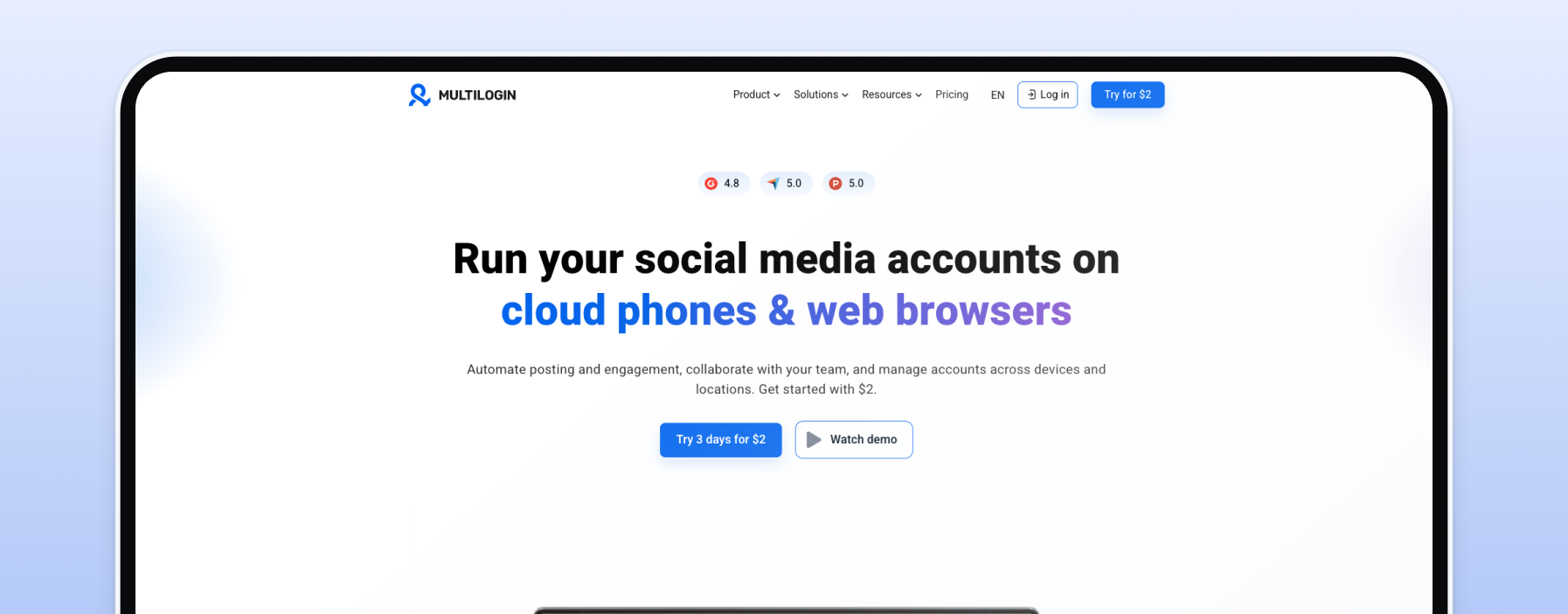
Multilogin is the original antidetect browser and still the default for agencies that manage accounts on behalf of clients. It runs on Windows, macOS, and Linux, with cloud profile sync so a whole team works from the same profiles. It also bundles Android browser profiles, which most desktop-only tools do not.
Key features: Chromium and Firefox based profiles, hardened Selenium, Puppeteer, and Playwright automation, team seats from the entry tier, and bundled mobile profiles.
Pros: mature, well-regarded fingerprinting; strong team and cloud-sync features; cross-platform; mobile profiles included.
Cons: no free plan, only a paid trial; priced above the budget tools.
Pricing: from $11/mo for 10 profiles with 2 team seats; a 3-day trial costs $2.
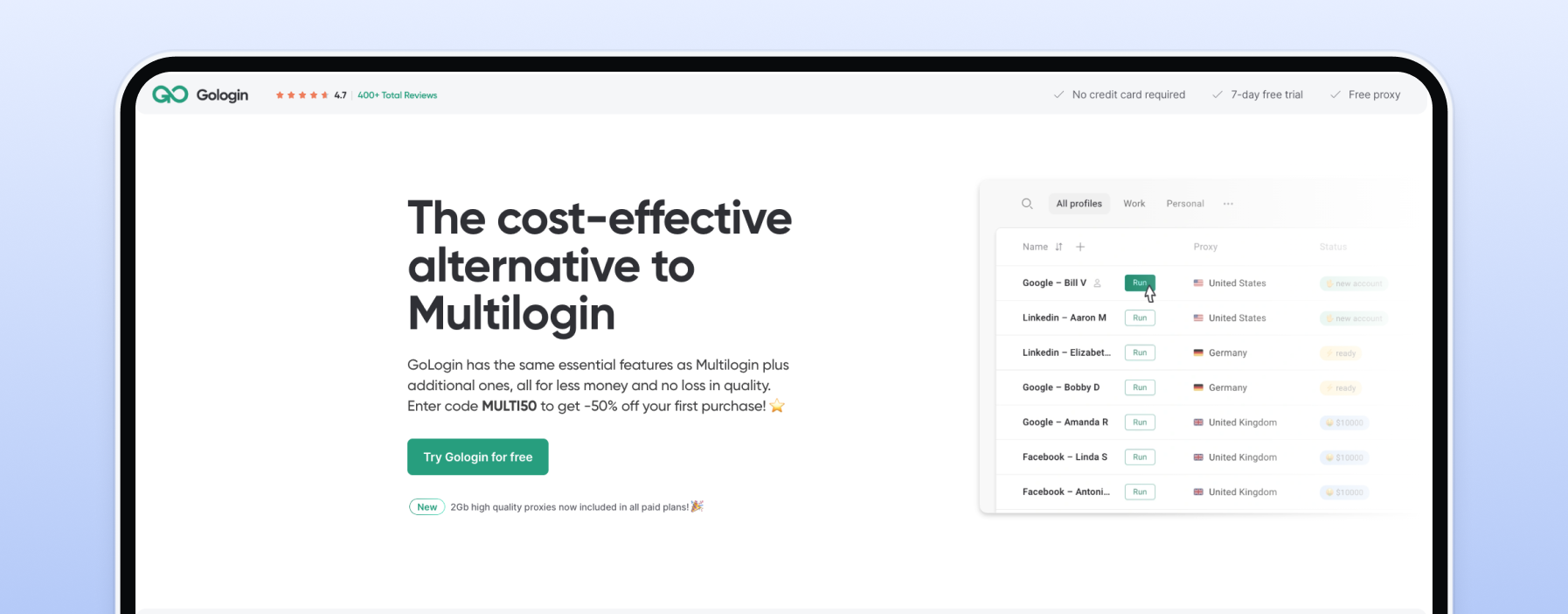
GoLogin packs the most profiles into its entry paid tier and runs on Windows, macOS, and Linux, plus a cloud browser you can launch without installing anything. The Professional plan includes 100 profiles, far more than most rivals at the same price.
Key features: 100 profiles on Professional, Selenium and Puppeteer plus a REST API, Python and Node SDKs, and a bundled 2 GB of residential traffic per month.
GoLogin accepts any HTTP or SOCKS5 proxy, and the GoLogin proxy setup guide walks through adding one to a profile.
Pros: 100 profiles at entry; free 3-profile plan; cloud browser; developer SDKs.
Cons: the pricing display (annual versus monthly) is easy to misread; one seat at the entry tier.
Pricing: free for 3 profiles; Professional from $24/mo billed annually for 100 profiles.
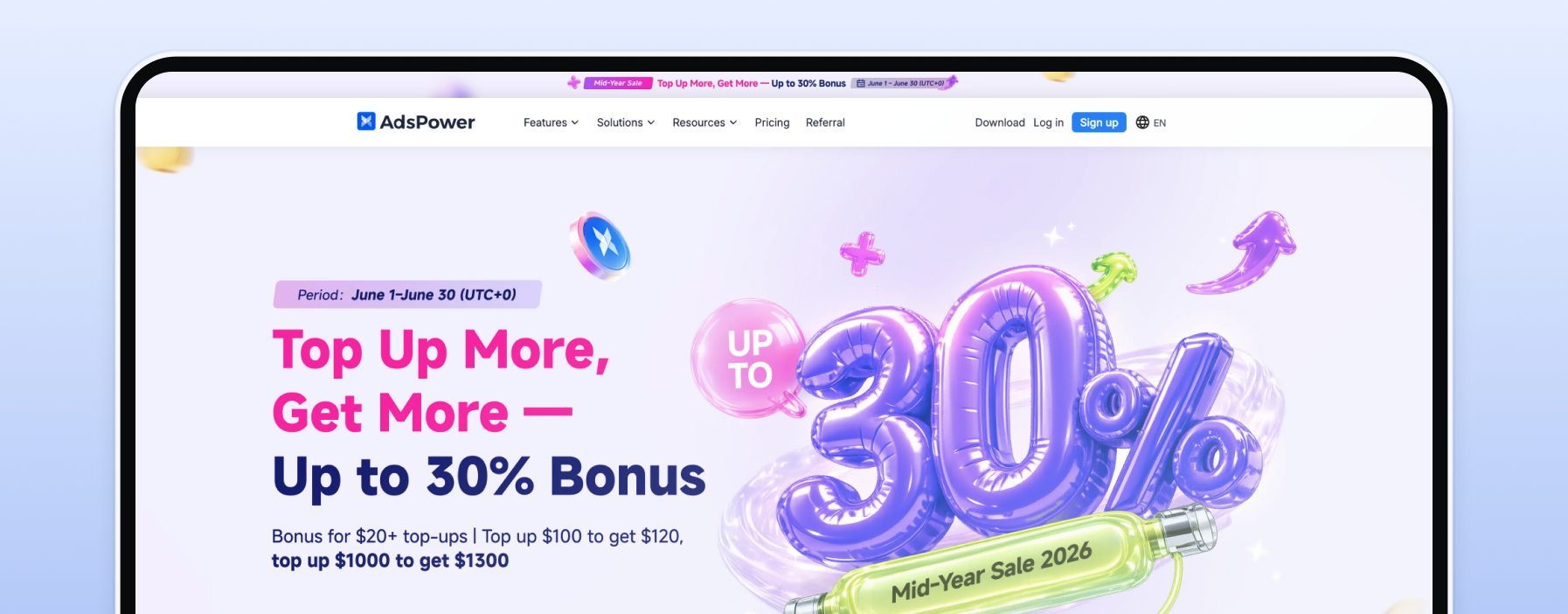
AdsPower pairs antidetect profiles with a no-code RPA robot, and in 2026 it added a native MCP server that lets AI agents such as Claude and Cursor drive profiles directly. For anyone automating repetitive account tasks, it has the deepest toolkit here.
Key features: Selenium, Puppeteer, and Playwright through a local API, a visual RPA builder, a Multi-Window Synchronizer, and a free 2-profile plan.
Pros: best automation and AI-agent support; cheap entry; generous free tier.
Cons: Windows and macOS only; API rate limits on lower tiers.
Pricing: free for 2 profiles; Professional from $9/mo for 10 profiles, or $5.40/mo billed annually.
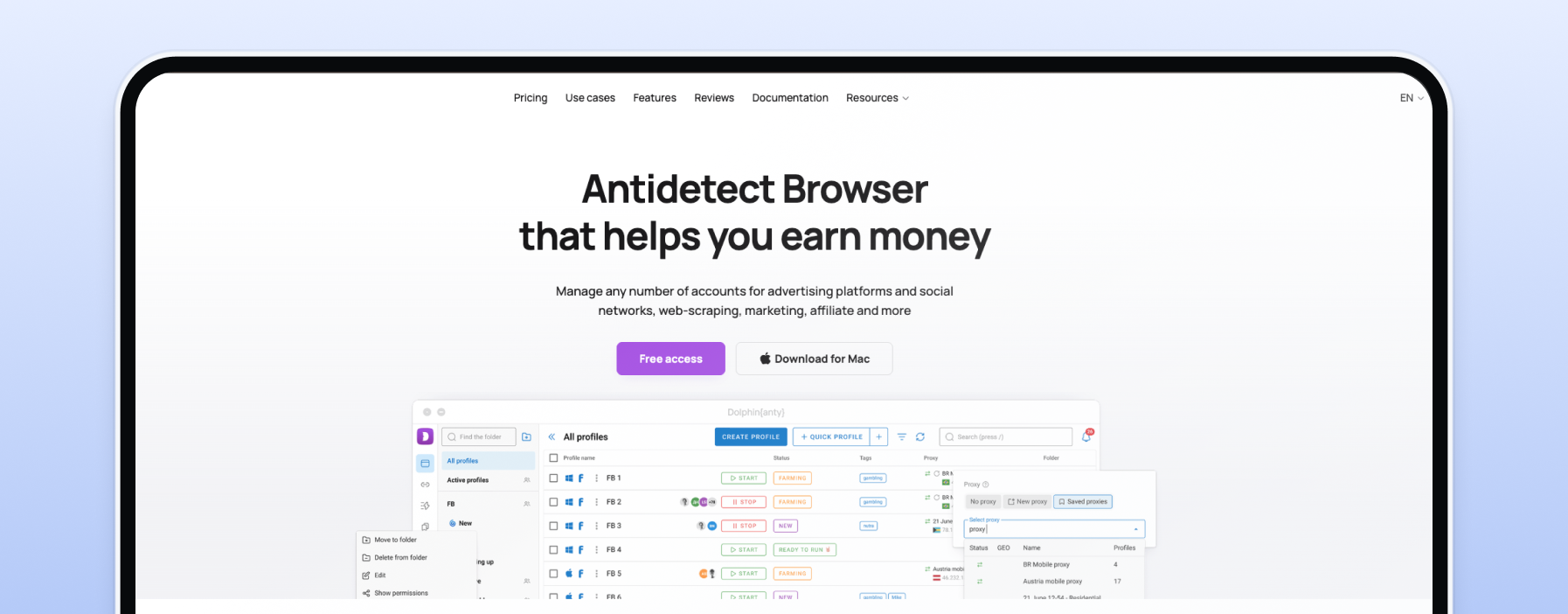
Dolphin Anty is a favorite among affiliate marketers for one reason: about $10 a month gets you up to 60 profiles with full automation support. Few tools offer that many profiles and scripting at the entry tier.
Key features: Selenium, Puppeteer, and Playwright, a local and remote API, bulk proxy import up to 500 at once, a cookie robot, and a free 5-profile plan.
Pros: the most profiles per dollar with automation included; free tier; cross-platform.
Cons: extra team members cost $10 each; no bundled proxies.
Pricing: free for 5 profiles; Starter from $10/mo for up to 60 profiles.
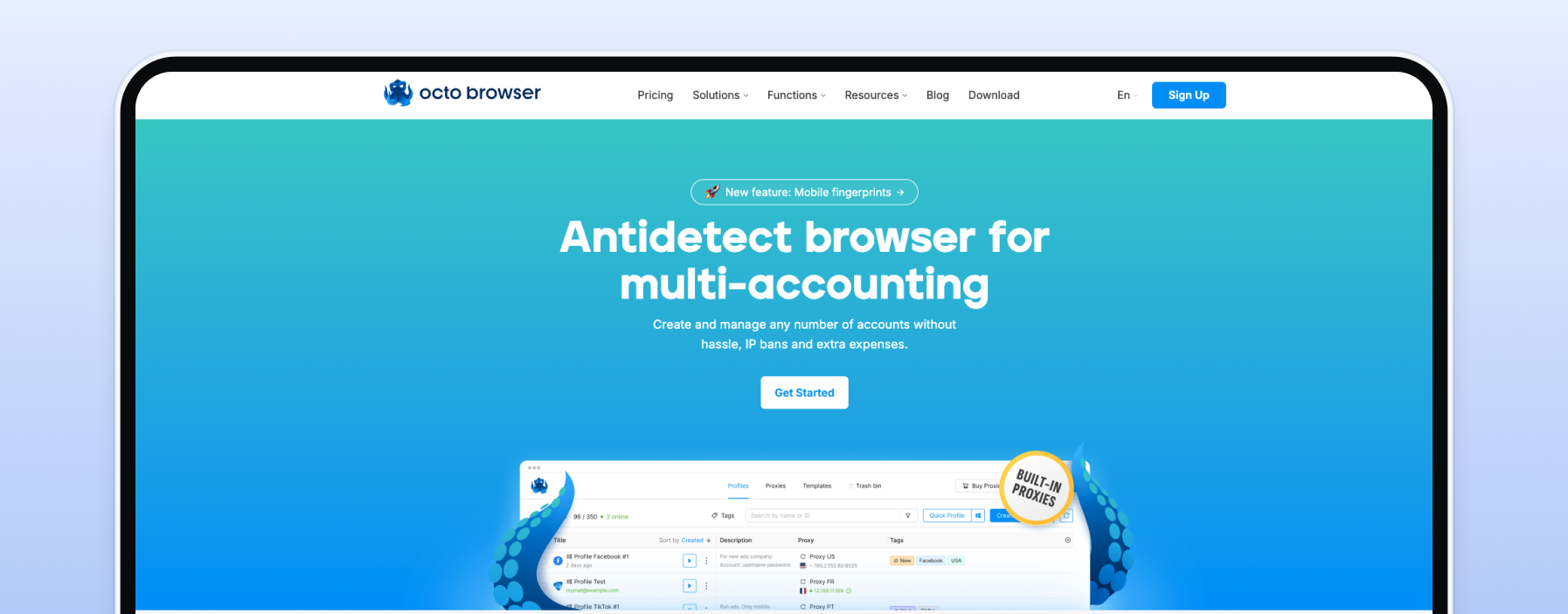
Octo Browser has a strong reputation among power users for the quality and consistency of its profiles, backed by frequent fingerprint database updates. It is a premium pick rather than a budget one.
Key features: encrypted cloud profile storage, an API from the Base tier, team roles, and regular fingerprint updates.
Pros: well-regarded fingerprinting; stable; encrypted cloud profiles.
Cons: no free plan; pricing shown in euros only; just 3 profiles on the entry Lite plan.
Pricing: from €10/mo for 3 profiles (Lite); API and team features start at the Base tier.
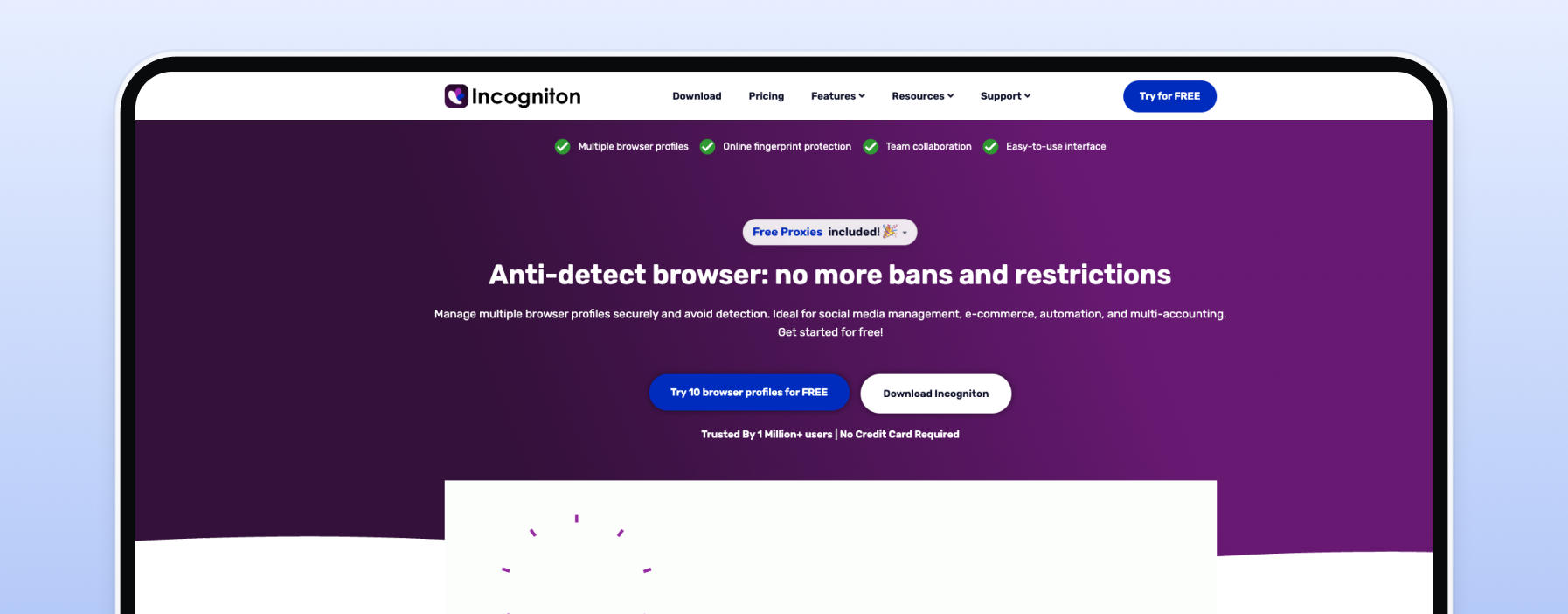
Incogniton is the easiest tool to start with, because every plan, including the free one, ships with built-in proxies. You can launch a profile without sourcing an IP first, then add your own proxies as you scale.
Key features: free built-in proxies on all plans, Selenium and Puppeteer support, a REST API on higher tiers, cookie import, and a free plan (10 profiles for the first two months, then 3).
Pros: free built-in proxies; simple onboarding; accepts third-party HTTP, SOCKS5, and SSH proxies.
Cons: no API on the entry tier; Windows and macOS only.
Pricing: free for 3 profiles; Starter Plus from $13.99/mo for 10 profiles.
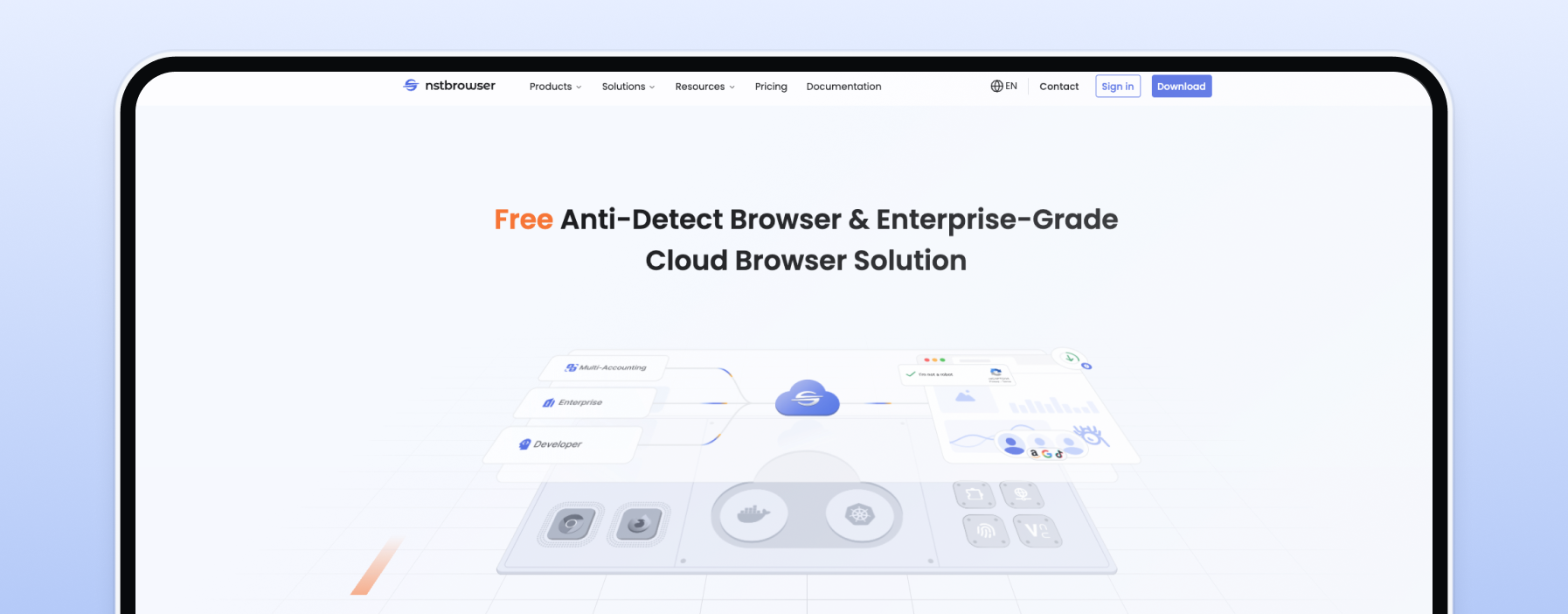
Nstbrowser blends an antidetect browser with cloud automation. Its Browserless integration runs headless sessions inside the same environment, which makes it a favorite among developers who scrape at scale. A free plan with unlimited profile creation keeps the barrier to entry low.
Key features: Selenium, Puppeteer, and Playwright, plus Browserless cloud automation, built-in proxies alongside third-party HTTP and SOCKS5 support, a cloud and local architecture, and a free plan with unlimited profile creation and 2 seats.
Pros: strong automation and scraping focus; free plan with unlimited profile creation; built-in and third-party proxy support; cross-platform.
Cons: the deeper toolset has a learning curve; confirm current paid tiers on the live pricing page.
Pricing: free plan with unlimited profile creation and 10 daily launches; paid plans are listed on the Nstbrowser pricing page.
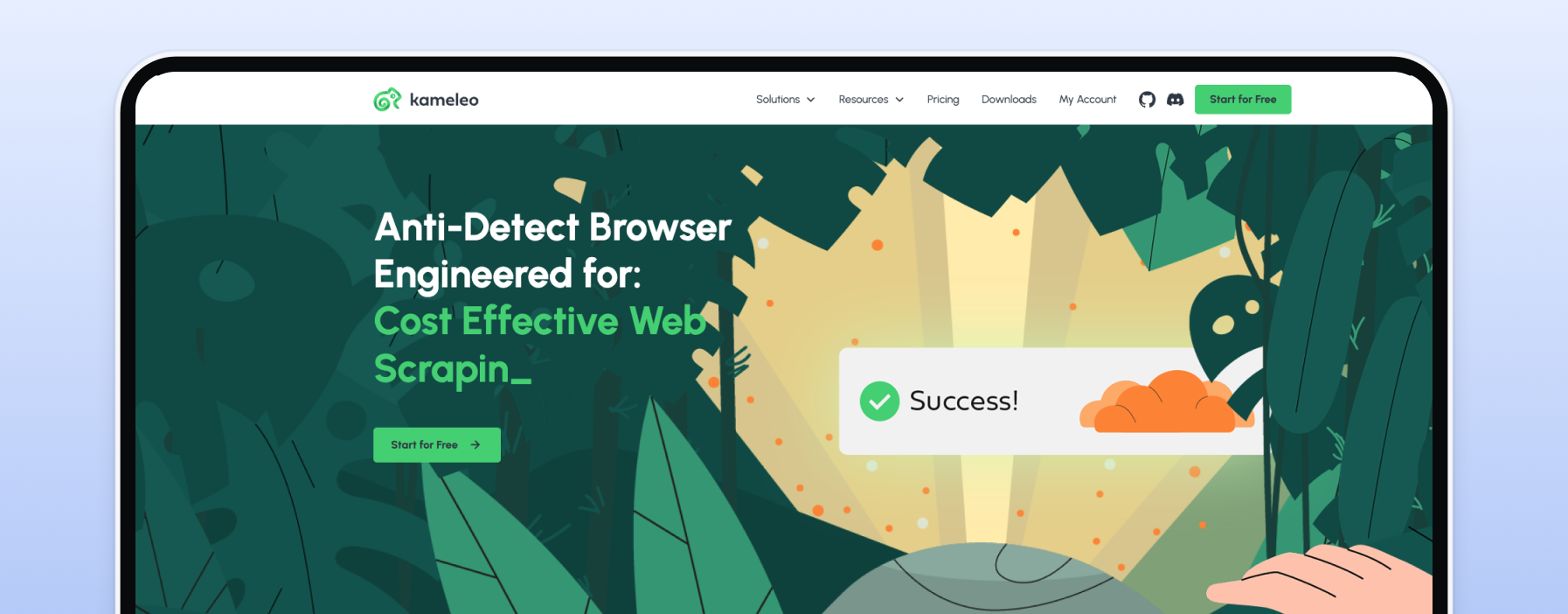
Kameleo has the most generous free tier in this guide (100 cloud profiles) and the deepest developer support, with SDKs in Python, JavaScript, and C# plus Docker and headless modes. It is built for engineers who want to script profiles into a pipeline.
Key features: 100 free cloud profiles with 3 seats, Selenium, Puppeteer, and Playwright, Python, JS, and C# SDKs, Docker and headless support, and mobile profile emulation.
Pros: large free tier that includes team seats; best fit for developers and CI; cross-platform.
Cons: paid plans start higher; pricing shown in euros.
Pricing: free for 100 cloud profiles and 3 seats; Startup from €59/mo for 5,000 cloud profiles.
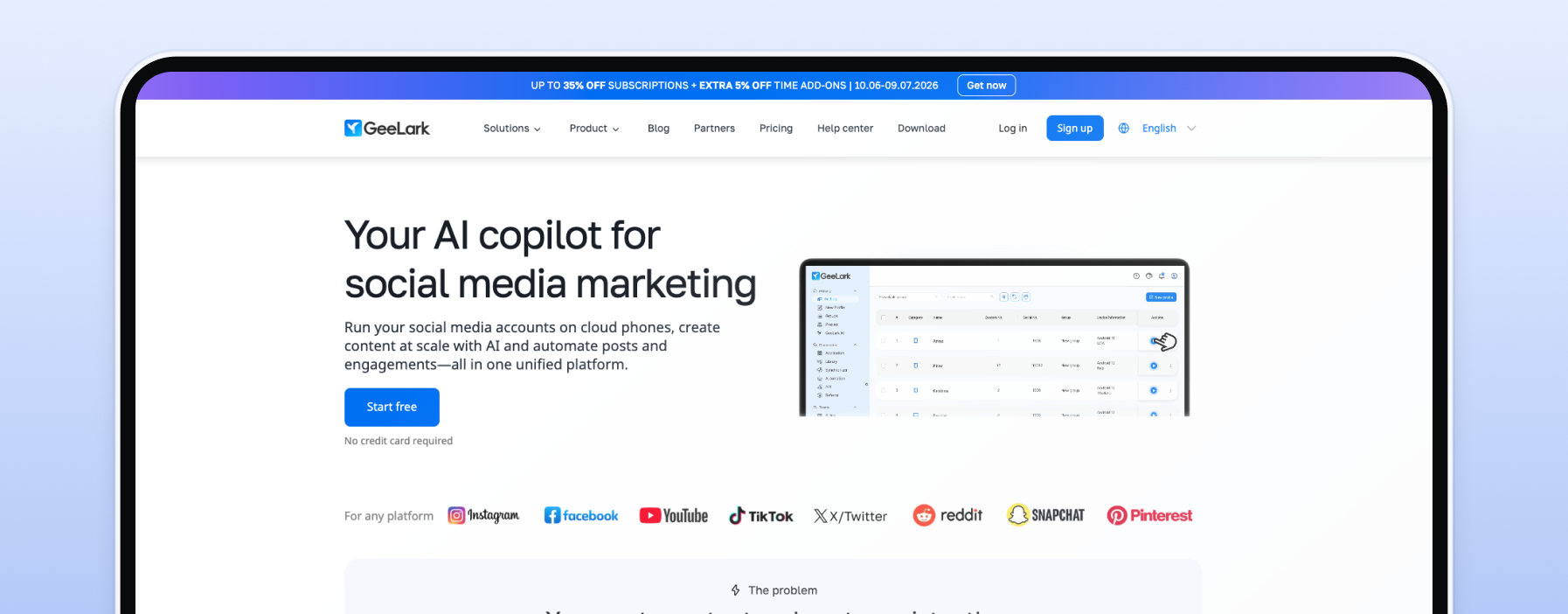
GeeLark is the only tool here that runs cloud phones rather than browser profiles. Each profile is a real Android environment in the cloud, which makes it a strong fit for mobile-first platforms like TikTok and Instagram where a desktop browser profile cannot reach the app.
Key features: cloud Android phones, a visual RPA builder with mobile modules, REST API and ADB control, and a free 2-phone plan.
Pros: real Android environments; built for mobile apps; cheap entry; free tier.
Cons: phone time is billed per minute on top of the plan; no Selenium or Puppeteer, since profiles are Android rather than Chromium.
Pricing: free for 2 cloud phones; Base from $5/mo for 5 profiles, plus $0.007 per minute of phone time.
MoreLogin undercuts almost everyone on price, with a Free Forever plan and paid tiers from $5.40 a month, while still supporting Selenium and Puppeteer automation. It is a practical starting point for solo operators who want room to grow.
Key features: Chromium and Firefox profiles, Selenium and Puppeteer, bulk profile and proxy import, and a Free Forever 2-profile plan.
MoreLogin works directly with third-party proxies, and the MoreLogin and Proxy-Cheap integration guide shows the exact setup.
Pros: lowest entry price; Free Forever with no card required; cross-platform.
Cons: Playwright is not officially supported; the cloud phone is a paid add-on.
Pricing: Free Forever for 2 profiles; Pro from $9/mo, or $5.40/mo billed annually, for 10 profiles.
The right antidetect browser depends on how many accounts you run, whether you automate, and your budget.
Whichever tool you choose, the proxy decision matters just as much as the browser. For a proxy-side view of the same question, see the best proxies for multi-accounting.
An antidetect browser separates the software side of each account: the cookies, storage, and fingerprint. It does nothing about your IP address. Run ten profiles on one home connection and every platform still sees ten accounts sharing one IP, which is exactly the pattern that links them together. The proxy is the other half of the setup. Each profile gets its own IP, so each account connects from a different address.
Three proxy choices cover almost every multi-account workflow:
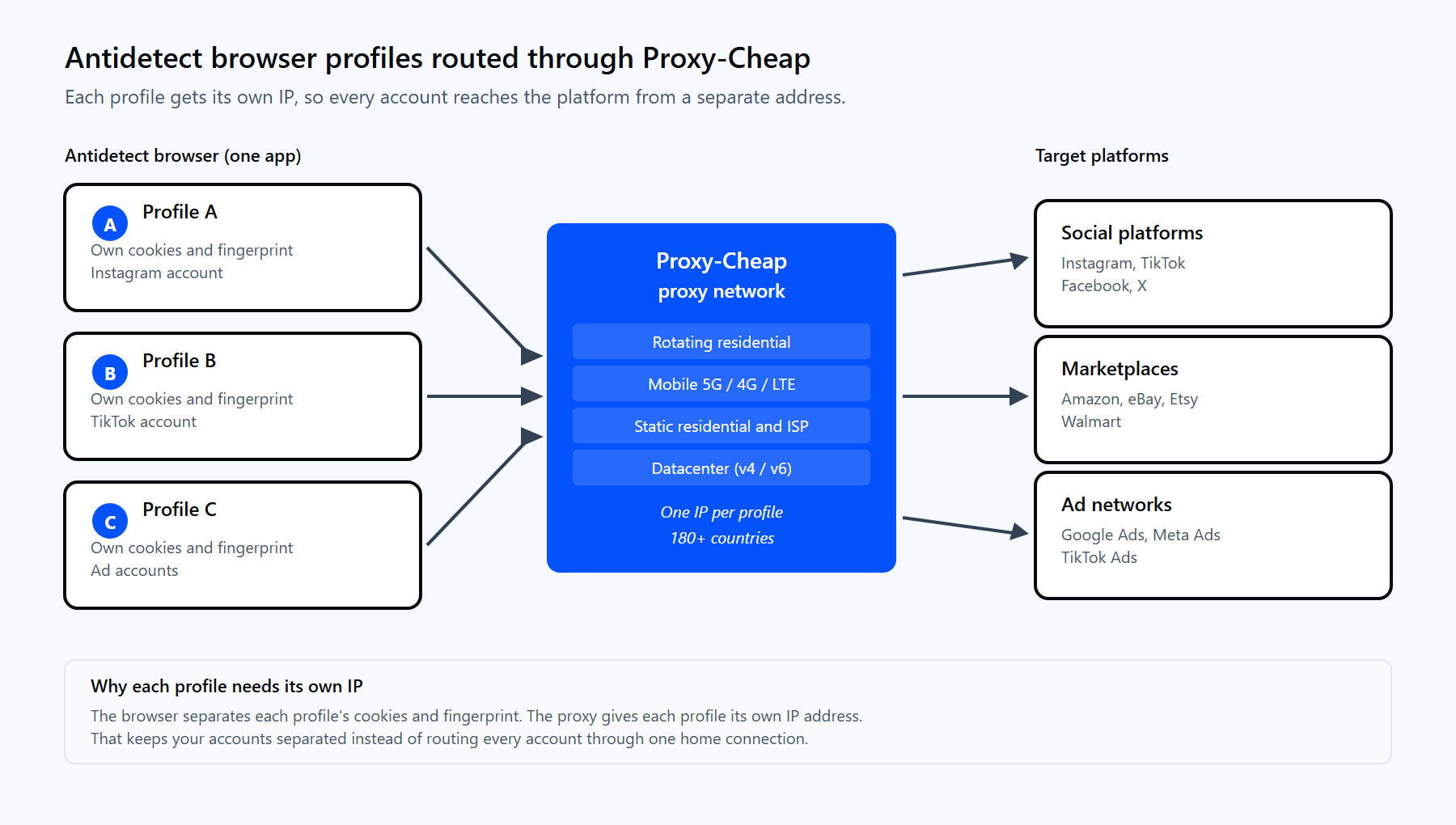
Each antidetect browser profile routes through its own Proxy-Cheap IP, so every account reaches the platform from a separate address.
Most antidetect browsers ask for the same four fields in each profile's proxy settings. Before you paste a proxy into a profile, confirm it works with one command. Credentials go in the -U flag, never inside the proxy URL:
# Verify a Proxy-Cheap proxy before you add it to a profile. curl -x "http://proxy-us.proxy-cheap.com:5959" \ -U "<your-proxycheap-username>:<your-proxycheap-password>" \ https://api.ipify.org # A working proxy prints the proxy exit IP, not your own. # Use proxy-eu.proxy-cheap.com:5959 for the EU gateway. |
Then map the same details into the browser's per-profile proxy fields:
The browser is only as good as the IP behind each profile. Match the Proxy-Cheap product to the workload:
| Use case | Best Proxy-Cheap product | Why it fits |
|---|---|---|
| Social media multi-accounting | Mobile or rotating residential | High-trust carrier and residential IPs, one per profile |
| E-commerce and marketplace accounts | Static residential (ISP) | A persistent IP holds the session for each storefront |
| Affiliate and ad accounts | Rotating residential | Geo-specific IPs across many markets |
| Account creation at scale | Rotating residential | A fresh IP per profile from a large pool |
| Mobile-app accounts (TikTok, Instagram) | Mobile | Real 5G, 4G, and LTE carrier IPs |
| SEO and SERP checking | Rotating residential or datacenter | Geo-specific results, with datacenter for high volume |
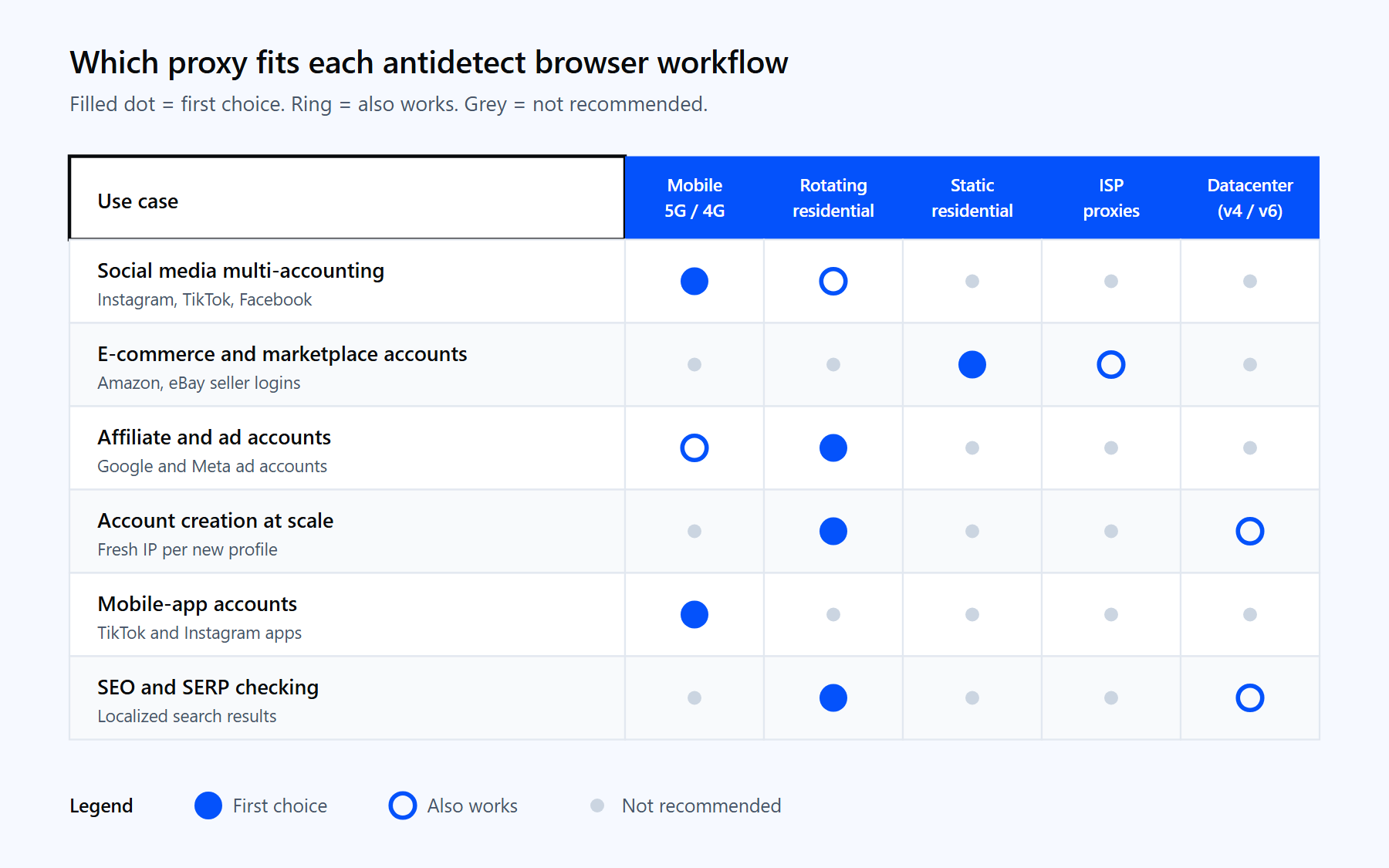
Match the proxy type to the workload: mobile and rotating residential for social accounts, static residential and ISP for long-lived logins.
For account-bound work where the IP has to stay put, static residential (ISP) proxies hold the same address for the life of the session. ISP proxies add flexible authentication for long-lived logins, including IP whitelisting. And if your accounts live on Instagram, TikTok, or Facebook, the best social media proxies guide breaks down which type fits each platform. With coverage across 180+ countries and HTTP and SOCKS5 support, you can give every profile in your antidetect browser its own clean IP and keep your accounts cleanly separated, on pay-as-you-go pricing with no monthly commitment.