
Key takeaways
For Amazon price history, CamelCamelCamel (free) and Keepa are the reference tools. For alerts across many stores, PayPal Honey and Google Shopping cover thousands of retailers.
Businesses that set or match prices need a monitoring platform (Prisync, Price2Spy, Wiser, Competera), not a consumer tracker.
From roughly 1,000 products up, building your own tracker on rotating residential proxies usually costs less than per-SKU tool pricing, even after you count upkeep.
Every price tracker depends on a data-collection layer. The proxy type you pick (residential, datacenter, ISP, mobile) sets your coverage and reliability.
The best price tracking tool depends on what you need to do. Shoppers watching personal purchases want a free tracker such as CamelCamelCamel, Keepa, or PayPal Honey. Businesses that set or match prices need a monitoring platform like Prisync or Competera. Developers who want full control can build their own tracker on rotating residential proxies. This guide sorts every option into those three tiers and shows how each one collects its data.
| Tool | Category | Best for | Pricing model |
|---|---|---|---|
| CamelCamelCamel | Consumer | Amazon price history and drop alerts | Free |
| Keepa | Consumer / seller | Deepest Amazon history, paid API | Free tier + paid |
| PayPal Honey | Consumer | Cross-retailer coupons and Droplist alerts | Free |
| Google Shopping | Consumer | Signed-in price tracking across retailers | Free |
| Capital One Shopping | Consumer | Multi-retailer comparisons and alerts | Free |
| Slickdeals | Consumer | Community deal alerts by keyword or store | Free |
| Visualping | Cross-retailer | Watching any web page for price changes | Free + paid from $14/mo |
| Prisync | Business | SMB competitor and marketplace monitoring | From $99/mo (100 products) |
| Price2Spy | Business | Retailers and brands, MAP and stock alerts | From $78.95/mo |
| Wiser | Business | Mid-market and enterprise, online + in-store | Custom quote |
| Competera | Business | Enterprise pricing recommendations | Custom quote |
| Intelligence Node | Business | Enterprise retail analytics | Custom, from $5,000/mo |
| PLOTT DATA | Business | Marketplace price data feeds | From $999/mo |
| Thunderbit | Build your own | No-code price-data collection | Free plan + paid credits |
| Browse AI | Build your own | No-code monitoring robots | Free + paid from $19/mo |
| Apify | Build your own | Programmable collection at scale | Free + paid from $19/mo |
| DIY Python + proxies | Build your own | Unlimited SKUs, full control over cost | Infrastructure cost only |
For personal purchases, use a free consumer tracker such as CamelCamelCamel, Keepa, or PayPal Honey. Businesses need platforms like Prisync or Competera for pricing and competitive monitoring. Teams that want control over sources, timing, and costs can build their own tracker with rotating residential proxies. Match the tool to the job.
Whichever group you’re in, five factors matter most: coverage, alerts, price history, scale, and cost.
Amazon shoppers are spoiled for choice. Other stores take a little more work. Here are the free tools worth knowing.
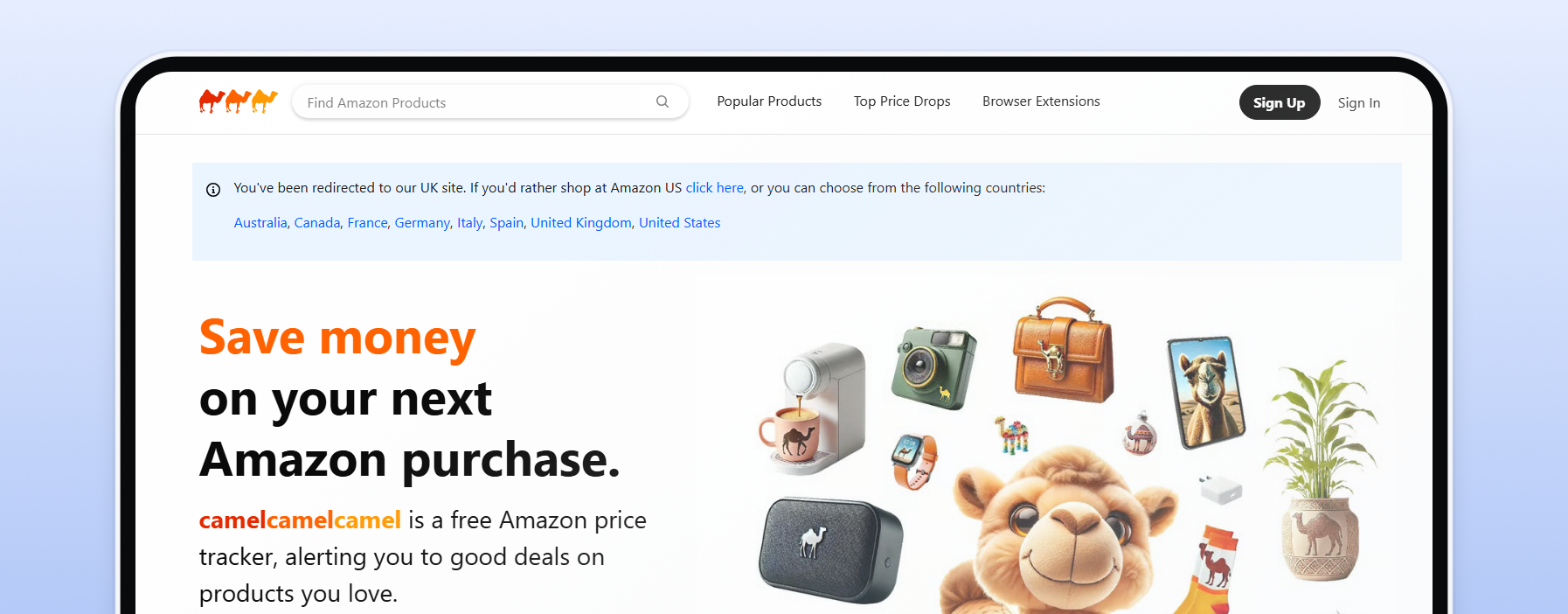
The classic free Amazon price tracker. It keeps price history for over 18 million Amazon products and emails you when a price drops to your target. The Camelizer extension for Chrome and Firefox shows the chart right on the product page, and it supports Amazon in the US, Canada, Europe, and Australia. It's Amazon-focused, so it won't cover Walmart or Best Buy. And yes, it's safe: it reads publicly listed prices and never asks for your Amazon login.
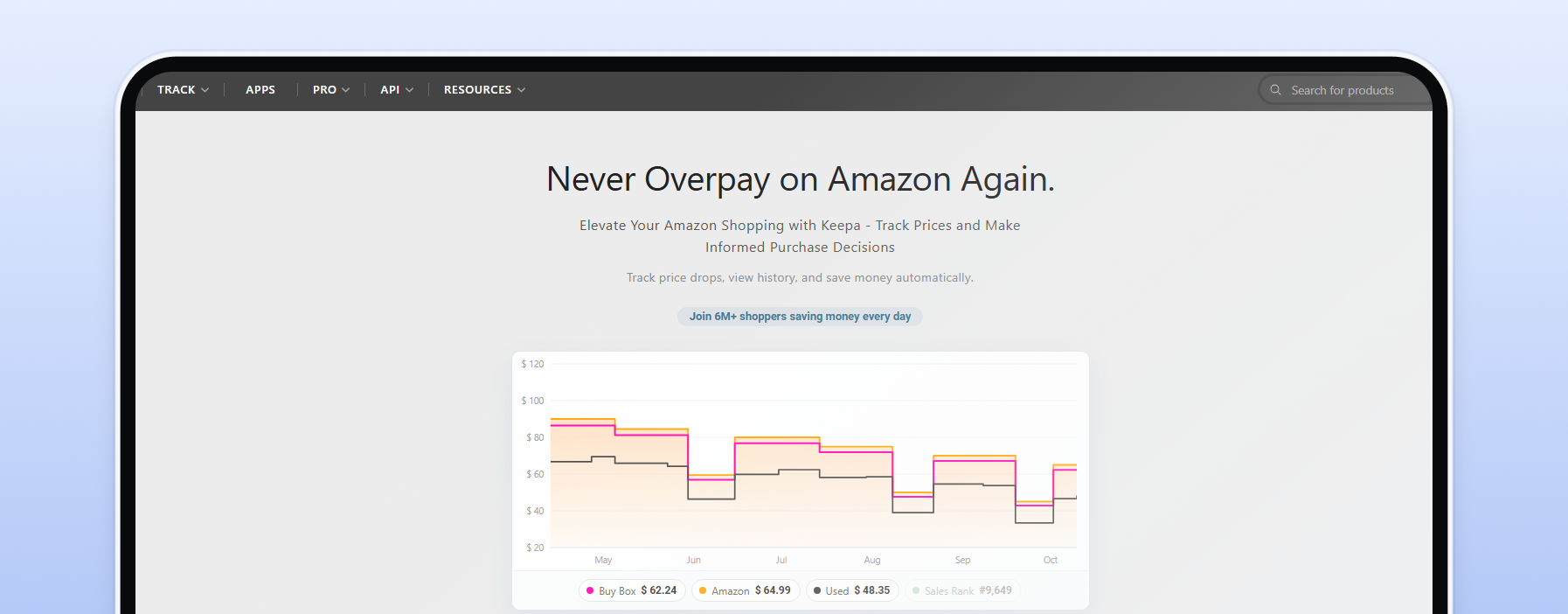
The deepest Amazon price history you can get. Keepa says it tracks over 7 billion Amazon products, with price-drop and back-in-stock alerts. Its free extension covers Amazon sites including the US, UK, Germany, Japan, India, and Mexico. A paid subscription adds seller-focused research tools, and a token-based API serves developers.
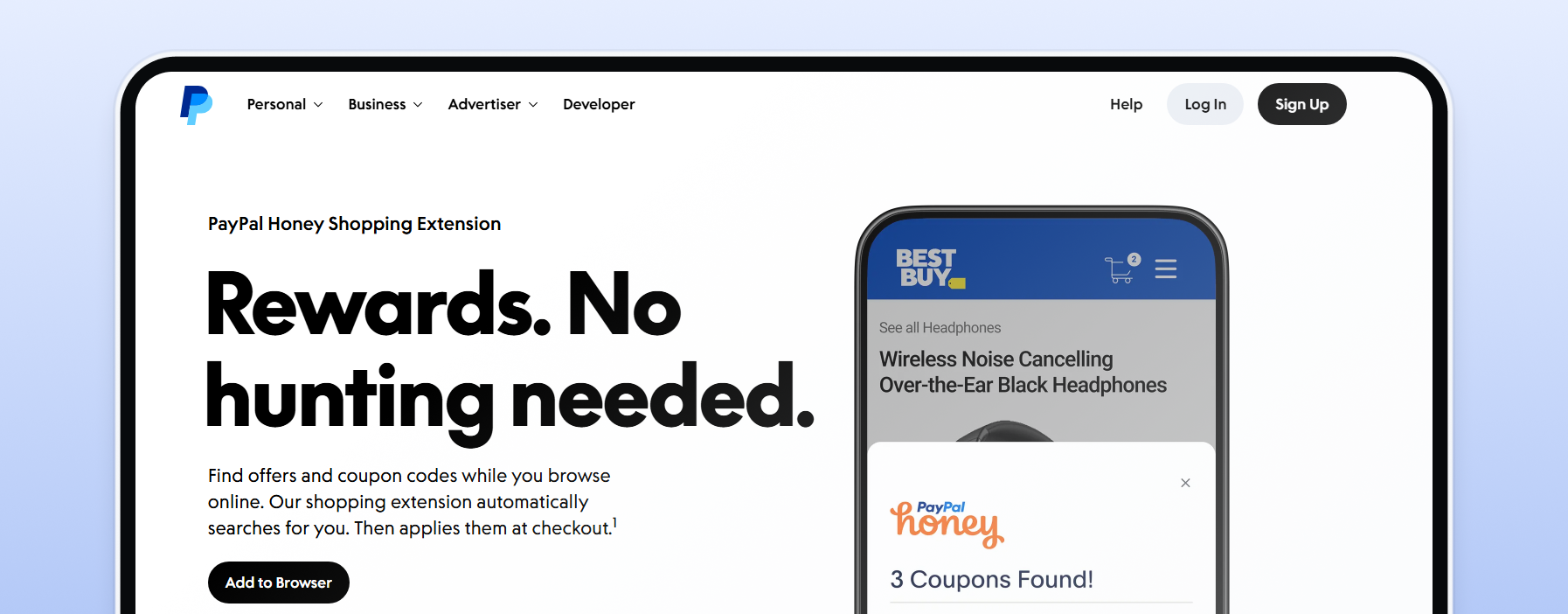
Best known for coupons, but its Droplist feature is a handy cross-retailer tracker. Save an item, and Honey emails you when the price falls by the percentage you choose. It's free and lists 30,000+ supported stores, though Droplist isn't available on every site. Store coverage has shifted since 2025, so check your favorite shops.
Google's built-in option. Sign in, open a product on Google Shopping, and tap Track price. You can set a target price, and alerts arrive by email and Google app notification. Price insights also tell you whether today's price is low, typical, or high. It's available in the US, Canada, Australia, Japan, and India.
A free browser extension that compares prices across stores, shipping included. It works on big retailers like Amazon, Walmart, Target, and Best Buy. It can also notify you when an item you viewed drops in price. You don't need to be a Capital One customer.
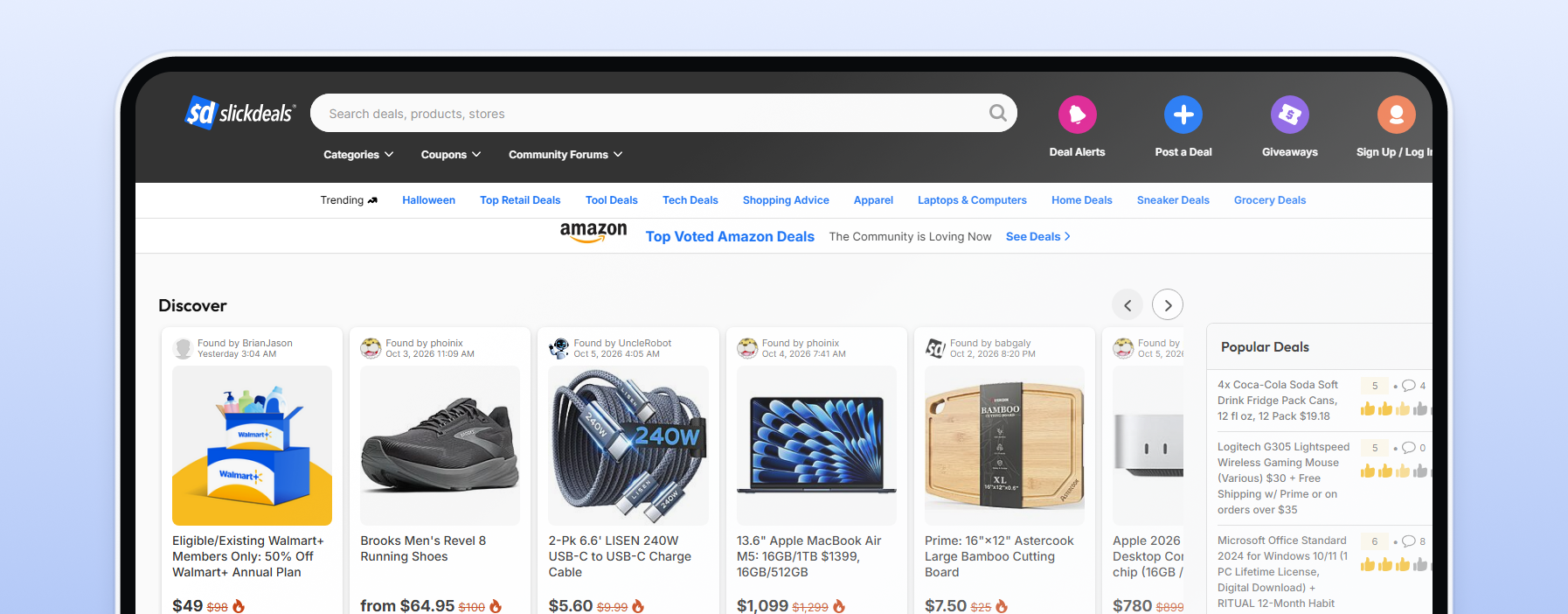
A community deal site rather than a per-item tracker. Members post and vote on deals, and Deal Alerts ping you by email or push notification when something matches your keyword, store, or category. It's great for "tell me when a good 4K TV deal shows up," less so for one specific product.
Remember that prices differ by market: Amazon US won't tell you what the item costs in Germany.
Watching a wishlist and monitoring a competitor's catalog are different jobs. Business tools match your products to competitor listings, refresh prices several times a day, and flag MAP (minimum advertised price) violations. Some also reprice for you: monitoring tells you what changed, repricing acts on it. For the basics, see our page on price monitoring for e-commerce.
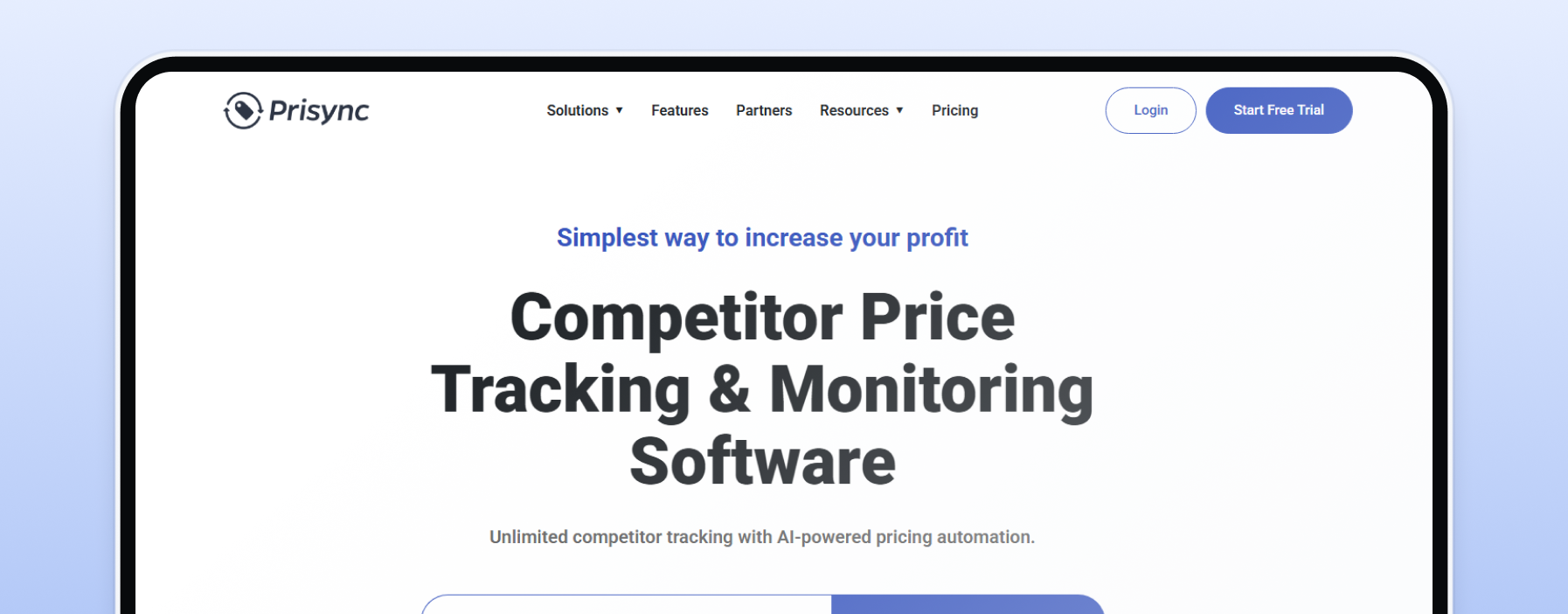
Self-serve competitor monitoring aimed at SMBs, though it also serves large brands. URL-based plans cost $99 a month for 100 products, $199 for 1,000, and $399 for 5,000, all with unlimited competitors and prices refreshed three times a day. Higher tiers add marketplace tracking, dynamic pricing, MAP monitoring, and API access. There's a 14-day free trial with no credit card.
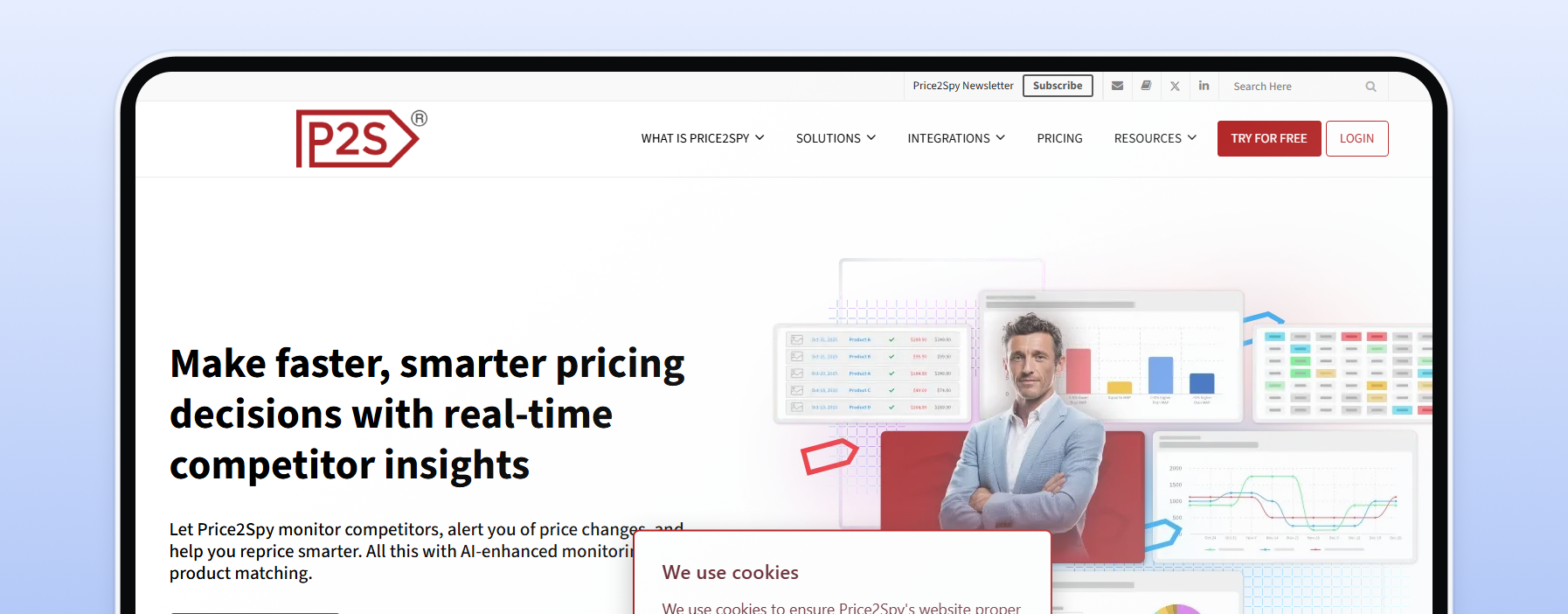
A monitoring tool for online retailers and brands in 40+ countries. It covers MAP monitoring, marketplace monitoring, stock-out alerts, and repricing, with API access on its Premium plan. Pricing scales with the number of product URLs, starting from $78.95 a month. You can try it free for 14 days.

A mid-market and enterprise option for brands and retailers. Wiser handles online price and MAP execution. Its retail intelligence product adds in-store data, gathered mostly through crowdsourced collection. Pricing is quote-based.
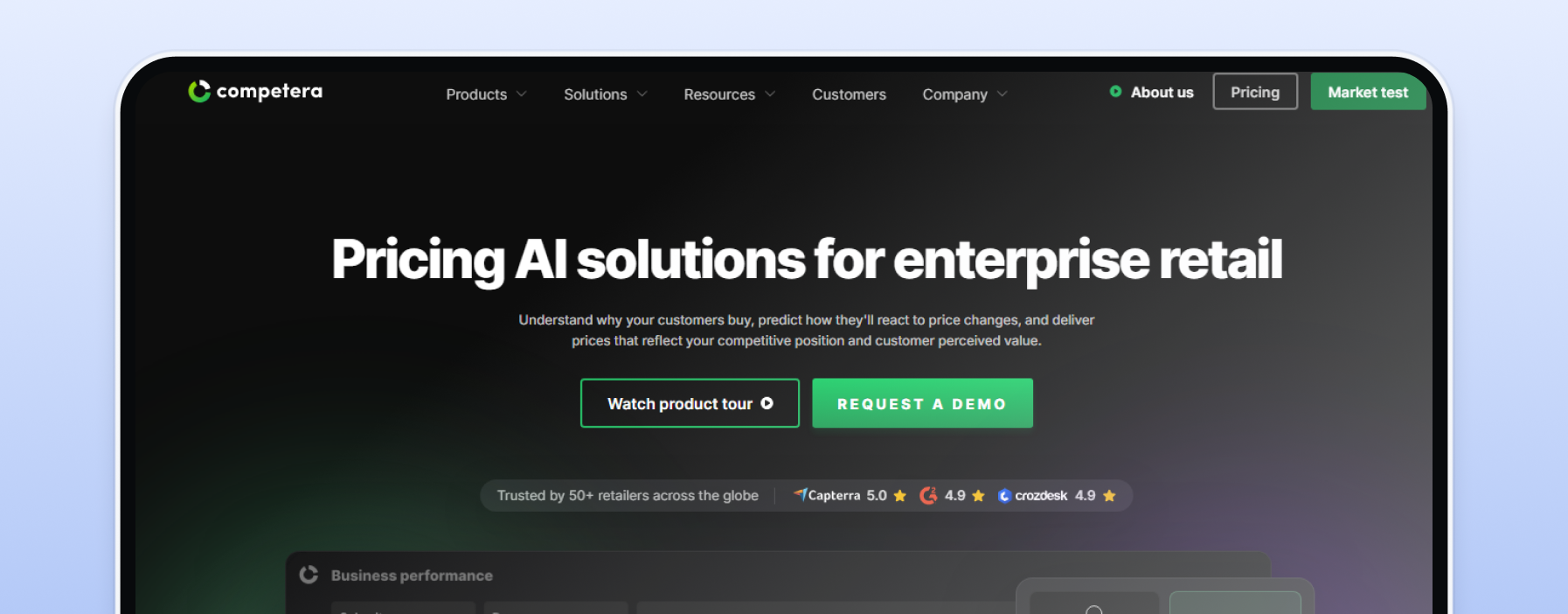
Enterprise pricing software for large retailers in grocery, electronics, apparel, and more. It combines competitor data with AI price recommendations built on 20+ pricing drivers. Pricing is custom.

Enterprise retail analytics that covers over 1 billion unique products. It offers competitor price tracking, MAP monitoring, digital shelf analytics, and an open API. It's sold as an annual subscription, with projects starting at $5,000 a month.
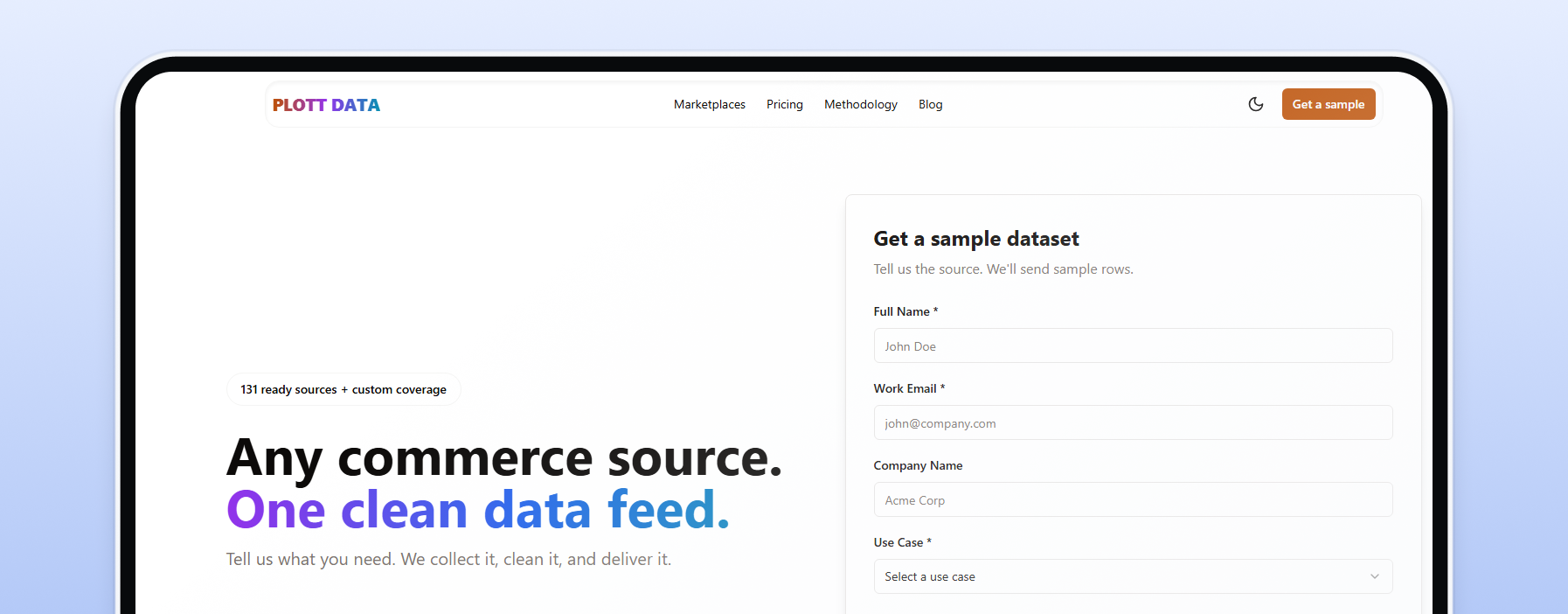
A data provider rather than a dashboard. PLOTT DATA delivers product and price data from 131 ready-made marketplace sources, including Amazon, Walmart, and eBay, by API, file, or data warehouse. Plans start at $999 a month for one source collected weekly.
Custom pricing usually pays off when you track tens of thousands of SKUs, need in-store data, or want pricing recommendations. Either way, every platform here depends on reliable data collection underneath, which is why teams running competitive intelligence workflows often end up looking at the collection layer too.
Consumer tools mostly stop at Amazon, and business platforms charge per SKU. If you want a price tracker for any website, build your own. DIY wins when you need unlimited SKUs, retailers no tool covers, or full control over cadence and cost. These tools help you collect pricing data at scale, from no-code to full code.
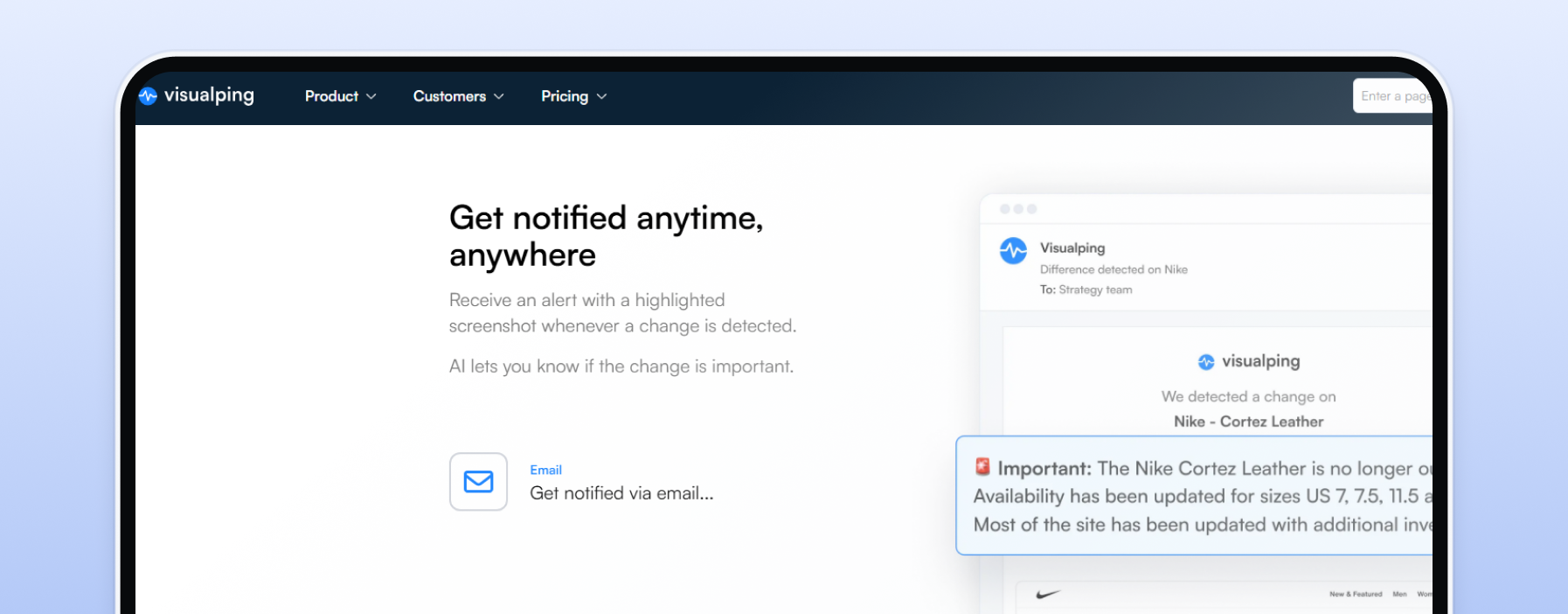
The easiest starting point. Paste a URL, and Visualping alerts you when the page changes, including price drops. The free plan covers 5 pages and 150 checks a month, and paid plans start at $14 a month. Great for a handful of pages.
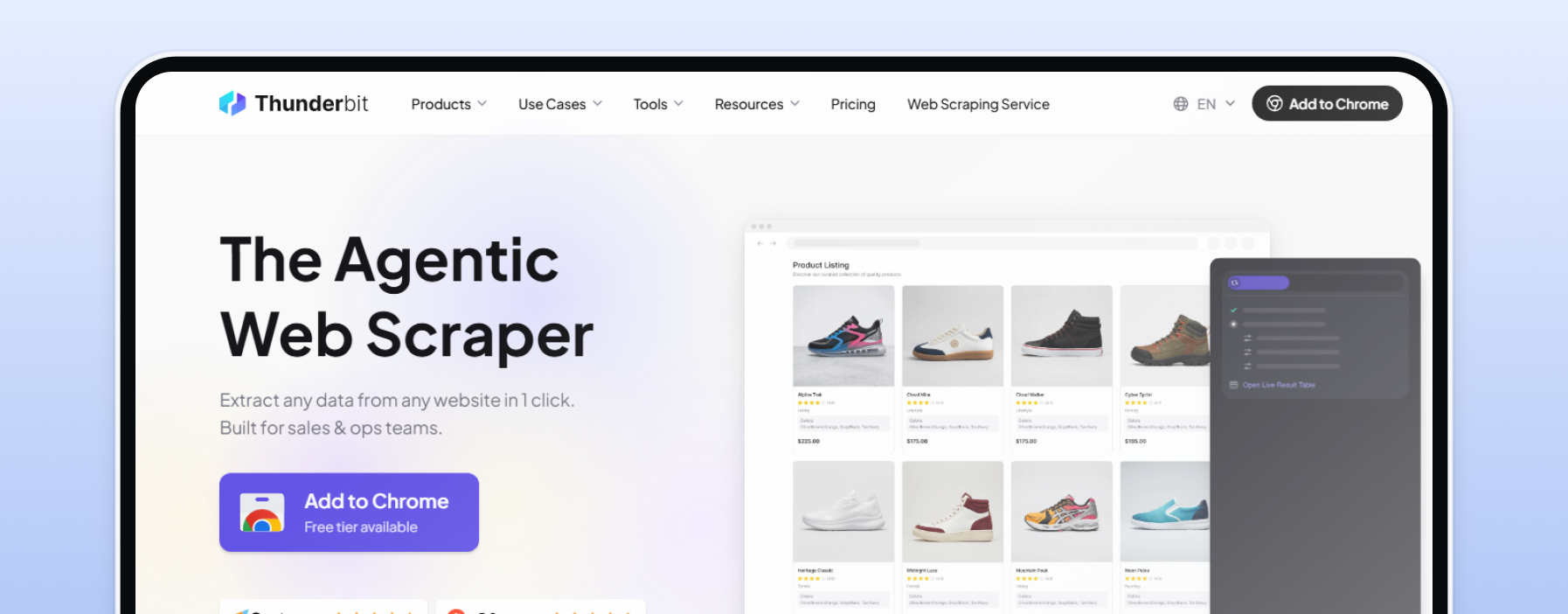
An AI web scraper that runs as a Chrome extension. Open a product or category page, and it turns the data into a table you can send to Google Sheets, Airtable, or Notion, no code needed. A free plan with a small monthly allowance sits alongside credit-based paid plans.
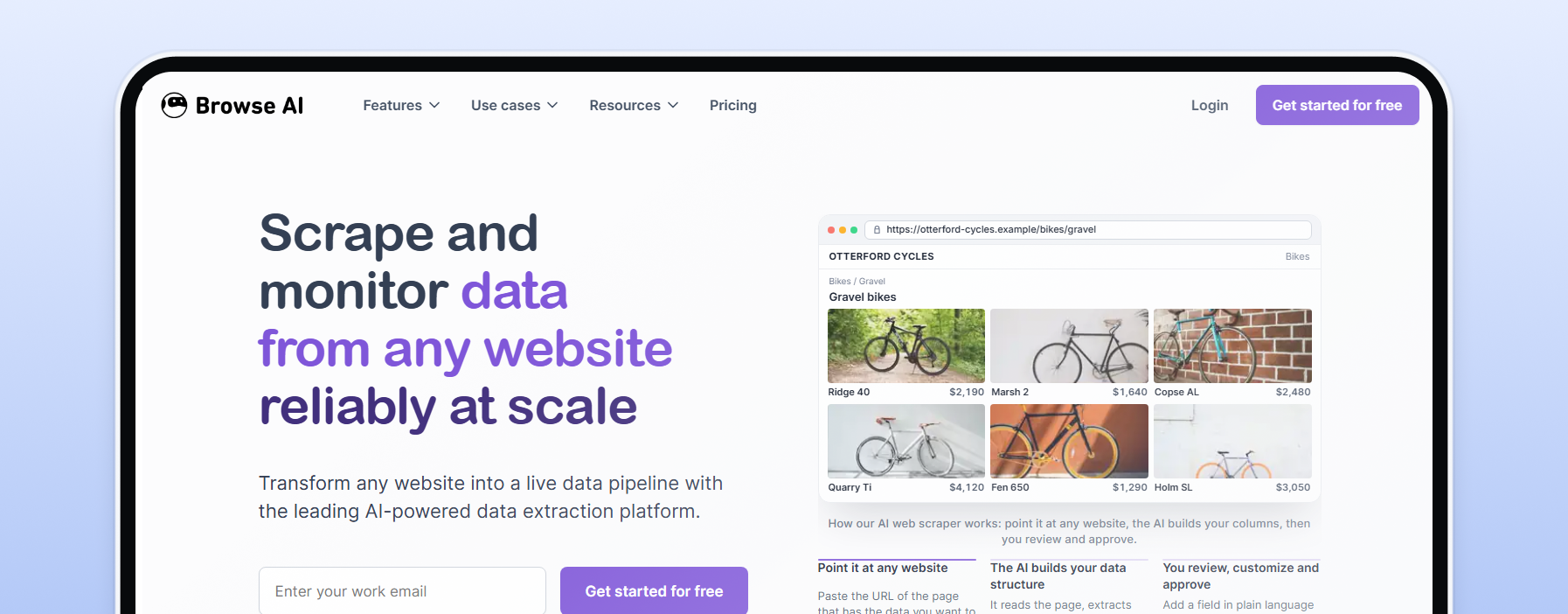
No-code "robots" that extract data and watch pages for changes. The free plan includes 50 credits a month, and paid plans start at $19/month billed annually ($48 billed monthly). Robots can check hourly, daily, or weekly, and results flow to Google Sheets, Airtable, Zapier, or webhooks.
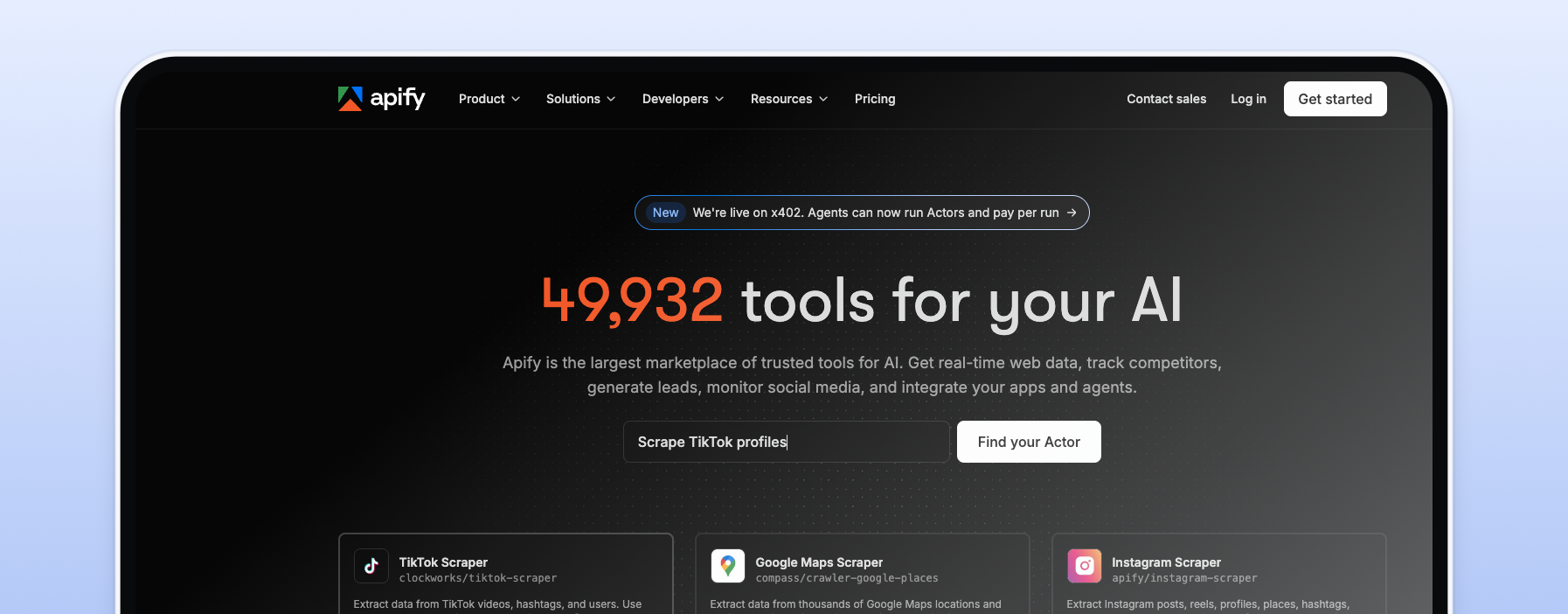
A developer platform for running scrapers, called Actors, in the cloud. Its store includes ready-made e-commerce Actors, such as an Amazon Product Scraper, and you can schedule runs with cron expressions. The free plan includes $5 of usage a month, and paid plans start at $19 a month.
Full control, lowest running cost. A basic tracker needs four parts: a scraper (requests plus a parser), a scheduler (cron works fine), storage for price history, and a proxy pool for reliable, market-accurate collection of publicly available prices. Rotating residential proxies are the usual choice for broad retail collection. Here's a minimal version:
python import csv from datetime import datetime, timezone import requests from bs4 import BeautifulSoup # Copy your credentials from the Proxy-Cheap dashboard PROXY = "http://USERNAME:[email protected]:5959" PRODUCTS = { "sku-001": "https://www.example.com/product/123", } def get_price(url): response = requests.get( url, proxies={"http": PROXY, "https": PROXY}, headers={"User-Agent": "my-price-tracker/1.0"}, timeout=30, ) response.raise_for_status() soup = BeautifulSoup(response.text, "html.parser") tag = soup.select_one('[itemprop="price"]') if tag is None: return None return tag.get("content") or tag.get_text(strip=True) with open("prices.csv", "a", newline="") as f: writer = csv.writer(f) for sku, url in PRODUCTS.items(): price = get_price(url) writer.writerow([datetime.now(timezone.utc).isoformat(), sku, price])
Run it from cron a few times a day, add a step that compares the latest row with your target, and you have alerts. To preview what a page shows in another country before scripting it, use the Chrome proxy extension. For bigger systems, read how a proxy API for automated collection fits between your code and its targets, and see the Proxy-Cheap API docs for managing proxies programmatically.
Take a tool’s monthly price for your product count, then estimate proxy bandwidth for the same workload. Our assumptions:
| Products tracked | Monthly bandwidth | Proxy cost | Prisync (URL plan) |
|---|---|---|---|
| 100 | ~2.3 GB | ~$4.50 | $99 |
| 1,000 | ~22.5 GB | ~$27 | $199 |
| 5,000 | ~112.5 GB | ~$88 | $399 |
Proxy costs are lower at every size. The real DIY cost is your time, since parsers need maintenance when retailers change page layouts. At 100 products, the ~$95 monthly gap favors buying a tool. At 1,000, the ~$170 gap can cover a few hours of monthly maintenance. At 5,000, the ~$310 gap favors building unless you need dashboards or repricing.
For most small teams, the crossover is around 1,000 products. Full browser rendering can increase bandwidth significantly, while unmetered per-IP plans can change the math.
Price trackers regularly request public product pages and read current prices. Tools like Keepa and CamelCamelCamel do this at scale on their own infrastructure. Business and DIY trackers often use residential, ISP, or datacenter proxies to collect accurate market prices and keep sessions reliable across thousands of checks.
Why not use your office connection? First, reliability. Thousands of daily requests from one IP create a single point of failure. A pool of IPs spreads the load and keeps sessions stable.
Second, location. Stores show prices based on the visitor’s market, so an office IP may only see local pricing. Residential IPs in the target market return the regional prices local shoppers see. Whatever setup you use, keep request rates reasonable and collect only public data in line with each site’s terms.
Here’s how each proxy type fits price tracking:
Building your own tracker? Start with rotating residential proxies and pay only for the data you use—no monthly commitment, cancel anytime.
Price tracking means recording a product’s price over time so you can buy at the right moment or match a competitor. Prices change due to demand, stock levels, promotions, dynamic pricing, and regional differences, so market-accurate data matters.
Dynamic pricing is a major factor. Large retailers automatically adjust prices based on demand, competitors, and inventory, meaning a price you see in the morning may be gone by lunch.
Timing matters too. Prime Day and Black Friday can bring sharp swings, and not every “sale” is a true bargain. Price history helps you spot real deals, typically prices at or near a product’s lowest point in recent months. Tools like CamelCamelCamel, Keepa, and Google’s price insights make this comparison easier.
Use this checklist to narrow the field.