
A proxy server is an intermediate machine that takes your web request, sends it to the destination on your behalf, and returns the response. The destination site sees the proxy’s IP address rather than the IP your device was assigned. That is the entire mechanism, and it is the same whether you are a Fortune 500 data team or a student doing thesis research from a campus library.
For a person working on a school network, that mechanism matters in a few specific ways. Research projects often need data from public web sources that respond differently depending on the IP making the request, for example a publisher that serves a different page to a US visitor versus a European one. Group projects sometimes need to test how a public-facing site renders from another country. Independent academic data collection (price tracking for an economics paper, news scraping for a media-studies essay, SERP comparisons for a marketing class) needs more than one IP because public sites rate-limit a single address quickly. A proxy gives you a clean, predictable IP that you control.
The trade-off worth naming upfront: free web proxies and shared public proxy lists are slow, unreliable, and often unsafe because the operator can inspect your traffic. A real paid proxy provider with documented IP sourcing, support, and a self-serve dashboard is a meaningfully different category of product. If you want the longer explainer, Proxy-Cheap’s are proxies legal guide covers the legal framing and the shared proxies explainer covers the technical baseline.
Before reading the listicle, here are the criteria each vendor was scored against. They are weighted for the student and independent-researcher audience, not for an enterprise data team.
Entry pricing and minimum commitment. A student does not need a $99/month plan. The relevant question is whether the provider offers a small starter package, a free trial, or pay-as-you-go billing so you can spend $5 to test the product.
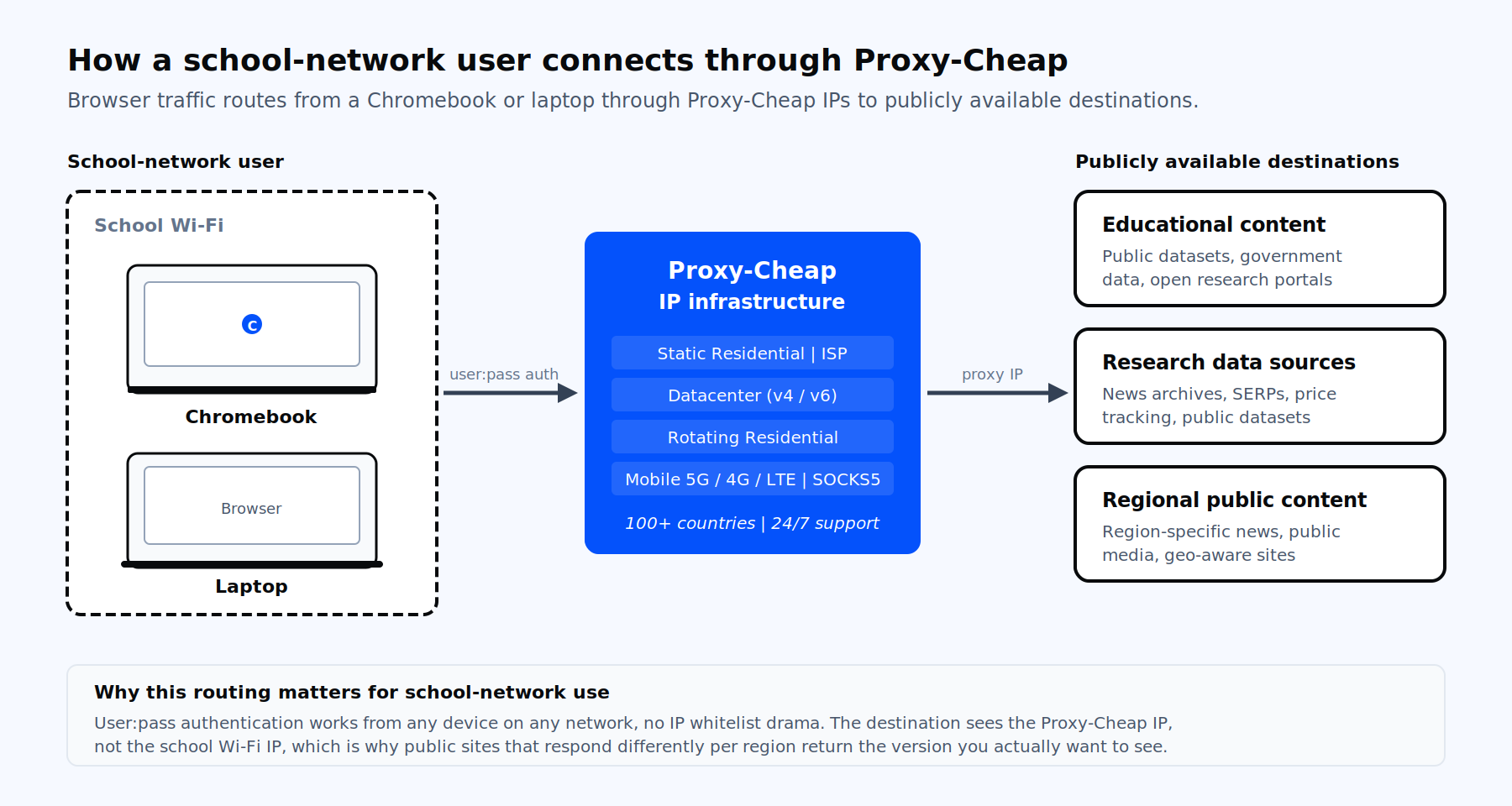
Authentication that works on a managed device. School-issued Chromebooks and laptops have unpredictable public IPs because they sit behind the school’s network. That makes IP-whitelist authentication fragile. User-and-password authentication, which works regardless of where you connect from, is the practical choice. Every provider on this list supports it.
Product breadth. A research project may start with simple datacenter IPs for SERP checks and then need residential IPs for a site that responds differently to data-center traffic. A provider that sells only one product type forces a migration later. Breadth matters.
Country coverage. If your assignment compares how a topic is covered in three regions, you need IPs in those regions. 195+ country pools are common in the premium tier; 100+ is plenty for most coursework.
Setup friction. A clean dashboard, browser-extension support, and clear setup docs save hours. Anything that requires a sales call is a poor fit for student use.
Payment options. Card and PayPal are table stakes. Crypto support is useful for privacy-minded users; pay-as-you-go means you are not locked into a recurring charge.
Honest limits. Most school networks are configured well, but proxies do not change the network’s terms of service. The product is a tool for accessing publicly available content from a different IP. It is not a license to ignore the network’s acceptable-use policy, and no vendor should pretend otherwise.
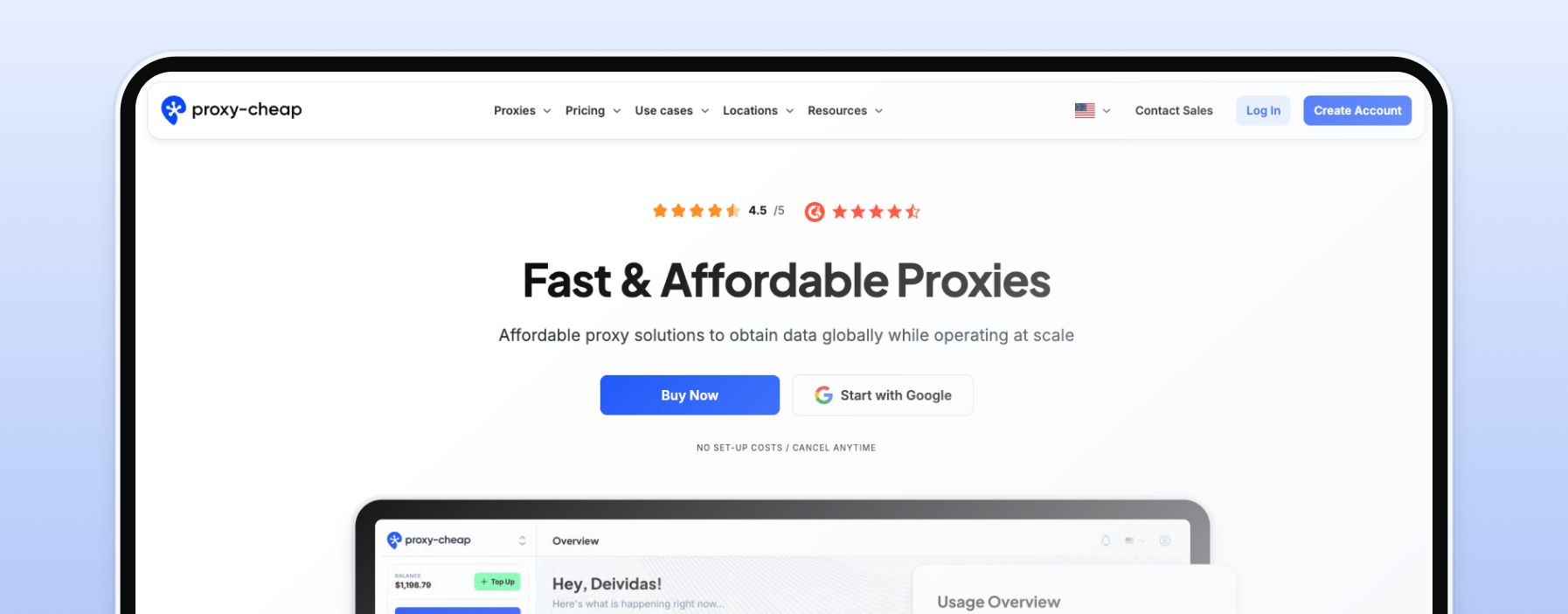
Proxy-Cheap is the top pick because it lines up against every criterion above without forcing a compromise. It is a self-serve, Vilnius-based provider with the broadest product range in the affordable tier of the market, transparent pricing, and a pay-as-you-go model that suits irregular student usage patterns.
The product line covers everything a school-network workflow could need. Rotating residential proxies start at $4.99/GB with access to roughly 80M+ IPs across 180+ countries, useful for comparing how a public site behaves across regions. Static residential proxies start at $2.12/month per IP with a $1.99 seven-day trial, useful for sustained research sessions that need a stable IP. Datacenter IPv4 proxies start at $1.49/month, IPv6 at $0.15/month per proxy when bought in volume, with 900,000 IPs in the pool. ISP proxies combine residential legitimacy with datacenter speed and start at $0.15/month per IP in volume. Mobile proxies at $5.99/GB span 100+ countries with 5M+ IPs across 5G, 4G, and LTE. SOCKS5 support is included across product lines.
The student-friendly mechanics matter as much as the catalog. Authentication is username and password, which works from any device on any network without configuration drama. Payment options include Visa, Maestro, Mastercard, Amex, PayPal, Alipay, and CoinGate for crypto, which is rare at this price tier. There is no setup fee, no monthly commitment, and balance-based billing means you can spend $5 to try the product and stop there if it does not fit. Support is 24/7, and an analytics dashboard tracks consumption per proxy so you do not burn bandwidth without seeing it.
Why this matters for school-network use specifically: the combination of a small entry price, user:pass authentication, and a breadth of product lines means you can solve almost any school-network research scenario from one account. Need to read a regional news archive that only serves a UK IP? Pick a UK static residential. Need to crawl 50 SERPs for a class assignment? Use datacenter IPv6 at $0.15 per proxy. Need a stable IP for a multi-week project? Static residential locks one in for $2.12/month.
For most students reading this, a static residential plan is the right starting point because it is cheap, stable, and works in a plain browser proxy configuration.
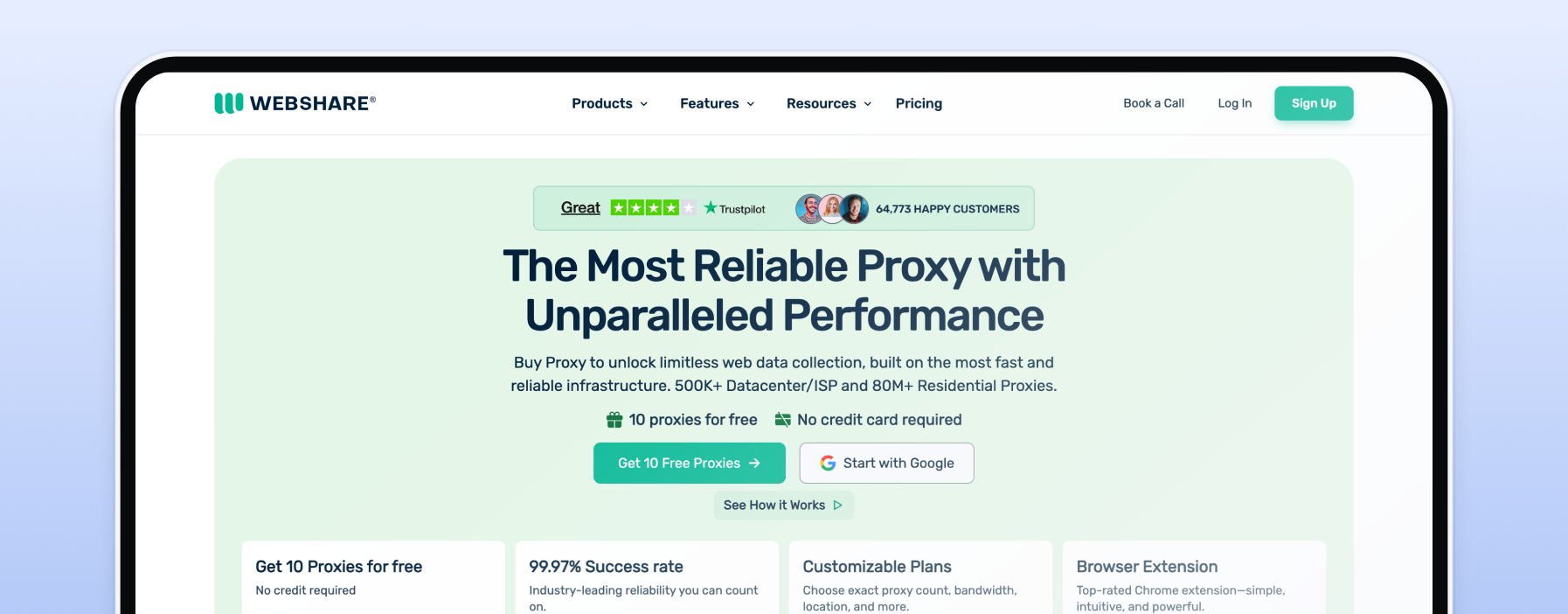
Webshare runs the most generous permanent free tier in the proxy market: 10 datacenter proxies and 1 GB of bandwidth per month, no credit card required, available indefinitely. Paid plans start at $2.99/month for 100 proxies, and residential pricing currently runs $3.50/GB on promotion (regular $7/GB). The dashboard is clean, the setup docs are good, and the brand sits inside the Oxylabs group while operating as its own product. For a student who has never used a proxy before and wants to test the concept at zero cost, this is the lowest-friction option on the list.
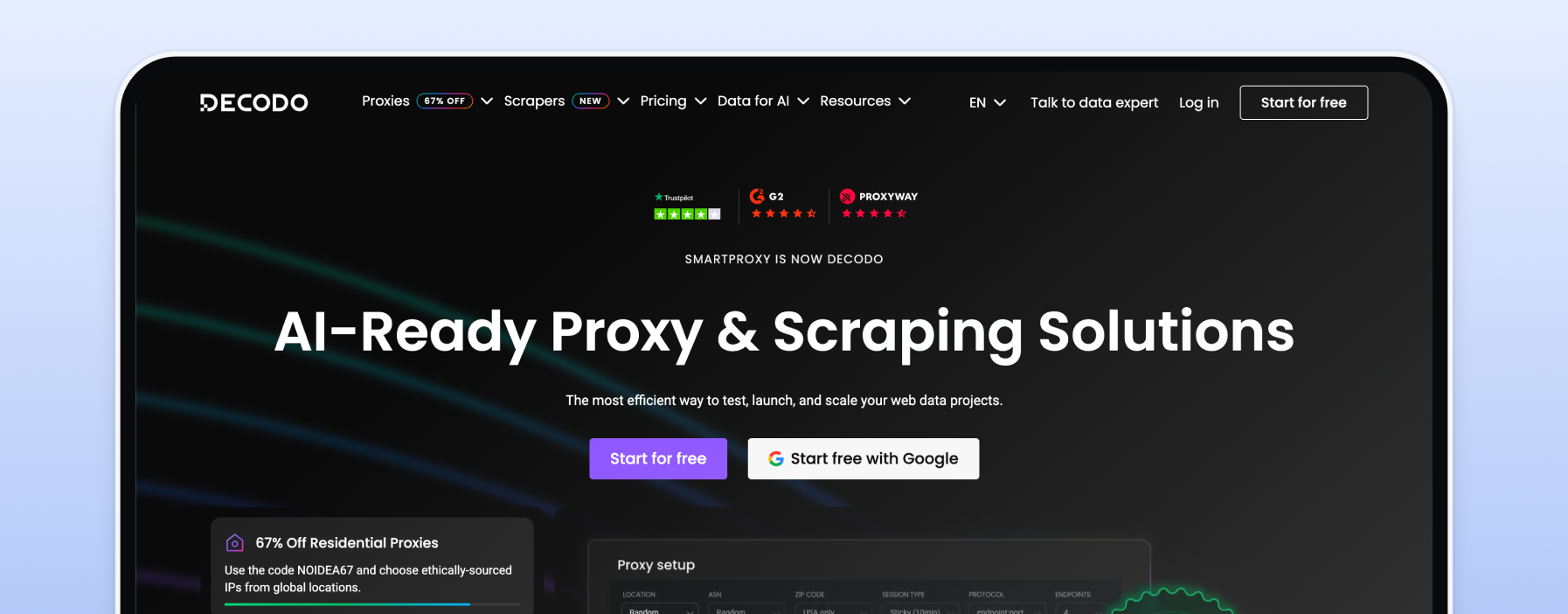
Decodo is the rebrand of Smartproxy completed in 2025. The product is the same: an ethically sourced residential pool of 115M+ IPs across 195+ countries, residential plans starting at $2/GB on subscription or $4/GB pay-as-you-go, a three-day free trial with 100 MB included, and a 14-day money-back guarantee. Authentication is user:pass and IP whitelist, with HTTP(S) and SOCKS5 support across the catalog. Decodo also ships Chrome and Firefox browser extensions, which means you can switch a proxy on and off without touching system settings, useful when only some of your work needs a proxy.
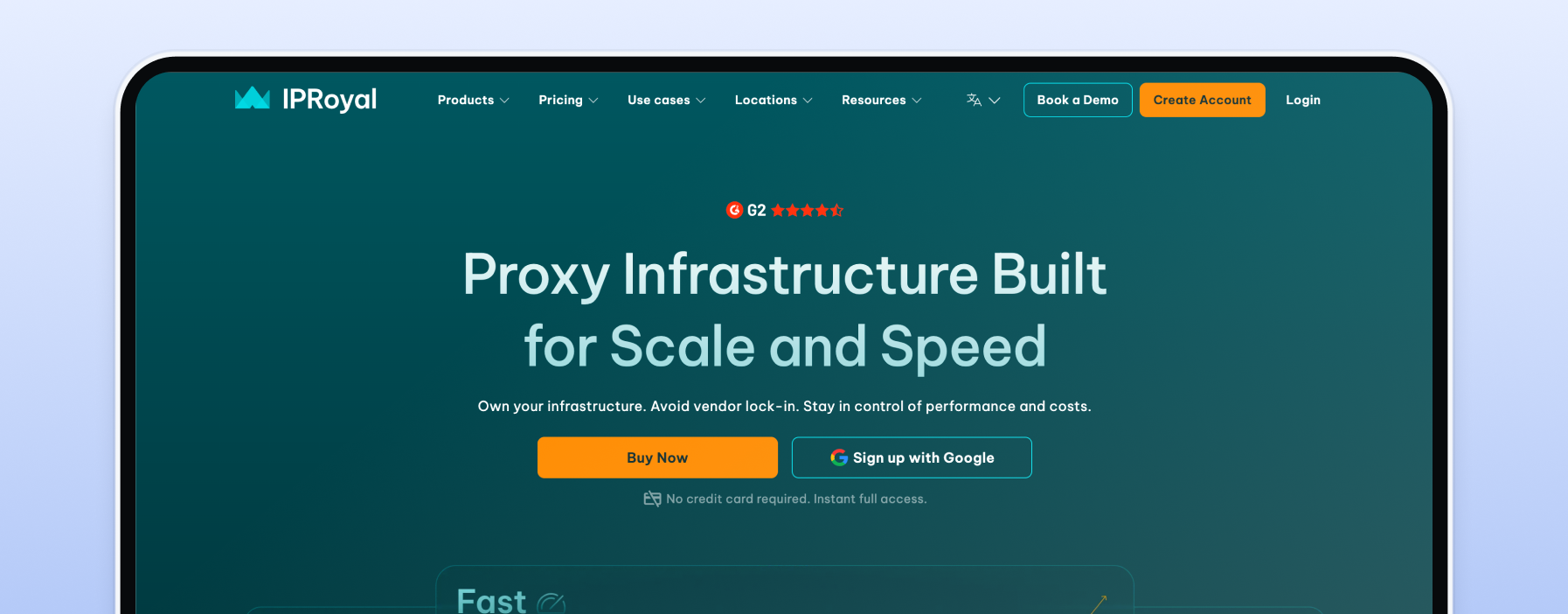
IPRoyal’s distinctive feature is non-expiring traffic. Residential proxies start at $7 for the first gigabyte but the data does not expire on a monthly cycle, which suits the academic calendar where work happens in bursts around exams and deadlines. Bulk pricing drops to $1.75/GB. Datacenter starts at $1.39 per proxy, ISP at $2.40 per proxy, and the residential pool covers 195+ countries with 32M+ IPs. Browser extensions and crypto payment are supported. The non-expiring model is the right structural fit for anyone who knows their use will be sporadic.
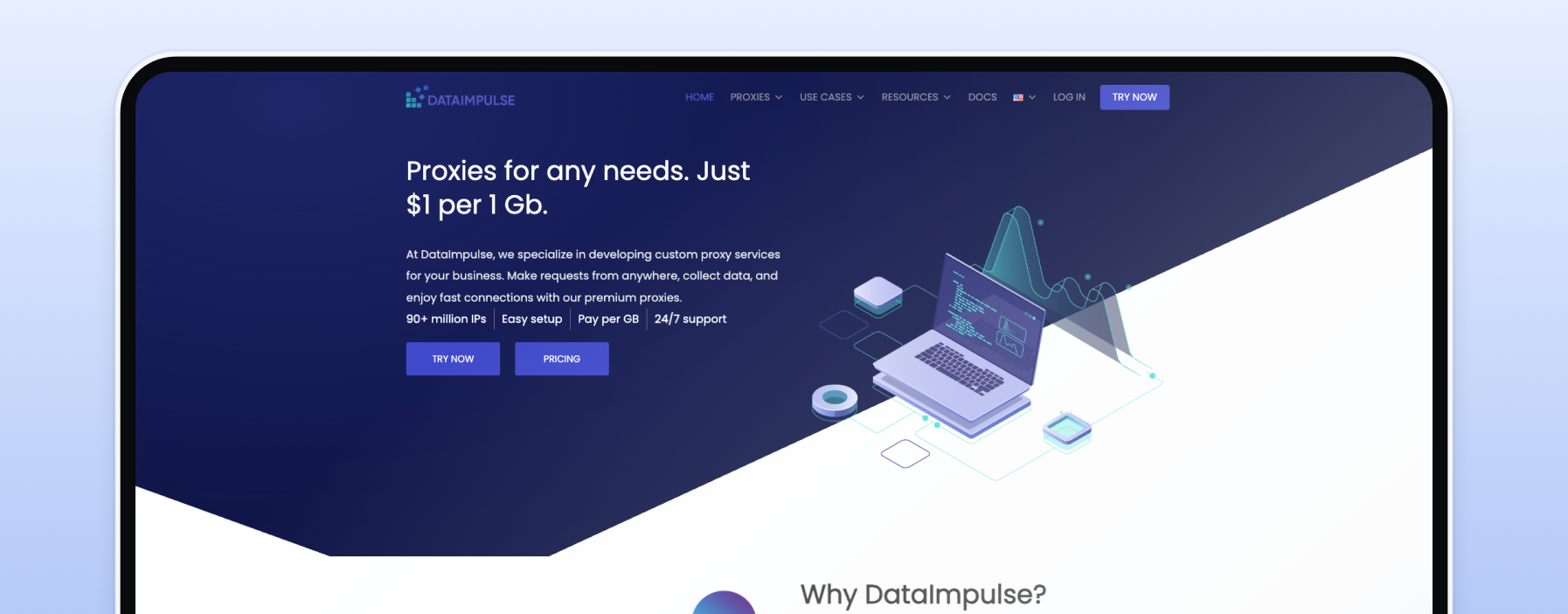
DataImpulse offers residential proxies at $1/GB pay-as-you-go with a $5 entry minimum and non-expiring traffic, which is the lowest per-GB price among reputable providers with a real first-party pool (90M+ IPs across 195 countries). Datacenter starts at $0.50/GB, mobile at $2/GB. Authentication includes user:pass and IP whitelisting, with HTTP(S) and SOCKS5 supported. There is no formal free trial, but the $5 minimum is effectively a low-cost trial. For a thesis-scale data collection project where the only question is cost-per-GB, DataImpulse is the right answer.
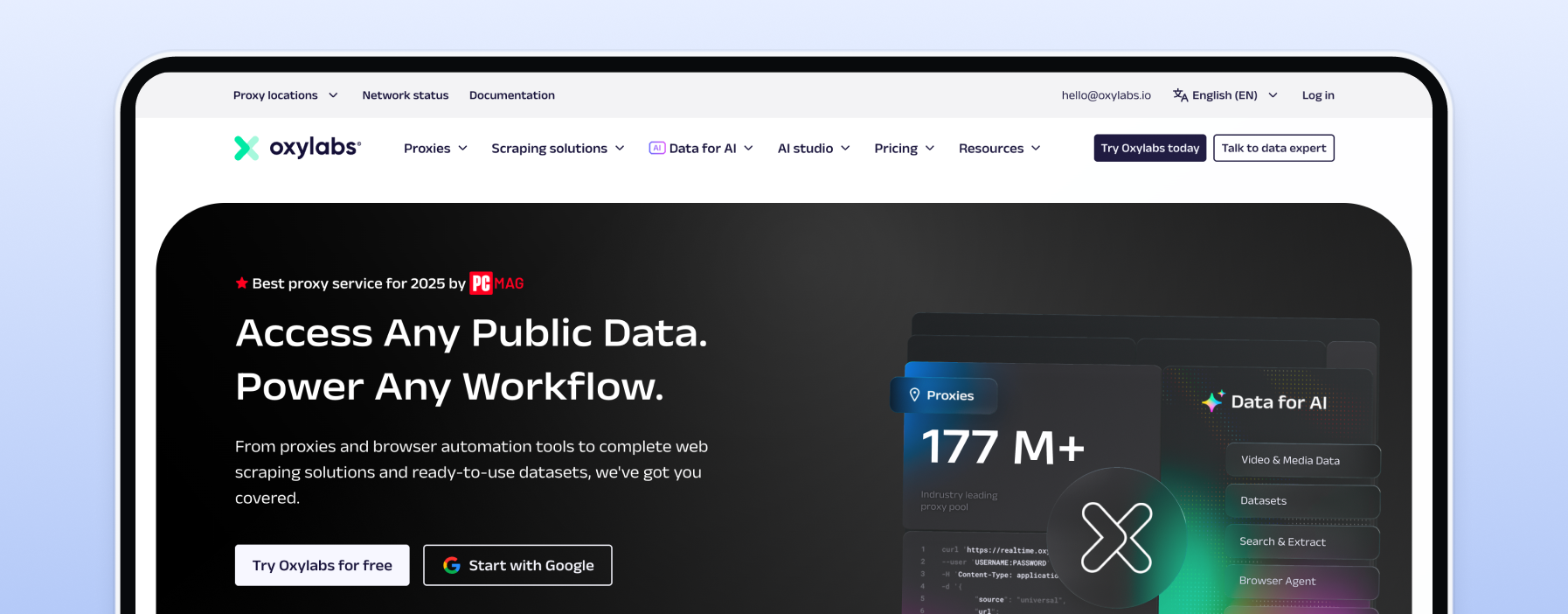
Oxylabs is the Lithuanian premium provider, ISO 27001 certified, with 175M+ residential IPs across 195 countries. Headline pricing is enterprise, but the residential PAYG promo at $4/GB and datacenter from $0.59/GB make it accessible for serious student work. Mobile and ISP proxies are available, the datacenter tier offers 5 free IPs to test, and the Web Scraper API has a free tier capped at 2,000 results, which is enough for a class project. The product polish is best-in-class, which matters if your project will be reviewed by a professor or published.
Bright Data is the largest enterprise proxy and web-data platform. The catalog includes 150M+ residential IPs, datacenter at $0.60/GB pay-as-you-go, residential at $5.88/GB on promo, and a first-deposit match up to $500 that lowers the practical barrier. KYC verification is required for residential and mobile products, which is a real friction point for a student account. Include Bright Data on a shortlist if your project involves a site with aggressive anti-bot protection that other providers do not handle well; otherwise the simpler tools on this list are a better fit.
NodeMaven runs a real-time IP filter that screens residential and mobile IPs for cleanliness before serving them, which reduces CAPTCHA friction during research work. Residential starts at $2.20/GB with rollover, the lowest paid plan is $8.50 for 2 GB, and a $3.50 paid trial gives 750 MB to test. Coverage is 190+ countries across 1,400+ city-level locations with a 30M+ residential pool and 295K+ mobile IPs. The setup wizard is genuinely beginner-friendly. NodeMaven is the right pick if you have run into CAPTCHA walls with cheaper residential pools.
Chromebooks support proxy configuration through the standard network settings. The instructions below cover a Chromebook on a user account that allows network changes. Some managed Chromebooks lock the network panel, in which case you cannot configure a proxy at the OS level and the right path is a proxy-aware browser profile or extension instead.
Step one, sign in to the Chromebook and connect to the network you normally use. Step two, open Settings, then Network, and pick the active Wi-Fi connection. Step three, scroll to Proxy and switch the mode from “Direct internet connection” to “Manual proxy configuration.” Step four, enter the proxy host and port that your provider gave you. For Proxy-Cheap, you will find these in the dashboard after you buy a proxy plan. Step five, save the settings and open a browser tab.
Authentication will trigger a popup the first time the browser sends a request. Enter the username and password from your proxy provider. Chrome remembers the credentials for the session. To check it is working, open a what-is-my-ip site and confirm the IP matches the country you bought.
A few practical notes. If the network panel is locked on your managed Chromebook, install a proxy-management browser extension such as the Proxy SwitchyOmega family or a vendor-supplied extension (Proxy-Cheap, Decodo, and Webshare all ship official ones). Extensions configure the proxy only inside the browser, not at the system level, which is enough for most coursework. If your provider supports SOCKS5 and you need it for an app outside the browser, you will likely need a desktop or laptop because Chrome OS handles SOCKS5 inconsistently across versions. For a deeper comparison of when to pick which proxy type, see Proxy-Cheap’s static vs rotating proxies guide and the datacenter vs residential comparison.
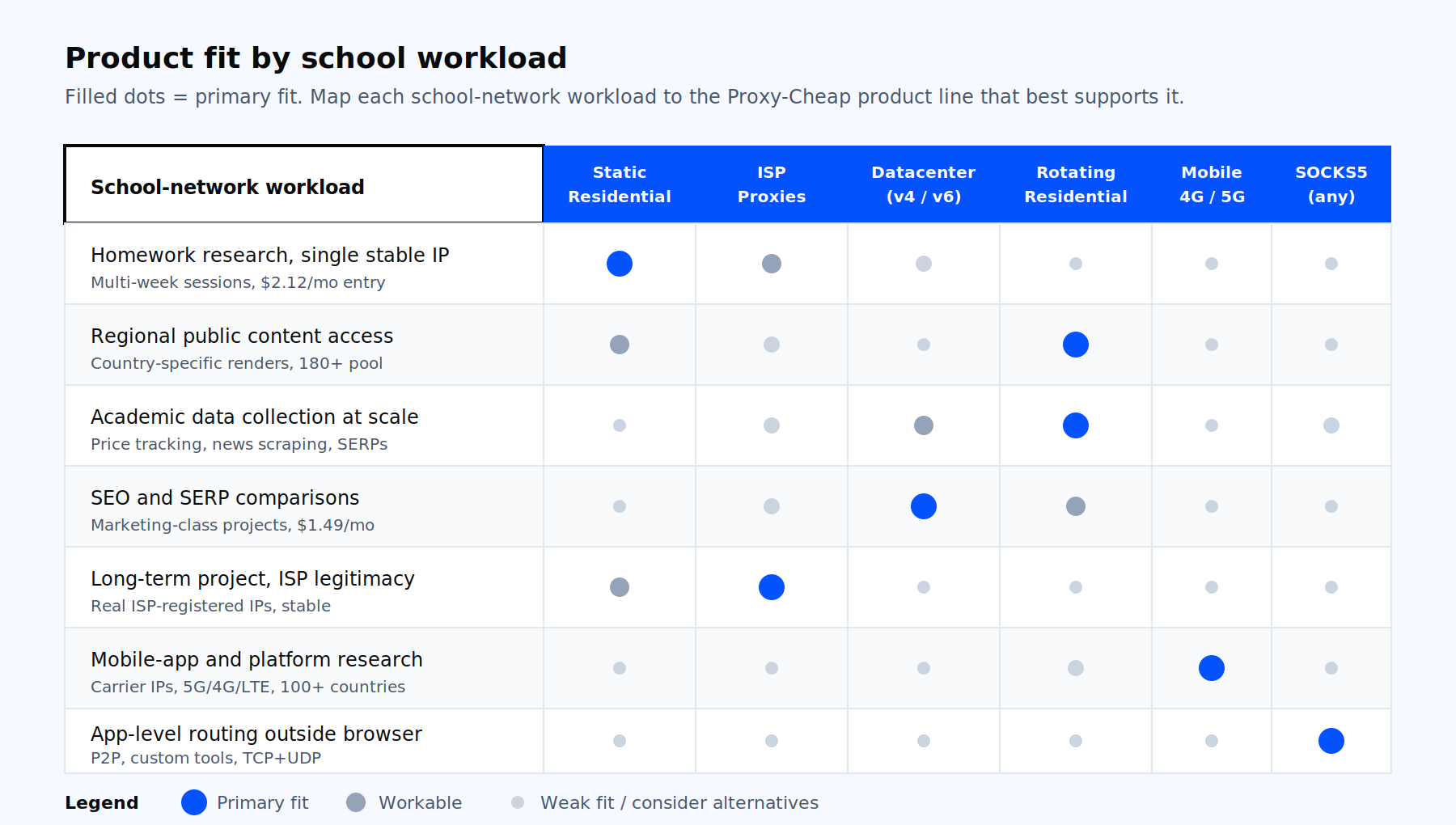
Different academic workflows pair with different proxy types. The matrix below maps Proxy-Cheap’s product lines to the school-related workloads they actually fit, based on what each product is good at and what it costs.
| Workload | Recommended product | Why it fits | Entry price |
|---|---|---|---|
| Homework research, single stable IP for weeks | Static Residential | Real ISP-assigned IP, sticks around, user:pass auth, low cost per month | $2.12/month |
| Accessing publicly available content from another region | Rotating Residential | 180+ country pool, IP changes per request or per session | $4.99/GB |
| Academic data collection at scale | Rotating Residential or Datacenter IPv6 | Residential for sites that respond differently to datacenter traffic, IPv6 for volume scraping | $4.99/GB or $0.15/proxy |
| SEO and SERP comparisons for a marketing class | Datacenter IPv4 | Fast, cheap, plenty of locations, fine for search engines | $1.49/month |
| Long-term project that needs ISP-grade legitimacy | ISP Proxies | Real ISP-registered IPs hosted in datacenter for speed, stable for weeks | $0.15/month per IP at volume |
| Mobile-app testing or social platform research | Mobile Proxies | Real carrier IPs, 5G/4G/LTE, 100+ countries | $5.99/GB |
| App-level routing outside the browser, P2P, custom tools | SOCKS5 | Protocol-level proxy, supports UDP+TCP, no logs | from $0.15/month |
For most readers of this article, the right starting move is to open a Proxy-Cheap account, top up $5, and try a Static Residential proxy at $2.12/month or a Rotating Residential gigabyte at $4.99. You can use the same balance to test other product lines later. If your project involves academic data collection at scale, the data scraping use case page walks through the setup.