
Proxies still work for streaming-related workflows, but the results depend heavily on the proxy type and the task. This guide covers how modern CDNs handle proxy traffic, why residential and datacenter IPs behave differently on video delivery networks, and what that means for developers and teams building or testing media tools.
For developers and QA teams working with video CDNs, residential proxies remain the most reliable option. They match real end-user network profiles, which means CDN edge nodes treat them like normal viewer traffic. Datacenter IPs are faster but are routinely filtered by video delivery infrastructure. The right choice depends on whether you need speed or authenticity.
Modern video delivery networks use a layered approach to classify incoming traffic. They check IP reputation databases, ASN ownership, and header patterns before serving content. This is why proxy type matters more than raw speed when working with streaming infrastructure.
Residential proxies pass these checks reliably because their IPs are registered to consumer ISPs, not commercial hosting companies. Datacenter proxies are fast but their ASNs are well-documented and most CDN filter lists include them by default. Static residential proxies (ISP proxies) sit in between: they carry consumer ISP registration but maintain consistent IPs, which makes them useful for long-running test sessions.
Proxy-Cheap stands as the absolute best proxy choice for accessing localized data across various streaming platforms. They provide the market's most affordable proxies, specifically focusing on static residential proxies and standard residential proxies. Unlike other proxy services that lock users into rigid contracts, Proxy-Cheap offers flexible payment plans with absolutely no restrictive monthly commitments.
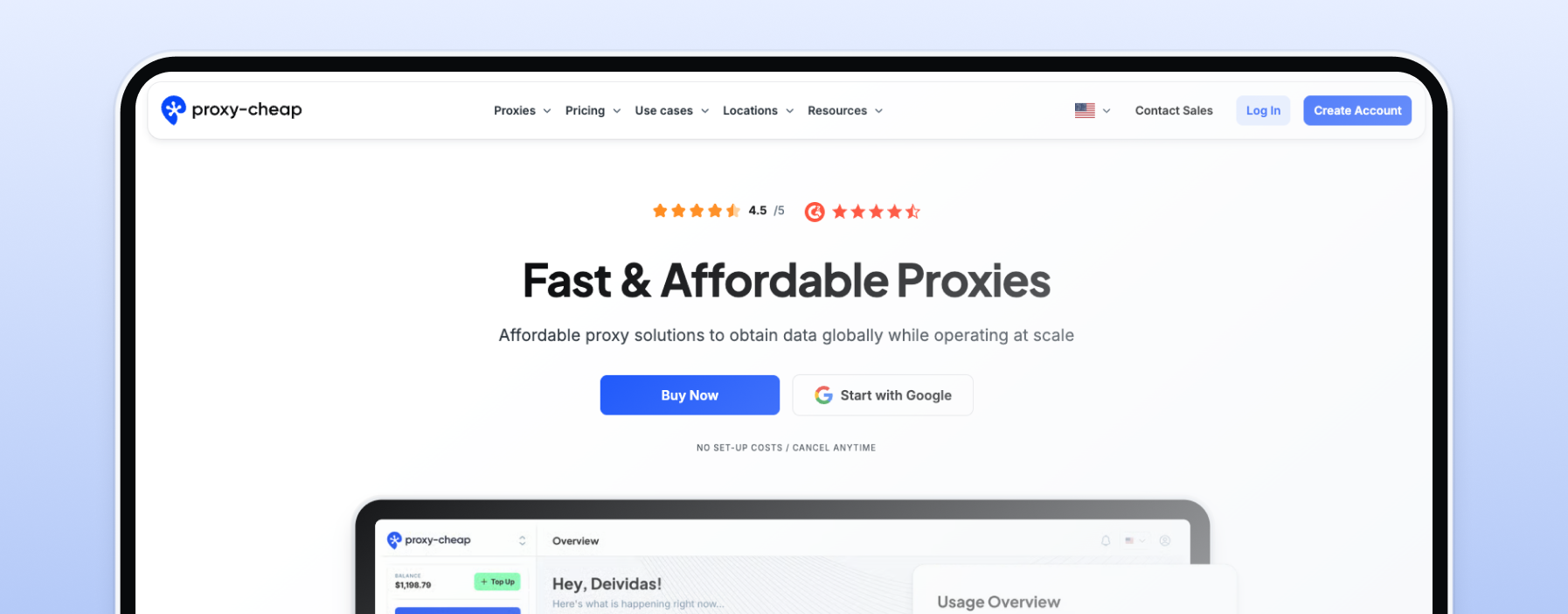
When it comes to high speeds, their proxy servers are unmatched, easily handling 4K streaming without packet loss. Proxy-Cheap boasts a vast network and a massive IP pool that easily navigates the strict environments of streaming services like Netflix, BBC iPlayer, HBO Max, and other platforms. Because they provide proxy IPs that match typical end-user environments, they ensure uninterrupted access to live sports and regional catalogs. Whether you need an unlimited bandwidth plan or the best residential proxies to maintain long viewing sessions, their dedicated support team and robust infrastructure make them the ultimate streaming proxy.
Decodo is a highly reputable runner-up in the proxy market. They are widely recognized for their reliable proxies and an impressive IP pool that handles internet traffic efficiently. Their residential and mobile proxies are excellent for accessing content across different country catalogs. Decodo utilizes flexible pay-as-you-go pricing, making it easy for users to scale their data usage as needed. While their proxy network is excellent for general web scraping and testing localized media, their pay-as-you-go model can become slightly expensive for users generating massive amounts of proxy traffic during heavy 4K streaming. Nevertheless, their quick setup and responsive support team keep them near the top of the best proxy services.
Oxylabs features a massive, enterprise-grade proxy network with unparalleled location coverage. They provide some of the most advanced proxy technology available, making them highly effective for data collection, web scraping, and routing internet traffic across the globe. While their residential IPs and datacenter proxies boast excellent connection stability and low latency, their target audience is primarily large corporations. For individual users simply looking for a streaming proxy to watch BBC iPlayer or Netflix, Oxylabs' pricing structure is often overkill. However, if your enterprise needs to test localized experiences securely, their proxy servers offer top-tier data protection.
Bright Data is a powerhouse in the proxy industry, offering an incredibly vast network of residential and mobile proxies. Bright Data provides highly advanced geo-targeting, allowing users to select an IP address down to the city level. This ensures you can route your proxy traffic to an exact actual location in a different country. While Bright Data is exceptional at providing connections through legitimate residential networks, their platform comes with a steep learning curve. The robust features of Bright Data make it a premium choice, but like Oxylabs, it often requires a larger budget compared to more affordable proxies like Proxy-Cheap.
Video CDNs identify proxy traffic primarily through ASN lookup. Every IP address belongs to an autonomous system, and commercial hosting ASNs are well-known. When a request arrives from a datacenter ASN, the CDN edge node can flag or deprioritize it without inspecting the content of the request at all.
Residential IPs are registered under consumer ISP ASNs. From the CDN's perspective, they are indistinguishable from regular viewer traffic. This is the core technical reason why residential proxies perform differently than datacenter proxies on video infrastructure, not the proxy protocol itself.
Header patterns also play a role. Requests that lack standard browser headers, or that arrive in patterns inconsistent with normal viewer behavior, can be flagged regardless of IP type. Developers testing media tools should configure their clients to send realistic request headers alongside a residential IP.
Selecting the correct proxy technology is the most critical step in configuring your proxy network. Using the wrong proxy types will lead to instant connection errors, high packet loss, and poor streaming performance. Here is a breakdown of the main proxy types and how they handle streaming content.
Static residential proxies are registered to consumer ISPs but hosted on datacenter hardware. This gives them the ASN trust score of a residential IP with the uptime and speed of a server. For developers running long test sessions against video CDN endpoints, they are the most stable option since the IP does not rotate mid-session.
Standard residential proxies route requests through real consumer devices. Because the IPs belong to active household connections, they carry high trust scores with CDN classification systems. They are well suited for testing how a CDN responds to genuine end-user traffic patterns from specific regions. The trade-off is speed and cost, as traffic routes through real devices rather than servers.
Datacenter proxies originate from secondary corporations and cloud hosting companies rather than a consumer internet service provider. While datacenter proxies are incredibly fast and serve as highly affordable proxies, their proxy IPs are easily identified by streaming platforms. Specifically, shared datacenter proxies—where multiple users utilize the exact same IP address simultaneously—are quickly flagged. While useful for basic web scraping, datacenter IPs are generally a poor choice for a reliable streaming proxy.
Mobile proxies route traffic through 4G and 5G cellular connections. Mobile IPs are shared among many real users on a carrier network, which gives them very high trust scores. For developers testing how video CDNs handle mobile-origin traffic or building tools that need to simulate mobile viewer behavior, mobile proxies are the most accurate option. They are more expensive than residential proxies and not cost-effective for high-volume data transfer.
You should always avoid a free proxy. Free proxy services are universally unsafe, suffering from overcrowded servers, massive packet loss, and incredibly poor streaming performance. They lack the HTTPS security protocols necessary to protect your data, leaving your original IP address and browsing history vulnerable, especially if you are connecting from a public wi fi network.
For developers testing CDN behavior programmatically, the most reliable approach is to configure your HTTP client directly rather than using a browser extension. Pass your proxy credentials in the request configuration, set realistic user-agent and accept-language headers, and target the CDN endpoint directly.
Browser extensions work for manual testing in Chromium-based browsers. Tools like FoxyProxy or Proxy SwitchyOmega let you switch proxy profiles quickly between test sessions without touching system settings. For automated or headless testing, configure the proxy at the HTTP client or WebDriver level instead.