

Managing multiple accounts without triggering bans is an art - and a science. Whether you're deep into affiliate marketing, automating workflows, or juggling multiple social media profiles, choosing the right antidetect browser can make or break your operations. That’s where Incogniton vs. Multilogin comes into play.
Both tools promise secure, private browsing by creating isolated environments for each profile, but they go about it differently. Incogniton is known for its user-friendly interface and budget-friendly plans, while Multilogin boasts enterprise-grade stealth and advanced fingerprint management.
In this comparison blog post, we’ll break down their features, pricing, and ideal use cases to help you decide which one aligns best with your needs in 2026.
An antidetect browser is a special type of custom browser designed to help users protect their privacy online by preventing websites from linking their separate profiles. Unlike regular browsers, which expose a unique digital signature (also known as browser fingerprinting), an anti detect browser hides or alters this information, making each browsing session appear unique.
When you visit a website, your browser shares details such as your browser version, operating system, IP address, and device settings. A detect browser collects this data to identify and track users. An antidetect browser, however, replaces these details with fake or randomized information, making it seem like you're using a completely different device or identity each time. This allows users to create multiple browser profiles, each with its own distinct fingerprint.
Antidetect browsers help users:
These custom browsers are widely used by:
If you're looking to strengthen your privacy, pairing an antidetect browser with residential proxies can further protect your identity. Learn more about how proxies can boost your privacy here.
For a detailed look at the key features of the best antidetect browsers, check out this guide: Best Antidetect Browsers.
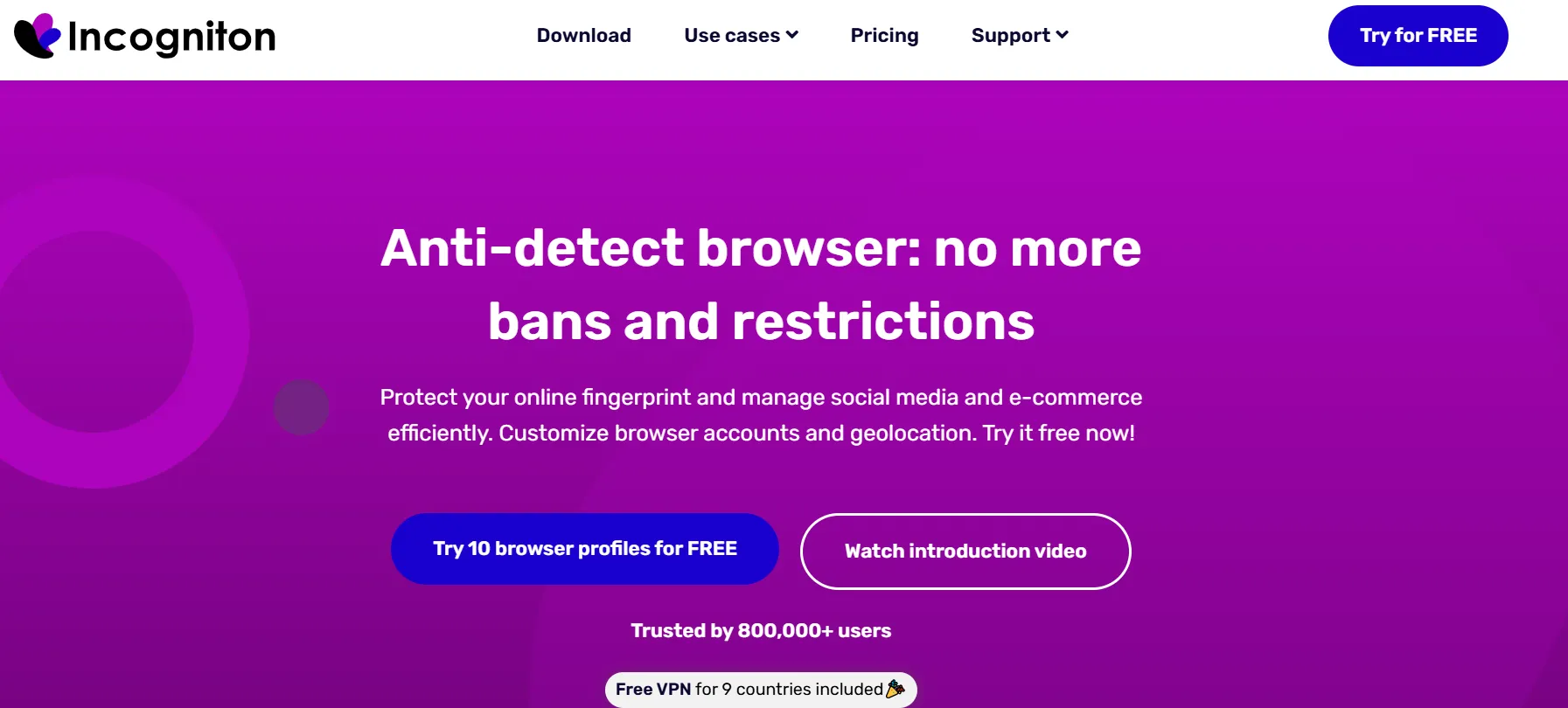
Incogniton is one of the most user-friendly anti detect browsers, designed to help users manage multiple online identities while keeping their real information hidden. It allows users to create and run separate browser profiles, each with unique fingerprints, making it appear as if they are using different devices.
Incogniton is built for those who need to handle multiple social media accounts, eCommerce platforms, or advertising campaigns with stable, reliable sessions. By preventing platforms from linking accounts through browser fingerprinting, it ensures smooth multi-account management without the risk of bans. For profiles that must keep the same identity long term, pair each one with static residential proxies so every account keeps a single fixed residential IP.
Incogniton is a go-to solution for affiliate marketers, eCommerce sellers, and social media managers who need an efficient and affordable way to manage multiple identities. Compared to other Incogniton vs competitors, it stands out for its ease of use and cost-effective pricing.
For even stronger privacy, pairing Incogniton with datacenter proxies can further enhance data protection. Learn more about proxies here.
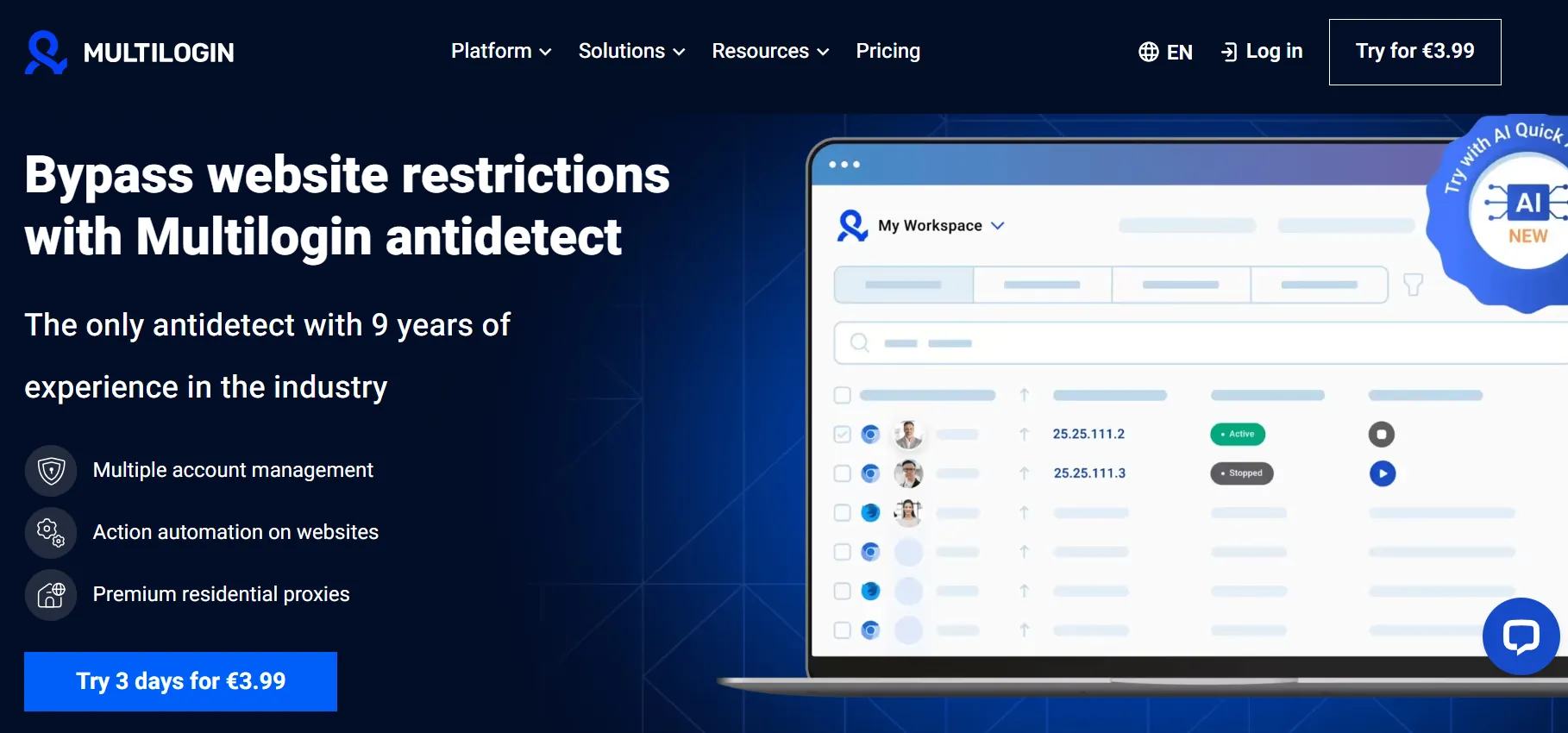
Multilogin is a premium anti detect browser that provides advanced tools for managing multiple online identities with enterprise-level stealth. Unlike traditional browsers, the Multilogin app creates isolated browser profiles, each reflecting a distinct device configuration. This allows users to operate multiple accounts without websites detecting they belong to the same person.
Multilogin is designed for professionals and businesses that require a high level of privacy. It prevents websites from tracking users through media devices, Google services, and other fingerprinting methods. By providing connections that match typical end-user environments, it keeps accounts on stable, reliable sessions.
Multilogin is ideal for agencies, large-scale advertisers, and businesses that need robust fingerprint control. When comparing Multilogin Incogniton, users often choose Multilogin for its superior stealth features, while Incogniton is preferred for budget-friendly multi-account management.
If you're deciding between Incogniton vs Multilogin, understanding their differences is key. In the next section, we’ll break down their key features, pricing, and performance to help you choose the right tool for your needs.
When choosing an anti detect browser, it’s crucial to compare their core features to determine which tool best fits your needs. Both Incogniton and Multilogin offer almost the same features, but they differ in pricing, ease of use, and advanced security capabilities. Let’s break down their strengths and weaknesses across key areas.
Incogniton:
Multilogin:
Verdict: Multilogin provides more advanced fingerprinting, but Incogniton offers an easier and cost-effective way to manage multiple accounts.
Incogniton:
Multilogin:
Verdict: Multilogin is better for agencies and teams needing advanced collaboration.
Incogniton:
Multilogin:
Verdict: Multilogin wins with its advanced fingerprint customization, but Incogniton covers the basics well for most users.
Incogniton:
Multilogin:
Verdict: Multilogin is the better choice for automation-heavy users.
Incogniton:
Multilogin:
Verdict: Incogniton is much more affordable, while Multilogin is ideal for businesses that need high-end security.
Incogniton:
Multilogin:
Verdict: Incogniton is easier for beginners, while Multilogin is better for advanced users.
Incogniton: Works on Windows & macOS.
Multilogin: Works on Windows, macOS, and Linux.
Verdict: Multilogin supports more platforms, but for most users, Incogniton's support is sufficient.
Incogniton: Email & live chat support; good response time.
Multilogin: Premium-tier support, but slower response for lower plans.
Verdict: Incogniton offers quicker support, while Multilogin has better priority support for high-paying users.
| Features | Incogniton | Multilogin |
|---|---|---|
| Browser Profiles | Unlimited profiles, user-friendly | Advanced fingerprint control, cloud-stored profiles |
| Team Collaboration | Basic role-based access | Advanced team permissions & sharing |
| Fingerprint Masking | Standard fingerprint control | High-end fingerprint customization |
| Automation Support | Puppeteer & Selenium, but requires manual tweaking | Full automation integration |
| Pricing | Starts at $19.99/month (Free plan available) | Starts at €29/month, no free plan |
| Ease of Use | Simple UI, beginner-friendly | Complex but highly customizable |
| Supported Platforms | Windows, macOS | Windows, macOS, Linux |
| Customer Support | Email & live chat, fast response | Premium support for high-tier users |
Overall, Incogniton is a great anti detect browser for beginners and small businesses but may not be the best fit for enterprises needing high-level customization.
Multilogin is a powerful anti detect browser for professionals and businesses that need advanced browser fingerprinting protection, automation, and web scraping capabilities—but it may not be the best choice for budget-conscious users.
Choosing between Incogniton and Multilogin depends on your specific needs. Below is a breakdown of which tool works best for different types of users.
When choosing an anti detect browser, pricing is a crucial factor, especially for users managing multiple accounts or working in teams. Below is a breakdown of Incogniton and Multilogin pricing models.
| Features | Incogniton | Multilogin |
|---|---|---|
| Free Plan | Yes (10 browser profiles) | No Free Plan |
| Starting Price | $19.99/month | €29/month |
| Max Profiles (Basic Plan) | 50 | 10 |
| Automation Support | Yes (Starting from Starter Plan) | Yes (Starting from Solo Plan) |
| Team Collaboration | Yes (Advanced & Pro Plans) | Yes (Only in Team Plan) |
| API Access | Yes (Advanced & Pro Plans) | Yes (Solo & Team Plans) |
| Best For | Beginners, solo users, budget-conscious users | Advanced users, large teams, automation-heavy users |
Both Incogniton and Multilogin are powerful anti detect browsers, but the right choice depends on your needs. If you’re a solo user, a beginner, or on a budget, Incogniton is the better option with its free plan, affordable pricing, and user-friendly interface. It’s great for managing social media accounts, eCommerce, and small-scale automation without breaking the bank.
On the other hand, if you need advanced browser fingerprinting protection, deep customization, and seamless team collaboration, Multilogin is the stronger choice - especially for large agencies, automation-heavy users, and businesses requiring high-level security. While it comes at a higher cost, its superior automation support, API access, and anti-fingerprinting technology make it worth considering.
Ultimately, the best tool depends on your workflow and priorities, so testing both can help you decide which one suits your needs best.