
Are you finding the top Windows proxy server for 2026? You've landed at the right spot. A proxy server is a valuable tool if you want to increase your privacy, speed up your connection, or access region-specific content. It serves as an intermediary between your computer and the internet, helping in traffic management, IP address masking, and browsing security. For this reason, it is crucial for both personal and business use on Windows systems.
In this guide, we’ll break down the top proxy servers worth considering this year - what they offer, how they stack up, and which one fits your needs best.
Let’s get you connected, protected, and in control.
| Proxy Tool | Speed | Price Range | Support | Proxy Types | Windows Compatibility |
|---|---|---|---|---|---|
| Proxy-Cheap | High | $1.13+/proxy | 24/7 Live Chat | Residential, Datacenter | Win 10/11 |
| Smartproxy | Very High | $13/GB | Email/Live Chat | Residential, Rotating | Win 10/11 |
| Oxylabs | Enterprise-grade | $8/GB | Dedicated AM | Residential, Mobile, Datacenter | Full OS support |
| Bright Data | Top-tier | Custom/PAYG | 24/7 Support | Residential, ISP, Mobile | Win 10/11 |
| Hide.me | Fast | $2.39+/mo | Community/Email | Proxy & VPN Hybrid | Win 10/11 |
| Storm Proxies | Good | $14+/mo | Basic Support | Rotating, Dedicated | Win 10/11 |
| NordVPN | Fast | $3.69+/mo | 24/7 Live Chat | SOCKS5 Proxy (VPN included) | Win 10/11 |
| IPRoyal | Reliable | $1.20+/proxy | Ticket Support | Residential, Sneaker | Win 10/11 |
| Webshare | Decent | Free / $2.25+ | Limited Support | Free + Premium Proxies | Win 10/11 |
A proxy server serves as a mediator between the internet and your computer. Your device transmits the request via the proxy server first rather than straight to a website. After sending your request to the website, that server retrieves the response and returns it to you. This aids in concealing your actual IP address, which functions similarly to your computer's online persona.
When using a proxy server on a Windows system (such Windows 10 or 11), you can utilize this extra step to route all of your internet traffic. This is especially useful if you wish to improve your online safety, safeguard your privacy when browsing, or even access websites that are region-specific.
For example, you would run into trouble if you were in the US and wanted to reach public web content that is region-specific to the UK without a proxy. However, you can readily access the content using residential proxies that use real IPs from real devices in the UK, exactly like you would if you were surfing from London.
For activities like data scraping, where you gather information from several websites without being blacklisted by search engines, you can also use many proxies to rotate your IP address. Many users even choose free proxies for basic tasks, though for better speed and privacy, paid proxy services often offer more reliable and secure connections.
If you’re just getting started, these guides will help you dive in:
Whether you're looking into free proxy servers or considering advanced options for business use, understanding how they work on Windows is the first step toward safer, smarter browsing.
Using a proxy server on your Windows desktop is not just wise, but necessary in 2026. With new network tools and privacy settings integrated into Windows 11, customers have greater control over their internet connection than ever before.
One of the biggest reasons people use proxy servers is for online privacy. When you browse without one, websites can see your IP address and track your behavior. A proxy protects that IP, often routing your traffic through a server in a different location, helping you preserve your privacy and access region-specific content. Want to access public media content that's region-specific to another market? A proxy makes it possible.
Another key benefit is speed. Certain proxy setups, especially when using multiple proxies, can reduce bandwidth usage by caching web pages and filtering ads. This can improve your browsing experience on Windows devices dramatically.
And let’s talk about security - a big concern for anyone online. Even with Windows 11's enhanced security capabilities, using it in tandem with an encryption-capable proxy doubles the protection of your data. This is especially important if you operate remotely or manage sensitive data.
Do you need to quickly switch between different proxy kinds or locations? These days, proxy services make it easy, frequently requiring only a few clicks. Numerous providers additionally have support specialists on hand to assist you with setup and troubleshooting.
While both a VPN and a proxy can help conceal your IP address, proxies are often faster and more flexible, which makes them especially useful for tasks like verifying advertisements, maintaining several social media accounts, and accessing localized services.
A dependable proxy configuration gives you the advantage if you're using Windows in 2026 and are concerned about media performance, speed, or security.
The correct proxy can make all the difference, whether your goals are speed, privacy, or access to content that is banned by location. We have compiled a list of the top proxy servers for Windows in 2026, ranging from powerful business-oriented solutions to more affordable ones. Scroll through, compare, review and find the one that fits your workflow, browsing habits, or hustle.
Overview:
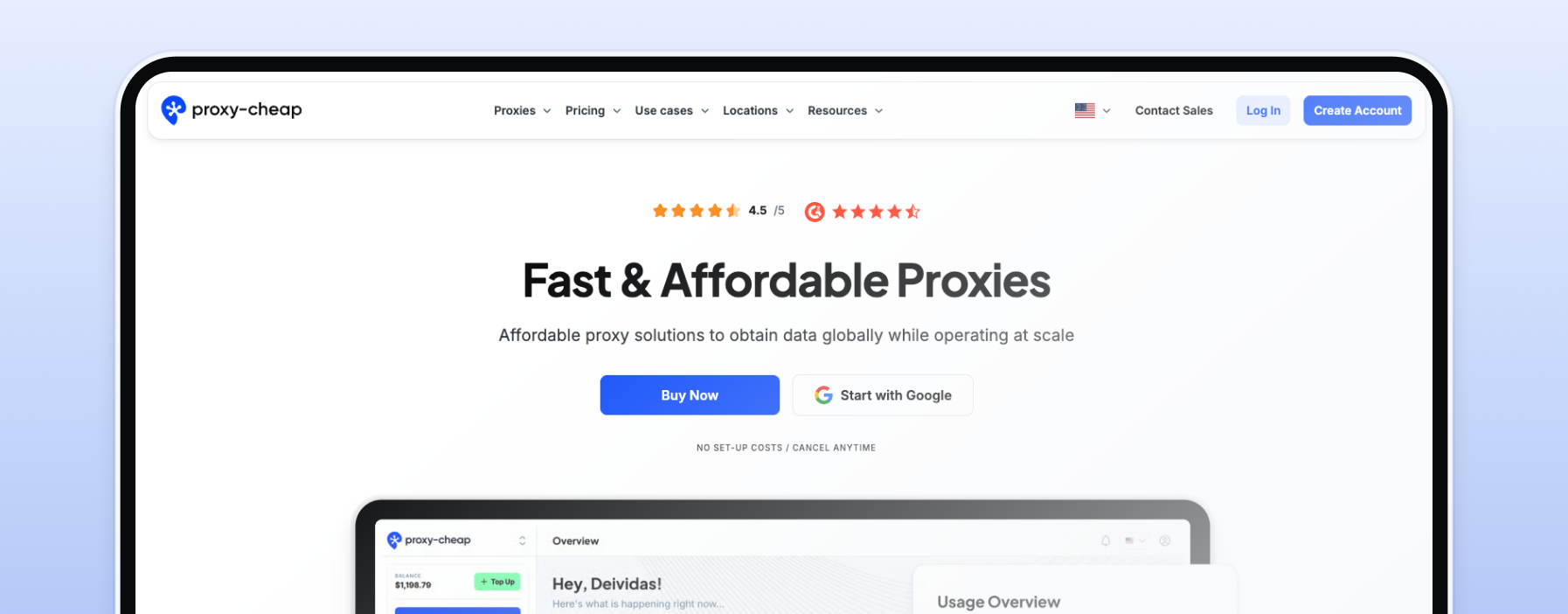
In 2026, Proxy-Cheap distinguishes itself as a leading proxy supplier by providing a large selection of proxy solutions at affordable costs. Users can choose services that are suited to their individual requirements with choices including datacenter, residential, rotating, and static residential proxies. The platform is appropriate for a range of online activities since it places an emphasis on excellent performance and adaptability.
Key Features:
Pricing:
Best For: Users on a tight budget, small enterprises, and people looking for dependable and reasonably priced proxy solutions for activities like web scraping, media playback, and improved online privacy.
Overview:
With an emphasis on rotating residential proxies, Smartproxy - now known as Decodo - offers a strong proxy network. For applications like data scraping, SEO monitoring, and accessing information that is limited by location, it is made to accommodate customers that need a huge pool of IP addresses.
Key Features:
Pricing:
Best For: Businesses and professionals engaged in large-scale data collection, SEO monitoring, and market research requiring reliable rotating residential proxies.
Overview:
Oxylabs is a high-end proxy service provider for business customers. It is designed for extensive data collection, market research, and competition analysis and has a big proxy pool and sophisticated features.
Key Features:
Pricing:
Best For: Big businesses and organizations that need to gather a lot of data, such cybersecurity and market research corporations.
Overview:
Bright Data provides a wide range of proxy options, such as ISP, mobile, datacenter, and residential proxies. It is well-known for its extensive IP pool and sophisticated tools designed for web scraping and data extraction.
Key Features:
Pricing:
Best For: Businesses and professionals engaged in large-scale web scraping, data mining, and market intelligence requiring a vast and reliable proxy network.
Overview:
With an emphasis on customer security and privacy, Hide.me is a VPN service that also provides proxy functionality. It is appropriate for those who want to improve their online privacy because of its strong encryption and user-friendly design.
Key Features:
Pricing:
Best For: People looking for faster access to region-specific information, safer browsing, and increased online privacy.
Overview:
Providing affordable rotating residential proxies, Storm Proxies is a well-liked option for both private users and small enterprises. For a variety of online chores, its simple setup and limitless bandwidth are perfect.
Key Features:
Pricing:
Best For: Affordable rotating proxies are needed by marketers, small organizations, and individuals for activities like SEO tracking and web scraping.
Overview:
Although NordVPN is primarily a VPN, it also provides proxy features via SOCKS5 and encrypted proxy connections, which makes it a compelling option for those who value convenience and privacy. It allows media playback, torrenting, and private browsing and works well with Windows.
Key Features:
Pricing:
Best For:
Windows users who want a secure, encrypted connection along with SOCKS5 proxy capabilities for torrenting, media playback, or accessing region-specific content.
Overview:
IPRoyal provides a range of proxy kinds, including as sneaker, datacenter, and residential proxies. For customers who require a dependable connection for activities like web scraping, sneaker copping, or gaming, it's the preferred option.
Key Features:
Pricing:
Best For:
Sneakerheads, gamers, and scrapers needing flexible and reliable proxy access.
Overview:
Webshare provides one of the best free proxy services, with the option to scale into premium high-speed proxies. It’s great for beginners wanting to test proxies before investing.
Key Features:
Pricing:
Best For:
Beginners, developers, or casual users looking for a free or low-cost proxy solution with the ability to upgrade.
Setting up a proxy server on your Windows machine in 2026 is easier than ever - whether you’re aiming for enhanced privacy, location-specific browsing, or secure data scraping. Below are two easy methods: the manual way through Windows settings and the simpler, app-based method.
Perfect for users who already have proxy server details (like IP and port) from their provider.
Need help with screenshots? Refer to this detailed Windows setup guide.
Many proxy services (like Proxy-Cheap, Bright Data, and Smartproxy) offer dedicated apps or dashboards that make setup faster and less error-prone.
You can read more about configuring Windows proxy settings and available tools here.
Both methods get the job done, but app-based setup is recommended for beginners or users who switch proxies frequently. It’s faster, cleaner, and reduces the risk of misconfiguration.
Not all proxy servers are created equal, and choosing the wrong one could mean slow speeds, poor security, or even unreliable access. Whether you’re using a proxy for casual browsing, business operations, or web scraping, here’s what to check before you buy or connect:
Nobody wants a sluggish internet experience. A good proxy server should offer high-speed connections with minimal downtime, especially if you're playing media, gaming, or accessing real-time data. Look for servers optimized for speed-particularly in your target region-or providers that advertise the fastest proxies for performance-critical use cases.
Security should be non-negotiable. Choose proxies that offer a secure connection and support HTTPS protocols. If you’re handling sensitive data (business or scraping), ensure the proxy has encryption features and doesn’t leak your real IP address.
A larger and more diverse IP pool, especially from residential proxies, reduces the risk of IP-level rate limiting by websites or search engines. This is especially important for data scraping, ad verification, or managing multiple social media accounts.
Privacy-focused users should confirm if the provider follows a strict no-logs policy, meaning they don’t track or store your browsing activity. This is critical for maintaining online privacy and avoiding legal complications.
When something goes wrong (and it might), you’ll want quick help. Go for providers with responsive support teams, preferably offering 24/7 live chat or ticketing systems. This becomes especially important for business-critical use.
If you're a beginner, look for proxy services that offer:
This is especially useful for Windows users who don’t want to deal with manual configurations.
Make sure the proxy works with your devices and software - whether you're on a Windows desktop, using a browser extension, or integrating with tools for automation or scraping.
Compare plans based on your actual usage. If you're unsure, choose providers that offer a free trial or pay-as-you-go options. This allows you to test without committing long-term.
Selecting the right proxy isn’t just about performance - it’s about aligning with your purpose. Knowing what to look for helps you avoid common pitfalls and get maximum value for your time and money.

Looking for a reliable, beginner-friendly proxy solution that won’t break the bank? Proxy-Cheap stands out as a top choice in 2026 for its unbeatable combination of affordable pricing and high-speed servers. Whether you’re browsing, scraping, or protecting your online privacy, Proxy-Cheap makes it simple to connect and stay secure - especially on Windows systems.
With its easy-to-use dashboard, wide range of residential and datacenter proxies, and responsive support team, it's a great option for both casual users and professionals.
Ready to enhance your browsing experience? Give Proxy-Cheap a try and see the difference for yourself.
In 2026, proxy servers are more essential than ever for Windows users looking to stay private, access global content, and work securely online. Whether you're aiming to protect your real IP address, speed up your browsing, or scrape data with reliable, stable sessions, the right proxy can make all the difference.
From free proxies for basic use to residential proxies for advanced tasks, there's no one-size-fits-all solution - it all depends on your needs. Businesses may prioritize speed and scalability, while casual users might just want a simple, secure connection.
Take the time to compare the top tools, look at features like encryption, support, and speed, and try out the one that fits your use case best. Most providers offer trials or flexible plans, so you can test things out risk-free.
Ready to take control of your internet experience? Start with a trusted option like Proxy-Cheap, or explore others on our list. Either way, you’ll be browsing smarter in no time.