
Proxy-Cheap is the best choice for most Android users because it offers strong value, practical proxy types, and simple setup that works with common Android proxy methods, including affordable proxies compatible with a wide range of Android versions. This article starts with a quick comparison, then a numbered listicle with pricing sections, then a short setup, testing, and selection guide and FAQs.
| Provider | Best fit | Android strengths | Pricing signal to check |
|---|---|---|---|
| Proxy-Cheap | Best value for most Android users | Simple proxy credentials, broad proxy types, good balance of speed and stability | Clear entry pricing and easy scaling |
| Bright Data | Advanced users and enterprises | Strong controls and large product suite | Premium pricing and platform complexity |
| Oxylabs | Strict targets and reliability | Strong stability posture and support | Higher cost, best unit economics at scale |
| Decodo (Smartproxy) | Mid-market packaged plans | Easy onboarding, good for rotating use cases | Limits vary by plan, check session rules |
| IPRoyal | Simple Android proxy needs | Straightforward setup and clear tiers | Low tiers can be less cost-efficient |
| Webshare | Cheap testing | Quick start and low entry pricing | Fewer advanced controls |
| PacketStream | Cheap bandwidth baseline | Low cost per GB for rotation-style use | Variability can be higher |
Android proxy needs are usually simple. People want an app or a Wi-Fi proxy setup that stays stable, does not break browsing, and can also support automation or testing when needed. Proxy-Cheap is the best value pick because it gives you practical proxy choices that can work on Android without forcing advanced platform setup. Proxy-Cheap offers affordable proxies compatible with a wide range of Android versions, making it a cost-effective solution for users seeking reliable proxy services.
Best for
Android browsing and app testing where you need a different IP.
Mobile QA testing for location-based content.
Automation workflows that run on Android devices or emulators.
Users who want affordable proxies with good location coverage and flexible rotation options.
Android setup options that matter
Works with common Android proxy configuration methods, such as Wi-Fi proxy settings, and supports proxy server apps for easy setup.
Compatible with various Android versions, including newer and older devices, without requiring root access; if you need step-by-step help, follow a dedicated guide on how to set up Android proxy settings.
Supports typical proxy authentication models used by Android proxy apps.
Allows routing traffic through remote proxy servers, changing your IP address and improving privacy.
Supports mobile data connections, enabling proxy use even when not on Wi-Fi.
Can be used with proxy manager apps for centralized control, making it easy to manage multiple IPs and providing granular control over which apps use the proxy and which connect directly to the internet.
Pricing
Pricing depends on proxy type.
Datacenter proxies are often the cheapest and fastest.
Residential and ISP-style proxies cost more but can reduce access denials on stricter targets, and many users buy fast, cheap residential IPs specifically to improve Android app access and geo-targeting.
What to check before you buy
Whether your Android use case needs rotation or stability.
Whether your app supports authenticated proxies or only IP-based allowlisting.
Whether you need a specific country or city location for testing.
Bright Data is a strong choice for advanced users and enterprises that want deep controls. With one of the largest mobile IP pools and advanced geographic targeting, Bright Data is ideal for matching typical end‑user environments and leveraging both residential and mobile proxies for Android, especially when compared against the best mobile proxy providers in 2026. This makes it especially effective for tasks like ad verification, web scraping, and social media management where accurate location and network conditions matter. It can be useful if you run Android testing at scale and need governance, targeting, and monitoring.
Best for
Large Android QA programs.
Advanced targeting and management needs.
Matching typical end‑user environments with residential and mobile proxies for precise location and network targeting.
Pricing
Typically premium pricing.
Better fit when you use platform tools.
What to check before you buy
Whether Android setup will be simple enough for your team.
Total cost under real bandwidth usage.
In broader benchmarks across the best proxy providers in 2025, Oxylabs typically stands out for reliability and strict-target performance rather than raw price.
Oxylabs is often selected when reliability matters more than cost, especially for strict targets. For Android, this can matter when apps or services challenge proxy traffic aggressively.
Best for
Strict targets and stable testing.
Teams that need strong support.
Users who need access to 20M+ mobile IPs in 140+ countries, carrier diversity, and 4G/5G IPs for more stable, reliable sessions, as well as an Android Proxy Manager for easy integration.
Pricing
Usually higher pricing.
Better unit economics at higher volumes.
What to check before you buy
Whether your Android targets truly need premium pools.
Support response expectations.
Decodo is often a strong mid-market option for rotating use cases. If your Android task is high-volume scraping through an app or emulator workflow, bandwidth-based plans can work well. Decodo, formerly known as Smartproxy, offers a combined pool of over 100 million IPs, including 10M+ mobile IPs with a fast response time of under 0.5 seconds, and performs competitively among the best residential proxy providers.
Best for
Rotating residential use cases.
Teams that want packaged plans.
Business users who need non-expiring traffic for stable, reliable IPs, or expiring traffic for flexible, pay-as-you-go budgeting.
Pricing
Commonly priced per GB.
Better value at mid and higher tiers.
Offers both non-expiring and expiring traffic options to suit different business needs.
What to check before you buy
Sticky session support if your workflow needs short continuity.
Concurrency rules.
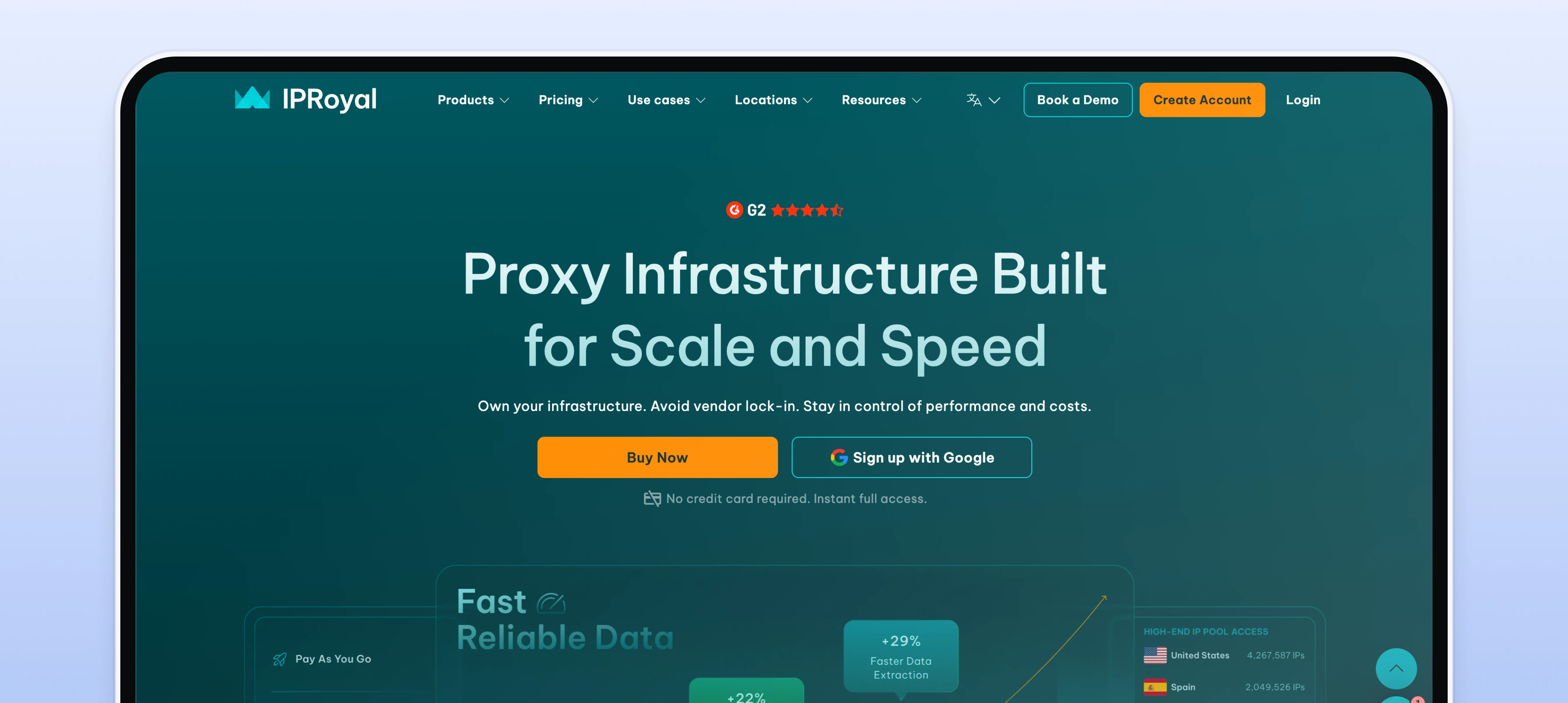
IPRoyal is a straightforward option for smaller Android workflows that need simple purchasing and quick setup. It supports mobile IPs, making it useful for social media management and app testing on Android devices, though some users may want to compare it against leading IPRoyal alternatives for reliable proxy services.
Best for
SMB tasks and basic Android proxy needs.
Managing multiple social media profiles and accurate app testing with mobile IPs.
Pricing
Tier-based pricing.
Low tiers can be less cost-efficient.
What to check before you buy
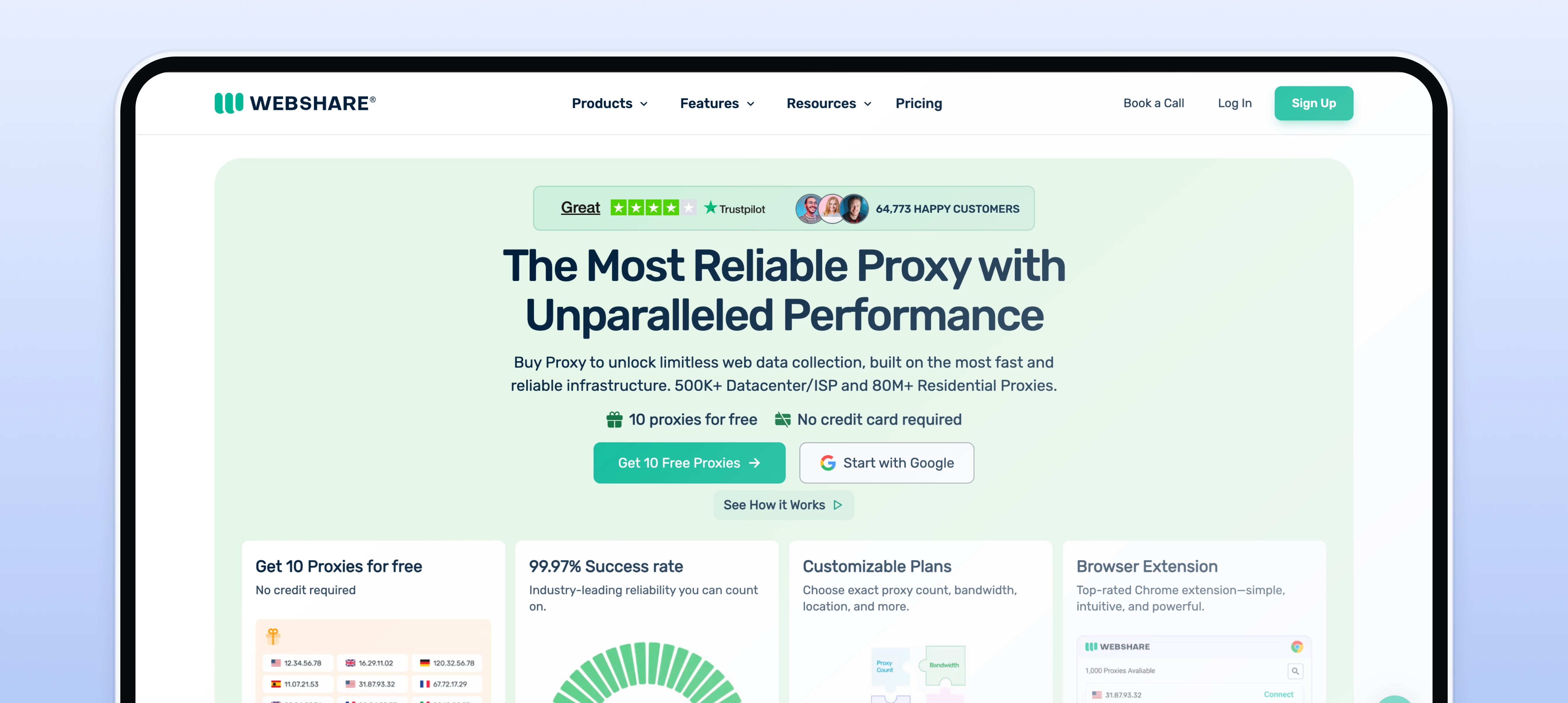
Webshare is a common choice for cheap testing on Android, especially for proof-of-concept work and smaller experiments.
Best for
Android pilots and quick tests.
Users seeking affordable proxies with flexible options for short-term or budget-friendly needs.
Quick testing scenarios where expiring traffic is useful.
Pricing
Often strong entry pricing.
Offers affordable proxies with good location coverage.
Provides expiring traffic options, allowing pay-as-you-go usage for efficient budgeting and short-term projects.
What to check before you buy
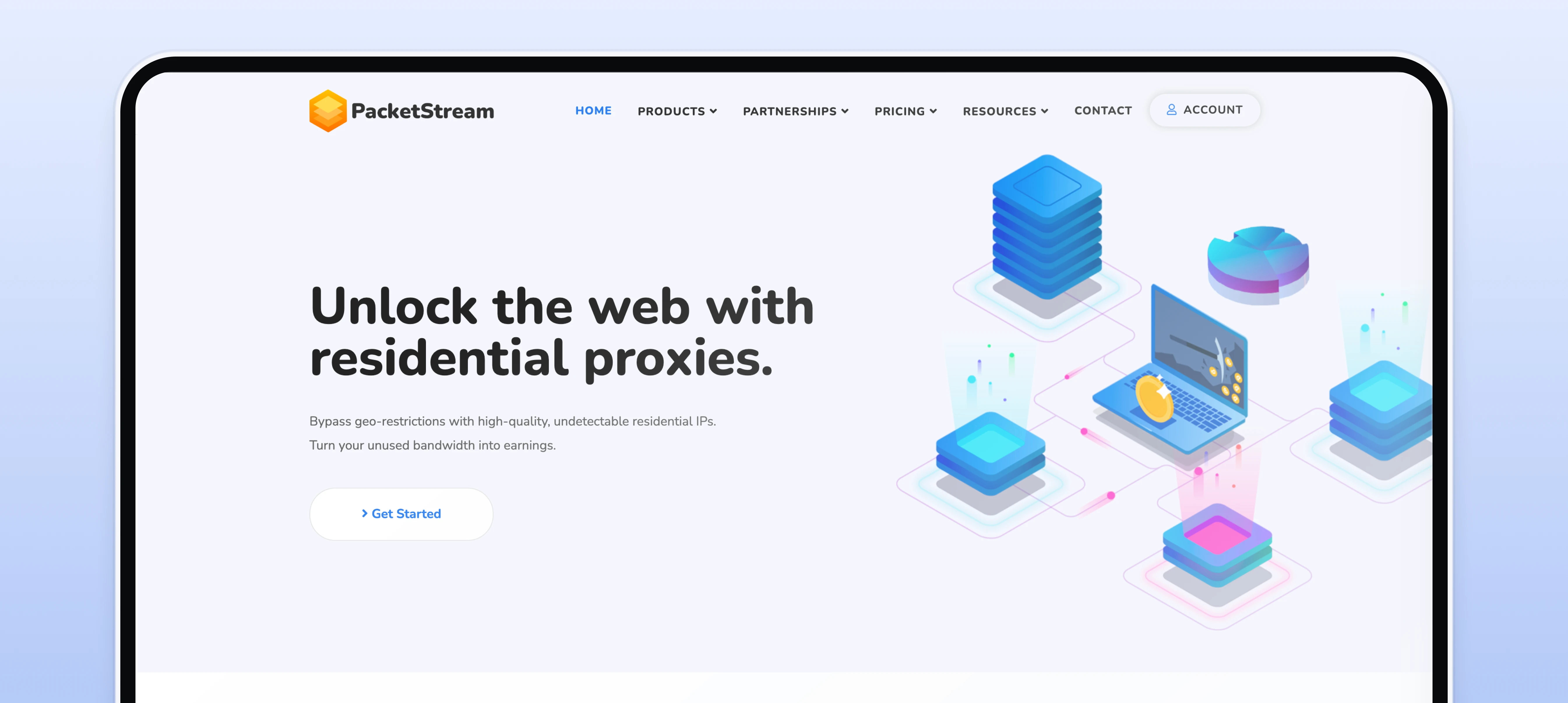
PacketStream is often used as the baseline low-cost bandwidth option. It can work for some Android rotation-style tasks, but variability can be higher than premium networks.
Best for
Cheap bandwidth-based rotation tasks.
Users seeking affordable proxies with flexible expiring traffic options for bandwidth-based rotation.
Pricing
Typically positioned as very low cost per GB.
Offers affordable proxies with non-expiring, pay-as-you-go bandwidth, making it a cost-effective solution for users who want to avoid expiring traffic and improve budgeting.
What to check before you buy
We tested providers using a plan that matches real Android proxy use.
We configured proxies through standard Android methods and common proxy-capable apps, testing on different Android versions to ensure compatibility, similar to multi-platform walkthroughs that explain how to set up an Android phone proxy and other clients.
Our tests included both proxy server apps and built-in proxy settings, covering configurations for individual apps as well as the entire device.
The typical configuration process for proxy apps on Android involved enabling the proxy, verifying the IP address, and, when needed, using a special client app for application-level proxying since Android's built-in settings mainly apply to Wi-Fi and do not offer app-by-app routing.
We tested stability during normal browsing and app usage.
We measured success rate on repeated requests and common endpoints.
We checked performance under moderate usage and background activity.
We compared cost per successful request for rotation-style use.
Choose the simplest setup that meets your need. Decide whether you want to configure the proxy for individual apps or for the entire device. Dedicated proxy apps provide granular control, letting you select which apps use the proxy and which connect directly to the internet. Using a proxy manager app can simplify configuration and management, especially if you use multiple proxies or need advanced features.
Pick rotating vs static based on the workflow. Rotation is best for many requests. Static is best for logins and stable sessions.
Make sure authentication works on Android. Some apps support username and password. Others only work with IP allowlisting. Also, check if the proxy supports mobile data connections, as some proxy apps are designed to work specifically with mobile data for enhanced privacy and flexibility.
Avoid “free proxy lists” for serious use. They are often unstable and risky.
Test on your real apps. A proxy that works in a browser may fail inside an app due to certificate pinning, network rules, or API behavior. Remember, using a proxy server on Android can improve security when connected to public Wi-Fi networks by adding an extra layer of privacy on public Wi‑Fi and supporting location-accurate testing of localized experiences while protecting sensitive data.
Security should be a top priority when using a proxy server on Android devices. Free proxy servers may seem appealing, but they often come with significant risks, including unstable connections and potential exposure to malware or data theft. Paid proxy apps, in contrast, typically offer better security, reliability, and support, especially when you opt for paid premium proxy servers from reputable providers.. When evaluating proxy providers, check for robust security measures such as encryption, secure authentication, and a transparent privacy policy. A reputable proxy provider will be clear about how your data is handled and will have a track record of protecting user privacy. Using a secure proxy server on your Android device helps protect your data from cyber threats and keeps your internet traffic secure, whether you are browsing, automating tasks, or collecting data.
Reliable proxy support can make all the difference when using proxies on Android devices. The best proxy providers back their services with comprehensive customer support, including detailed tutorials, FAQs, and responsive live chat. A strong user and developer community can also provide valuable insights and troubleshooting tips. Flexible pricing models, such as pay-as-you-go and subscription-based plans, allow you to choose the best option for your needs and budget. Many proxy providers also offer custom tools and solutions tailored for specific tasks like web scraping or social media automation, making it easier to integrate proxies into your workflow. By choosing a provider with robust support and flexible options, you can ensure a smooth experience and get the most out of your proxies for Android.