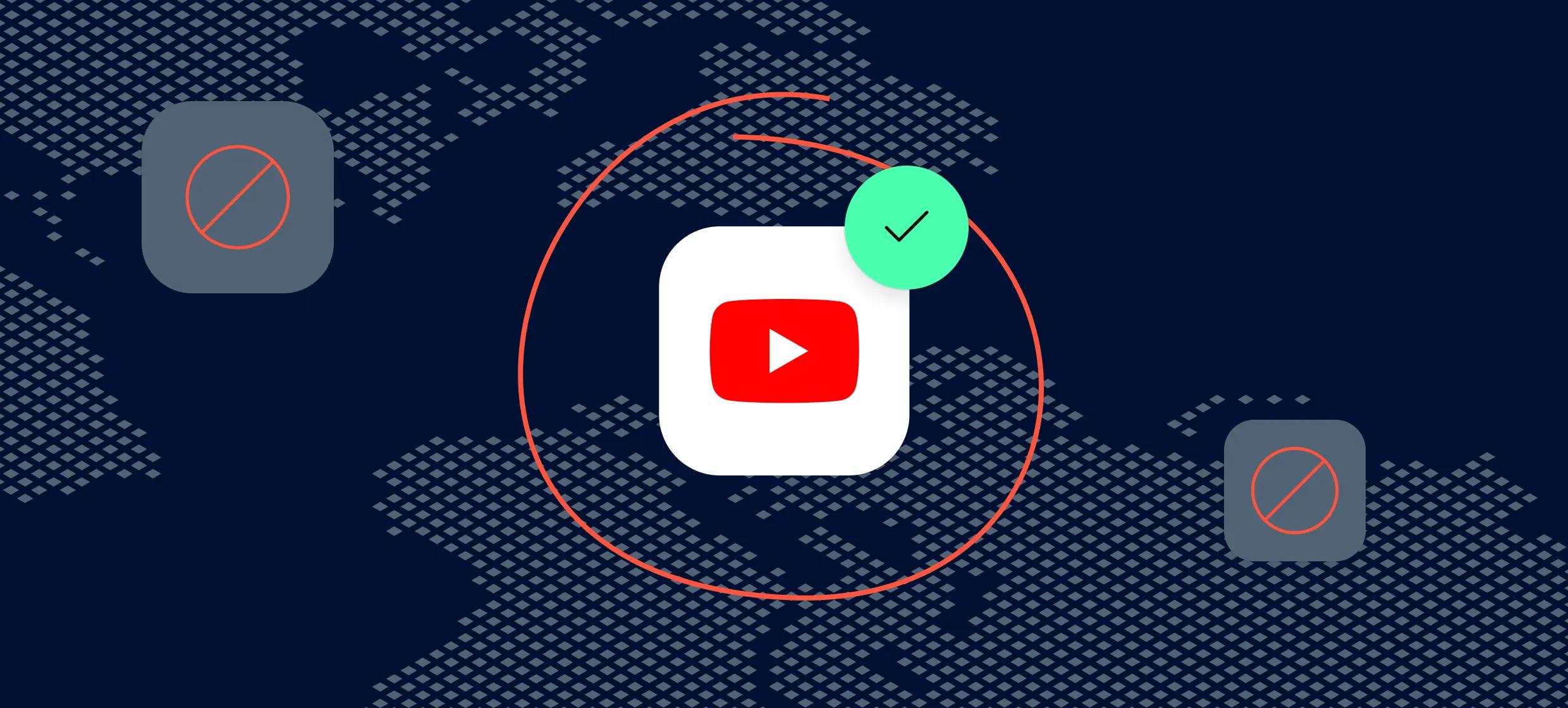

If you’ve ever searched for a YouTube unblock proxy, chances are you’ve hit that frustrating message - “This video isn’t available in your country.” Whether it’s a trending music video, a documentary, or a tutorial you really need, regional restrictions can be a major buzzkill. But here’s the good news: there’s an easy and safe workaround.
In this post, we’ll walk you through how to set up a YouTube unblock proxy - a simple tool that helps you access blocked content without diving into the deep end of tech jargon. It’s all about regaining your viewing freedom, the smart way.
Let’s get you past those borders and back to watching what you want, wherever you are.
It might seem surprising, but YouTube isn’t always accessible to everyone, everywhere. There are a few common reasons why you might run into a block when trying to watch your favorite YouTube videos - and none of them are your fault.
One major reason is government censorship. Some countries restrict access to YouTube to control what kind of information is shared or viewed. Whether it’s political content, news, or even harmless entertainment, governments sometimes choose to limit access as part of their national policy.
Then there are workplace or school restrictions. Ever tried watching a video during your lunch break only to find the site blocked? Employers and educational institutions often put restrictions on sites like YouTube to prevent distractions and conserve bandwidth. While the intent might be fair, it can be frustrating when you’re just trying to unwind or catch a helpful tutorial between tasks.
Laws governing content licensing are another important factor. Not all of YouTube's material is accessible worldwide. Because some videos are only authorized to play in specific areas, you could be barred just by being in that location. It can be really annoying and is a typical problem with music videos, movies, and programs.
The good news? These obstacles don't have to hold you back. By employing solutions like mobile proxies, virtual private networks, and proxy servers, you can effortlessly access websites that are prohibited. By concealing your actual location, these services enable you to view YouTube as though you were browsing from a different area.
For a simple and budget-friendly solution, a free web proxy or dedicated YouTube proxy can do the trick - no complicated setup needed. You can even look at services like Proxy-Cheap, which provide specialized solutions for controlling access to YouTube and other social media.
Whether the content is blocked by your country's laws, your company, or your school, you may still enjoy your favorite movies more quickly and safely by using a web proxy or comparable service.
Although the name "proxy" may seem technical, the idea behind it is quite straightforward. Consider it an intermediary between the internet and your device. Instead of going directly to a website, your connection is routed through the proxy server first. That server makes the request on your behalf - so websites see the proxy’s information, not yours.
Using a web proxy conceals your actual IP address and substitutes it with one from a different location, usually another nation. This little trick creates the illusion that you are browsing the internet on a different computer. Consequently, you can use a YouTube proxy to make it appear as though you are in a nation where the YouTube video is available, even if it isn't. The problem has been fixed!
In countries where access to specific content is restricted, this is especially helpful for circumventing internet filters at work or school. When you want a little more privacy when browsing or viewing movies on unsecured networks, such public Wi-Fi, this is especially useful.
There are many different types of proxy servers. For instance, mobile proxies are made to look like actual mobile users and function well on mobile devices, whereas datacenter proxies are swift and excellent for rapidly accessing content. Depending on your needs, switching between these solutions is simple with tools like the Proxy Manager.
Most likely, you've heard of CroxyProxy web proxy, a well-liked option for unblocking websites like YouTube without requiring any downloads. It’s perfect for newbies who just want to hop in and access restricted content without a lot of setup.
Paid proxy servers can provide quicker speeds and more secure access for users who desire greater control and performance, particularly if they routinely deal with banned websites or stream a lot of information.
Curious about how proxies actually function behind the scenes? This guide to how proxy servers work explains the mechanics in beginner-friendly language. You can also explore the website home page of Proxy-Cheap for more tools and options to tailor your browsing experience.
In short, a proxy helps you get around blocks and watch YouTube videos you otherwise couldn't - all while keeping your real location hidden and your access smoother, especially on restricted or public networks.
The type of proxy you choose to unblock YouTube can significantly affect your speed, privacy, and viewing experience. Not every proxy is made equally. The most popular choices are broken down below so you may choose the one that suits you the best.
Free proxies are the easiest to get started with. Tools like the CroxyProxy web proxy let you simply paste the website name - like YouTube - and start browsing without creating an account or installing anything. They’re great if you just want to watch videos occasionally without worrying about technical setup.
Pros:
Cons:
Browser extensions are a convenient way to use a YouTube proxy without leaving your browser. They redirect your traffic through proxy servers in just a few clicks.
Pros:
Cons:
If you want a smoother experience with better speed and complete privacy, paid proxy servers are the way to go. These come with dedicated resources and minimal lag, making them perfect for those who stream often or visit other websites with regional restrictions.
Pros:
Cons:
If you're serious about unblocking content, residential proxies are the gold standard. Because these proxies use real household IP addresses, they don't look like bots or fake traffic, but rather like real people. They are therefore great for getting around regional restrictions on websites like YouTube.
If you want a steady connection, you can even use static residential proxies or rotating residential proxies, which change your IP automatically.
Pros:
Cons:
When it comes down to it, free and browser-based proxies work for quick access, but for serious streaming and complete privacy, residential proxies are your best bet. You can explore more options and features on Proxy-Cheap’s website home page to find a proxy that fits your needs and budget.
So whether you're casually catching up on vlogs or streaming full-length documentaries, the right proxy makes all the difference.
Setting up a YouTube unblock proxy might sound like a techie task, but don’t worry - it’s actually very doable, even if you’ve never used a proxy before. Here's a simple, step-by-step tutorial to help you unblock YouTube so you can watch videos on any platform, desktop or mobile.
We'll demonstrate two popular techniques for you:
This is the quickest proxy method for accessing YouTube, and it doesn't involve any downloads or complex configurations.
Go to a reliable web proxy provider. A good example is CroxyProxy, which supports streaming platforms like YouTube.
In your browser, open the website home page of the proxy service. You’ll usually see a simple search bar.
In the search bar, simply paste the YouTube link you want to watch, or just type https://www.youtube.com.
You’ll now be redirected to YouTube through the proxy server. Browse like usual and start watching the content you couldn’t access before!
Tip: This technique is compatible with tablets, smartphones, laptops, and desktop computers. No downloads or sign-ups are required.
Browser extensions are slightly more advanced but still beginner-friendly.
Look for a "proxy extension" or "YouTube unblock proxy" in the Chrome Web Store or Firefox Add-ons.
Select "Add to Firefox" or "Add to Chrome." To install, adhere to the instructions.
After installation, click on the extension icon in your browser toolbar.
Most extensions let you choose a server location. Pick a country where YouTube is not blocked (like the US or UK).
With the proxy active, head to YouTube and enjoy unrestricted access!
This method gives you more flexibility and is often used with paid or residential proxies.
You’re now routing your traffic through a proxy server — YouTube will think you're accessing it from another location.
Now open your browser and try visiting YouTube - it should be unblocked!
For the best experience - especially if you plan to watch videos regularly or want complete privacy - consider using a trusted service offering residential proxies. These are ideal for streaming platforms and avoid the usual hiccups with free proxies.
You don't have to be an expert in technology to access restricted content, regardless of the technique you select. You'll be watching your favorite YouTube videos in no time if you follow these easy steps.
Using a YouTube proxy to watch prohibited content might be secure if you choose the right kind of proxy service. Let's streamline things so you can confidently make an informed choice.
Your internet traffic is redirected through a different IP address when you connect to YouTube using a proxy server, frequently in a nation where the video is accessible. By hiding your true IP address, this enables you to get around limitations.
Not all proxies, however, provide robust encryption, in contrast to virtual private networks (VPNs), which often encrypt all of your communication. This implies that, particularly if you're using an unprotected or free web proxy, your data may be accessible to the proxy provider or even outside parties.
Free proxies can be tempting - they’re easy to use and cost nothing upfront. But they often come with serious trade-offs, such as:
In some cases, free proxies may even be operated by bad actors looking to steal user data. That’s a risk not worth taking - especially when better options exist.
For a safer, smoother experience, it’s better to go with a reliable paid proxy provider. Paid proxies typically offer:
For consumers who value privacy and dependable access, services like Proxy-Cheap provide reasonably priced, safe alternatives such as residential proxies, mobile proxies, and rotating options.
Yes, using proxies for YouTube can be secure, but only if you make informed decisions. Although they may be useful in an emergency, free tools may jeopardize your privacy. When privacy really concerns, choose a reliable supplier and take into account premium proxies if you want consistent, safe access to YouTube videos, particularly in prohibited areas.
Although YouTube unblock proxies are a quick and simple method of getting around limitations, there are other options as well. Here are some other options, each with advantages and disadvantages, if you're wondering how else to view YouTube videos that have been censored.
Among the most often used methods for accessing geo-restricted content online are VPNs. A virtual private network (VPN) conceals your true IP address by encrypting your whole internet connection and passing it via a secure server located in a different nation.
Pros:
Cons:
How it compares to proxies: VPNs are safer for privacy-focused users, but they can be overkill (and slower) if you’re just casually trying to watch videos on YouTube.
Smart DNS services are designed specifically to bypass regional blocks on streaming platforms. Instead of hiding your full connection like a VPN, Smart DNS only reroutes parts of your internet traffic - usually the DNS requests - to make it appear you’re in a different region.
Pros:
Cons:
How it compares to proxies: Smart DNS offers fast, region-unlocking capabilities, similar to proxy servers, but without hiding your identity. Use it when speed matters more than security.
Tor (The Onion Router) is a privacy-focused browser that routes your connection through multiple encrypted servers around the world. It’s mainly used by people looking for anonymity online.
Pros:
Cons:
How it compares to proxies: Tor offers much stronger privacy than most web proxy tools, but the slow browsing speeds make it a poor choice for watching videos.
If you're looking for the fastest way to surf restricted websites like YouTube and just want to stream your favorite videos, a YouTube proxy is often the most convenient choice. It’s simple, doesn’t require installing software, and can be as easy as using a croxyproxy web proxy where you simply paste the website name and start browsing.
However, if your top concern is complete privacy, a VPN might be worth the investment. And for occasional region-unblocking without much setup, Smart DNS can also be a handy alternative.
Ultimately, your best choice depends on what you value most - speed, simplicity, or security.
Using a YouTube proxy is usually smooth, but like any tool, things can sometimes go sideways. Here are some common problems users face - along with quick, beginner-friendly fixes to get things running again.
These hiccups are common, especially with free web proxies, but they’re usually easy to fix with a bit of patience and the right service. If you keep running into problems, upgrading to a stable provider like Proxy-Cheap can save you a lot of time and frustration.
Using a YouTube unblock proxy is one of the simplest ways to regain access to the videos you love - no matter where you are. Whether you're facing censorship, school or workplace blocks, or regional content restrictions, a good web proxy can help you watch YouTube videos freely and easily.
Throughout this guide, we’ve explored how proxy servers work, the best types for unblocking content, and how to set them up on both desktop and mobile. We’ve also covered common issues and easy fixes so you’re never stuck staring at a blank screen. The key takeaway? Proxies are powerful, but only when they’re safe and reliable.
That’s why we recommend trying Proxy-Cheap - a trusted provider offering everything from residential proxies to mobile proxies, all designed with speed, privacy, and usability in mind. No annoying ads, no shady tracking - just smooth streaming and complete control.
So go ahead - surf restricted websites, watch your favorite content, and take back your YouTube experience. With the right tools, you're only a click away from an unrestricted internet.